← How to Fix WiFi Not Connecting on Windows 11: A Complete Step-by-Step Guide How to Clear Discord Cache: A Step-by-Step Guide →
Keeping Windows 11 current in 2026 is essential for security, driver compatibility, and access to the newest platform features. Microsoft now ships cumulative updates, enablement packages, and feature drops on a rolling cadence, which means the update process looks slightly different than it did in earlier release cycles. This tutorial walks you through the complete procedure, from verifying hardware readiness to installing the March 2026 feature set and confirming that every component is properly patched. By the end, you will know how to run an update manually, automate future updates, and troubleshoot the most common installation blocks.
Step 1: Verify System Requirements and Preparation
Before initiating any update, confirm that your device still meets the Windows 11 baseline. In 2026, Microsoft enforces TPM 2.0, UEFI Secure Boot, and a supported 64-bit CPU with at least 4 GB RAM and 64 GB storage. Open Settings > System > About to check your specifications, then run the PC Health Check app for a formal compliance report. Back up critical data to an external drive or cloud service, ensure your device is plugged into AC power, and free at least 20 GB of disk space for the staging files.

Step 2: Install the Latest Servicing Stack Update
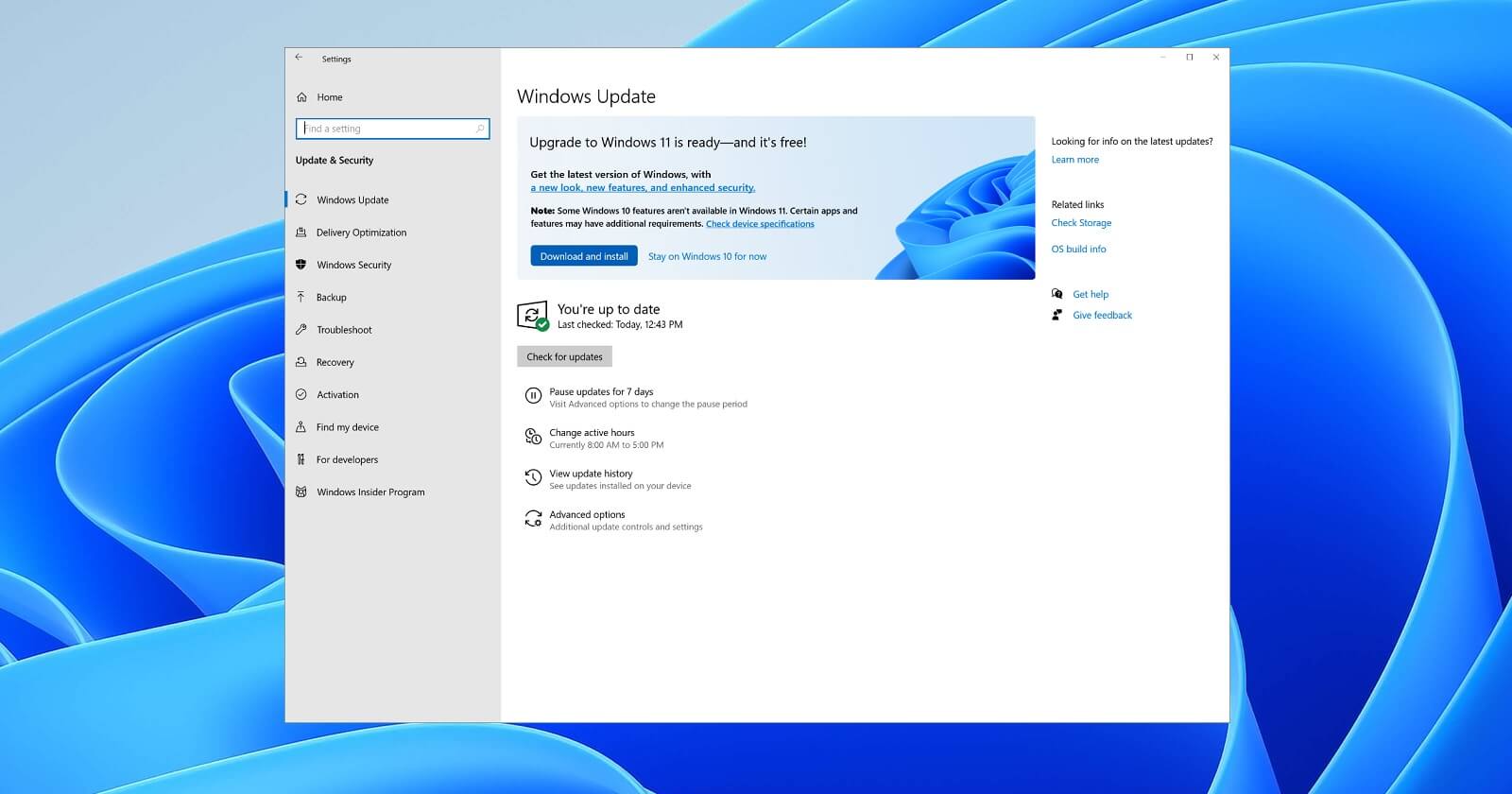
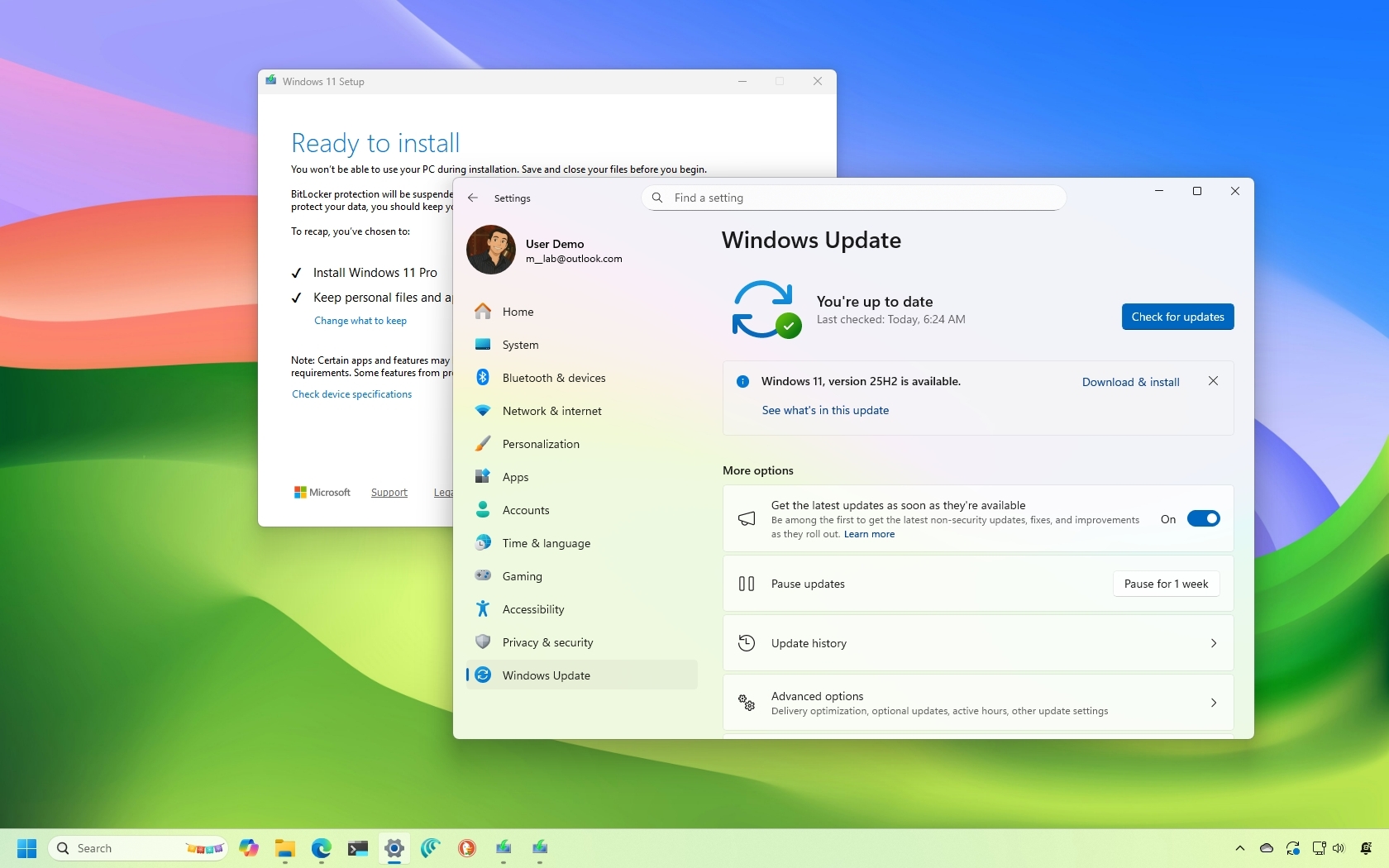
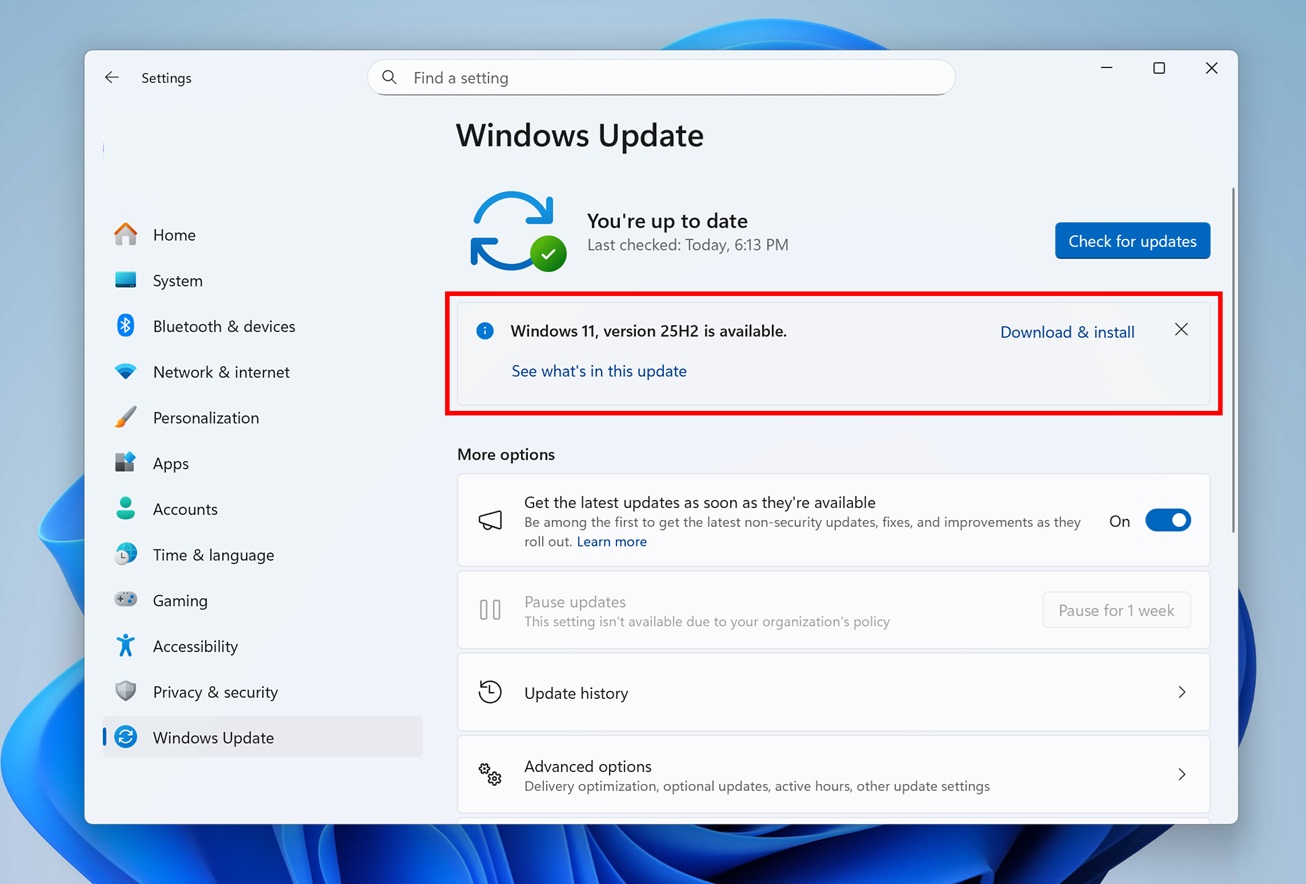
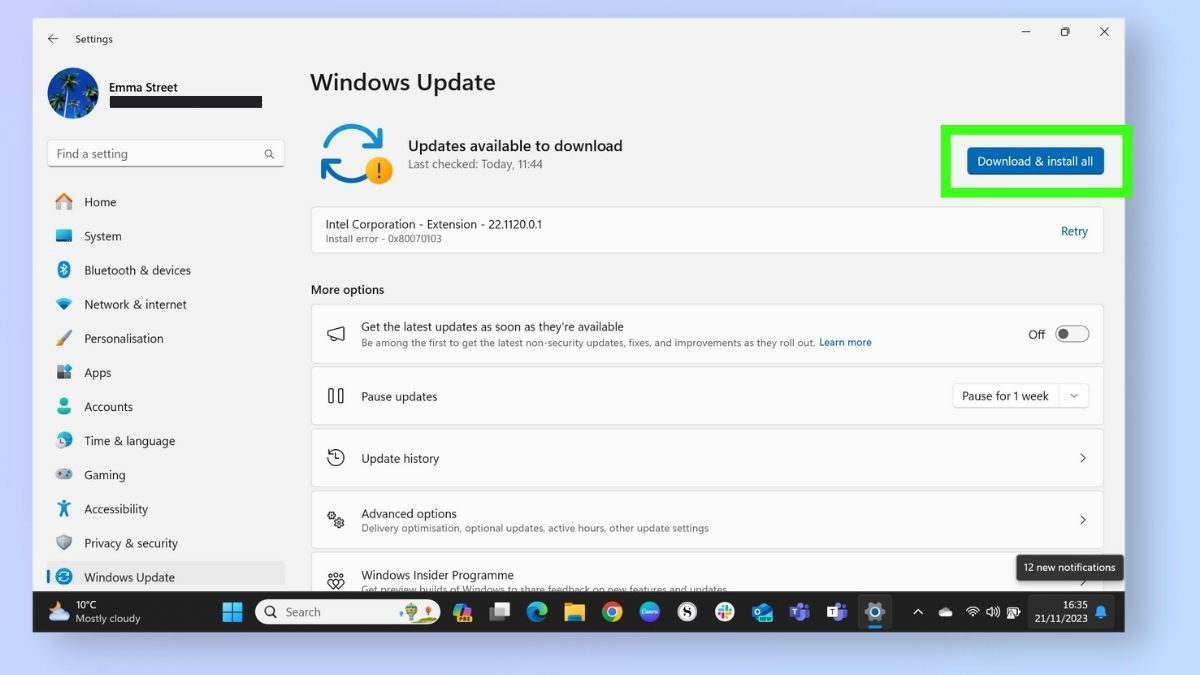
The servicing stack update (SSU) must be applied before any feature update, because it contains the components that handle package installation. Navigate to Settings > Windows Update and click Check for updates. If an SSU is pending, it will appear as a separate entry labeled "Servicing Stack Update." Install it and reboot even if Windows does not prompt you. Skipping this step is the leading cause of error codes such as 0x8007000d later in the process.
Step 3: Apply the March 2026 Cumulative Update
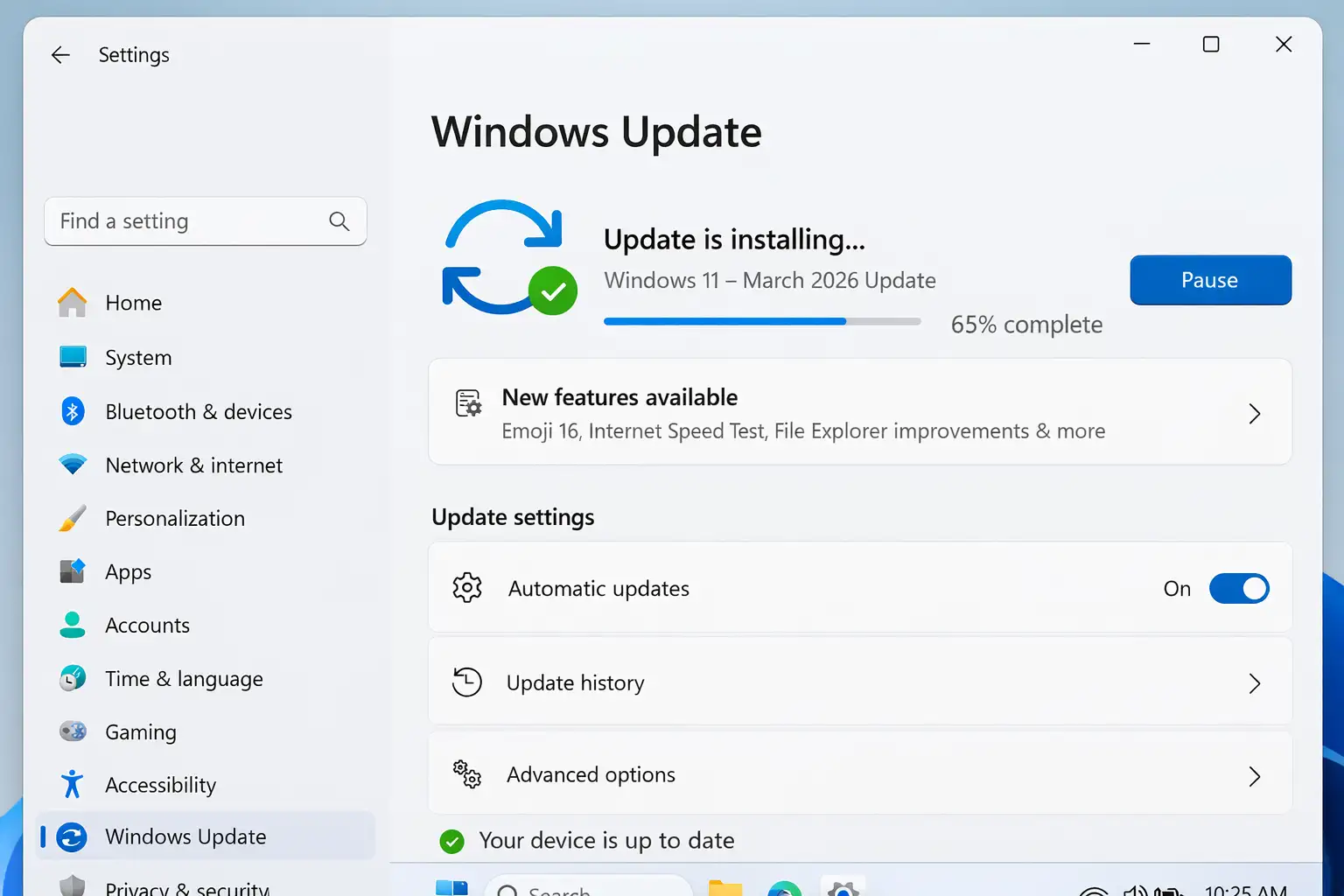
Once the SSU is in place, return to Windows Update and select Download & install for the latest cumulative update. This package contains security fixes and quality improvements for the current build. The download typically ranges from 500 MB to 1.2 GB. Monitor progress in the update history pane; if the percentage stalls for more than 30 minutes, restart the Windows Update service via services.msc before retrying.
Step 4: Enable the March 2026 Feature Drop
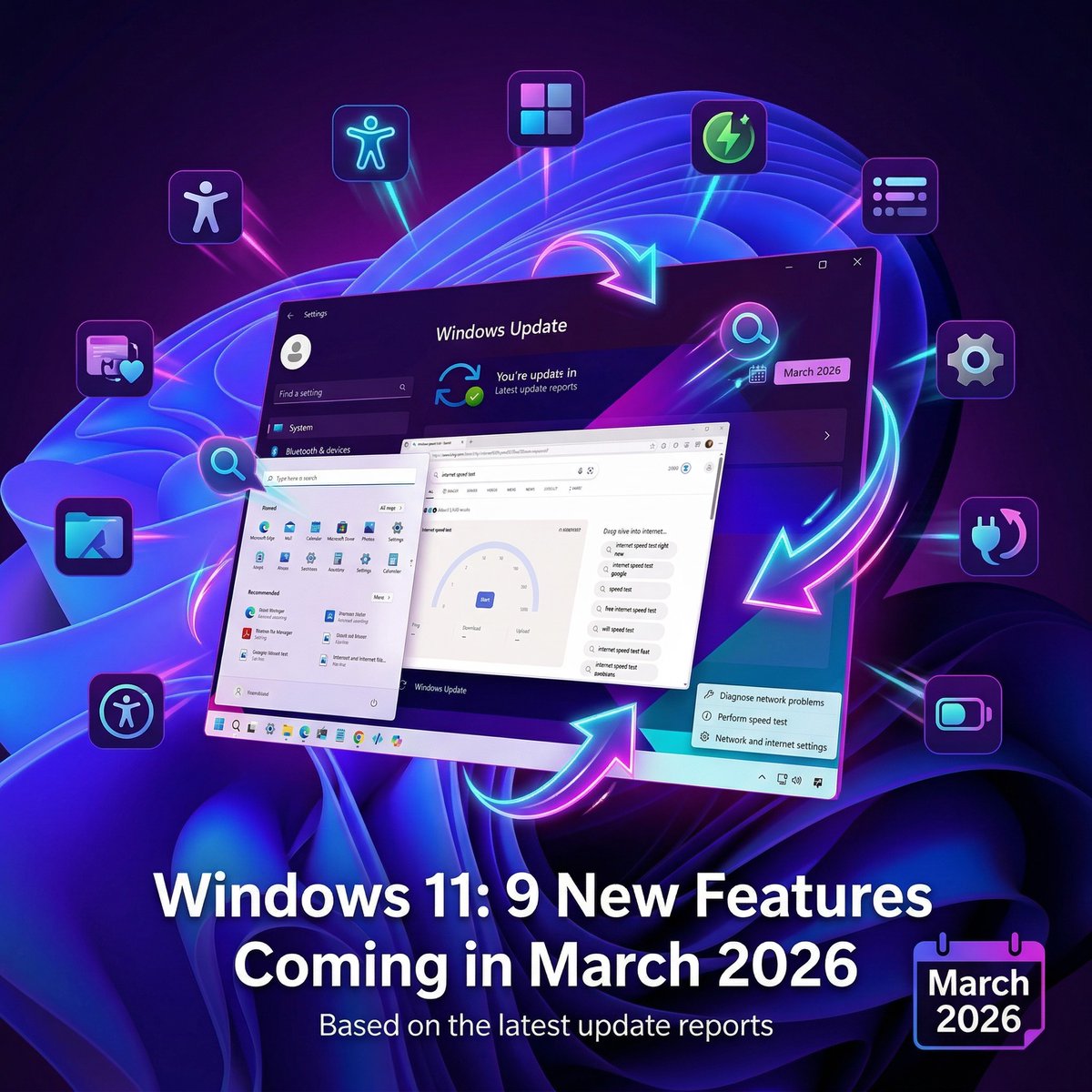
After the cumulative update completes, check for an enablement package labeled with the March 2026 version. This package activates dormant features already staged on your system, including refinements to the taskbar, File Explorer tabs, and the updated Widgets board. Click Download & install, then allow the system to reboot automatically. Do not interrupt this phase, as the enablement package modifies system binaries in place.
Step 5: Update Drivers and Optional Firmware
Feature updates can invalidate older drivers. Open Settings > Windows Update > Advanced options > Optional updates to review driver and firmware packages. Prioritize chipset, graphics, and network drivers from your OEM. For laptops, also check the manufacturer's support portal for a BIOS or UEFI update, since these often include microcode patches required by the 2026 build. Install one driver at a time and reboot between installations to isolate failures.
Step 6: Verify the Installation and Configure Automation
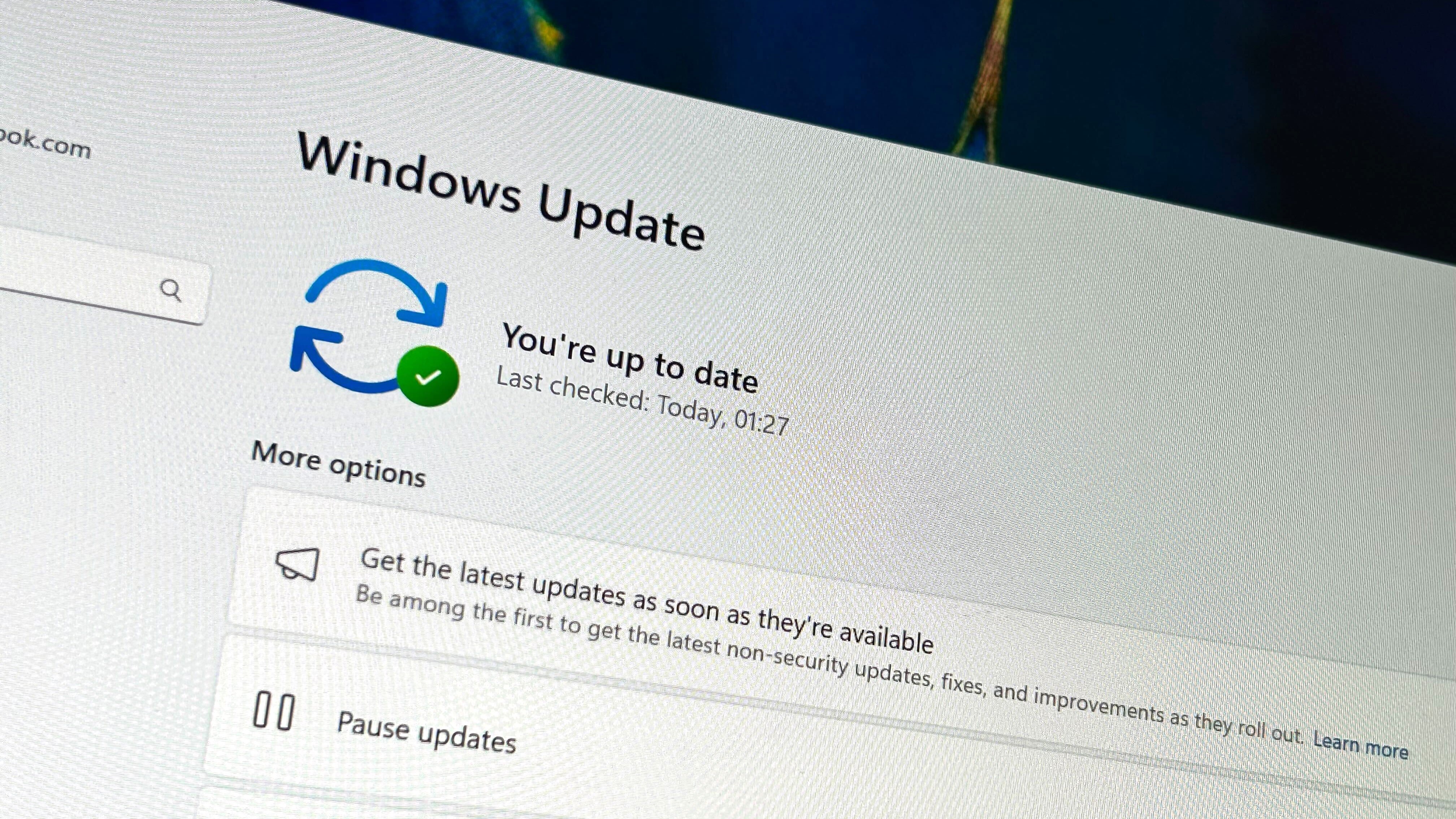
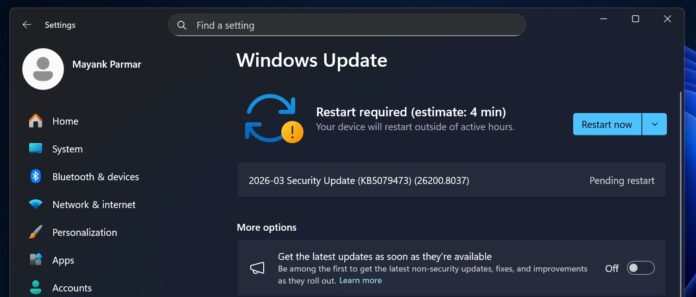
After the final reboot, confirm success by opening Winver and checking that the build number matches the March 2026 release. Review Settings > Windows Update > Update history for any failed entries, and run the Deployment Image Servicing and Management tool with the /ScanHealth and /RestoreHealth switches if corruption is suspected. To reduce future manual work, enable "Get the latest updates as soon as they're available" and set active hours so restarts occur outside your working schedule. With these steps complete, your Windows 11 system is fully patched and aligned with the 2026 update model.
How To Upgrade Your PC To Windows 11 - NewsGhana24
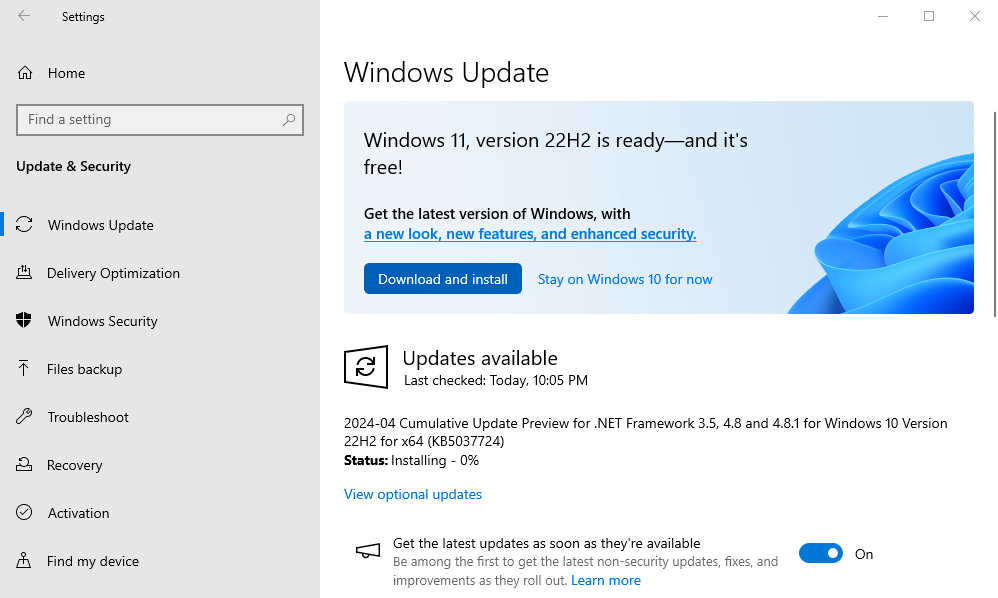
How to Upgrade Your PC to Windows 11 - NewsGhana24
11 Windows 11 Changes Coming In The April 2026 Update
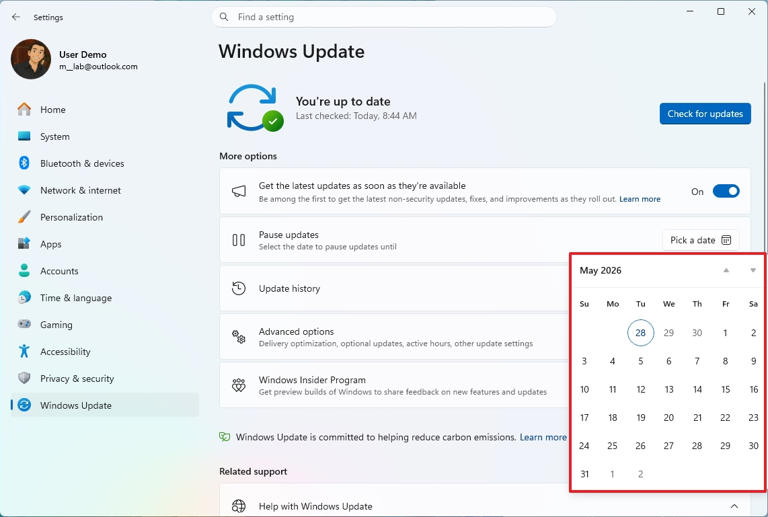
11 Windows 11 changes coming in the April 2026 update
20 Reasons To Upgrade To Windows 11 In 2026 - BazarOnWeb
20 Reasons to Upgrade to Windows 11 in 2026 - BazarOnWeb
How To Update Windows 11 - 2026 - YouTube
How to Update Windows 11 - 2026 - YouTube
Windows 11 April 2026 Update Tested: What's New, Improved And Fixed
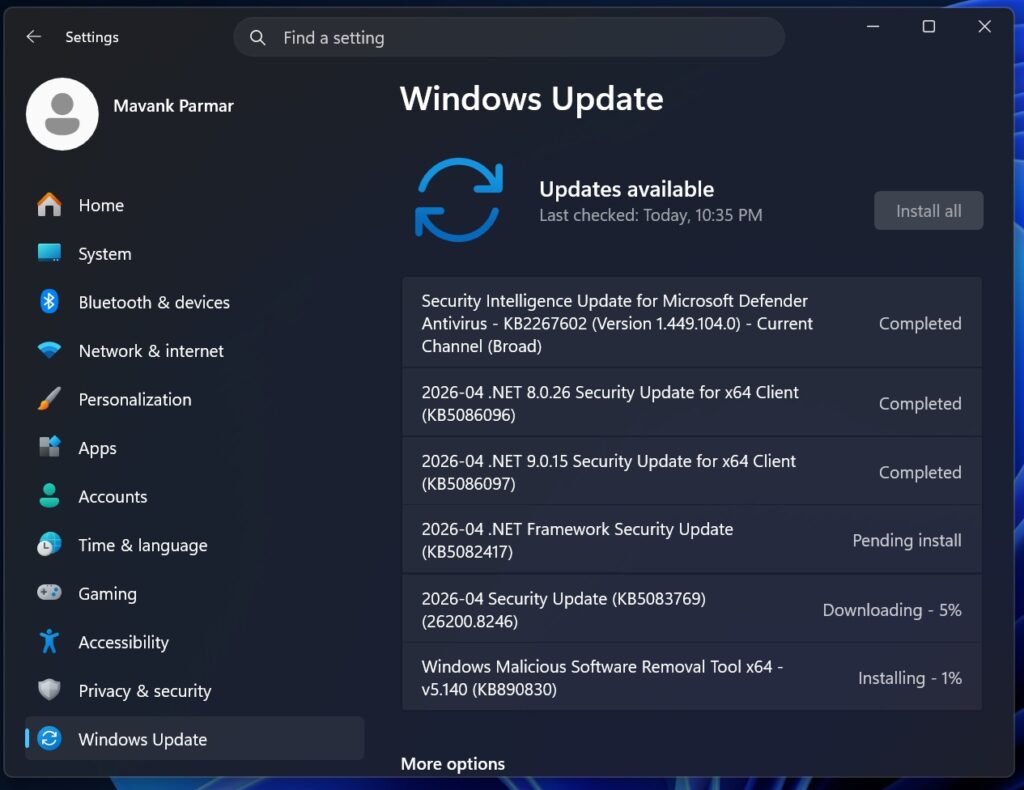
Windows 11 April 2026 Update tested: What's new, improved and fixed
Windows 11 May 2026 Update Fixes Stability Issues | UNDERCODE NEWS

Windows 11 May 2026 Update Fixes Stability Issues | UNDERCODE NEWS ...
New Windows 11 26H1 March 2026 Update – New Features, Security Fixes
New Windows 11 26H1 March 2026 Update – New Features, Security Fixes ...
How To Update To 2026-03 Update (KB5085516)(26200.8039)

How to Update to 2026-03 Update (KB5085516)(26200.8039)
I Tested Windows 11 February 2026 Updates: Everything New, Improved
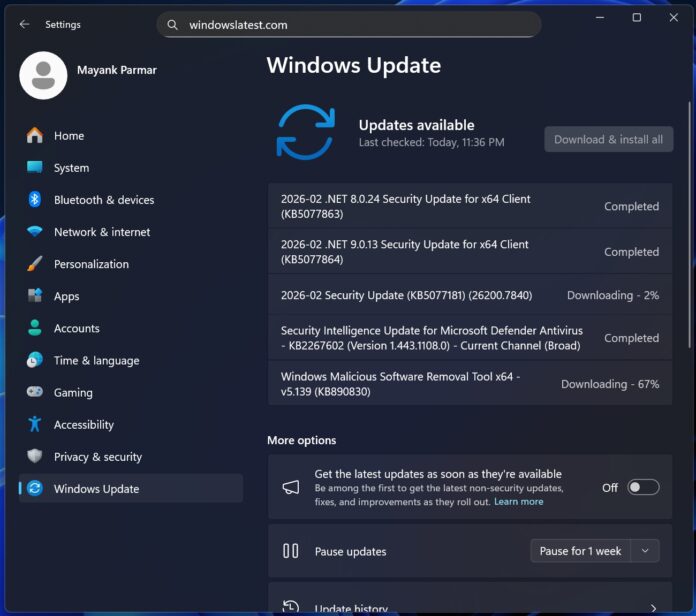
I tested Windows 11 February 2026 Updates: Everything new, improved ...
How To Install And Optimize Windows 11 After The June 2026 Update

How to Install and Optimize Windows 11 After the June 2026 Update
9 New Windows 11 Features Coming In March 2026 | Windows Central
9 new Windows 11 features coming in March 2026 | Windows Central
Windows 11 February 2026 Update: New Features, Quality Improvements
Windows 11 February 2026 Update: New Features, Quality Improvements ...
Windows 11 February 2026 Update: What’s New
Windows 11 February 2026 Update: What’s New
Windows 11 Update
Windows 11 Update
Windows 11 Update 2026: 10 Big Changes Users Will Love - Tech Trend Bytes
Windows 11 Update 2026: 10 Big Changes Users Will Love - Tech Trend Bytes
Microsoft Reveals When Windows 11’s 2026 Update Is Coming With Speed
Microsoft reveals when Windows 11’s 2026 update is coming with speed ...
Windows 11 Preview Update 2026: क्या आपको विंडोज 11 का नया प्रीव्यू

Windows 11 Preview Update 2026: क्या आपको विंडोज 11 का नया प्रीव्यू ...
Microsoft Publisher To Be Discontinued October 2026 - Next Century

Microsoft Publisher to be Discontinued October 2026 - Next Century
KB5079466 (build 28000.1719) For Windows 11 26H1 Drops As The March
KB5079466 (build 28000.1719) for Windows 11 26H1 drops as the March ...
New Windows 11 26H1 April 2026 Update – New Features And Changes (Build
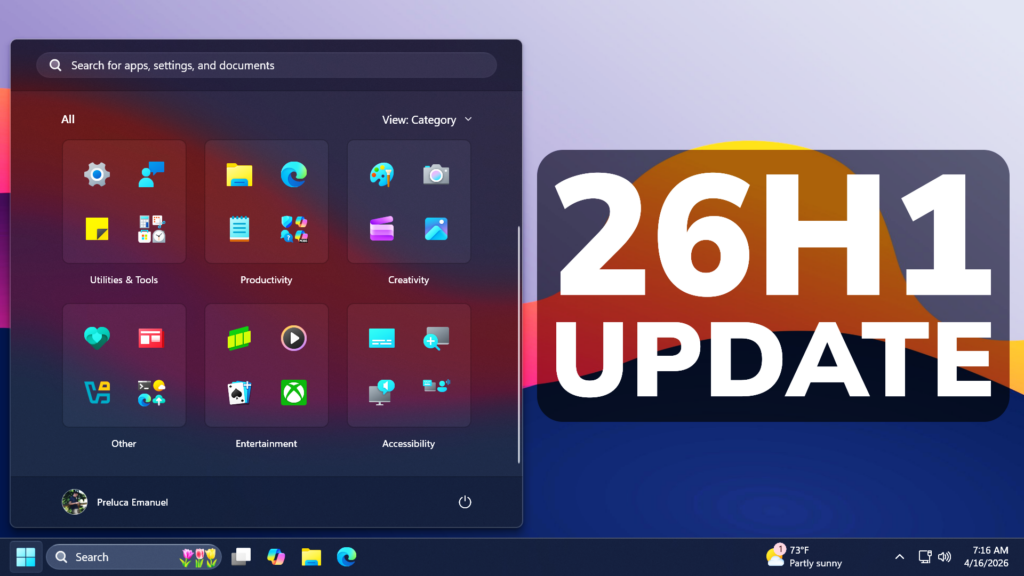
New Windows 11 26H1 April 2026 Update – New Features and Changes (Build ...
Windows 11 March 2026 Update: New Features, Fixes & Changes
Windows 11 March 2026 Update: New Features, Fixes & Changes
Windows 11 March 2026 Update: New Features, Fixes & Changes
Windows 11 March 2026 Update: New Features, Fixes & Changes
Windows 11 25H2 Update: Microsoft Confirms No New Features | Windows
Windows 11 25H2 update: Microsoft confirms no new features | Windows ...
Microsoft Confirms Windows 11 25H2 Releases Widely Soon, Via WSUS
Microsoft confirms Windows 11 25H2 releases widely soon, via WSUS ...
I Tested Windows 11 February 2026 Updates: Everything New, Improved
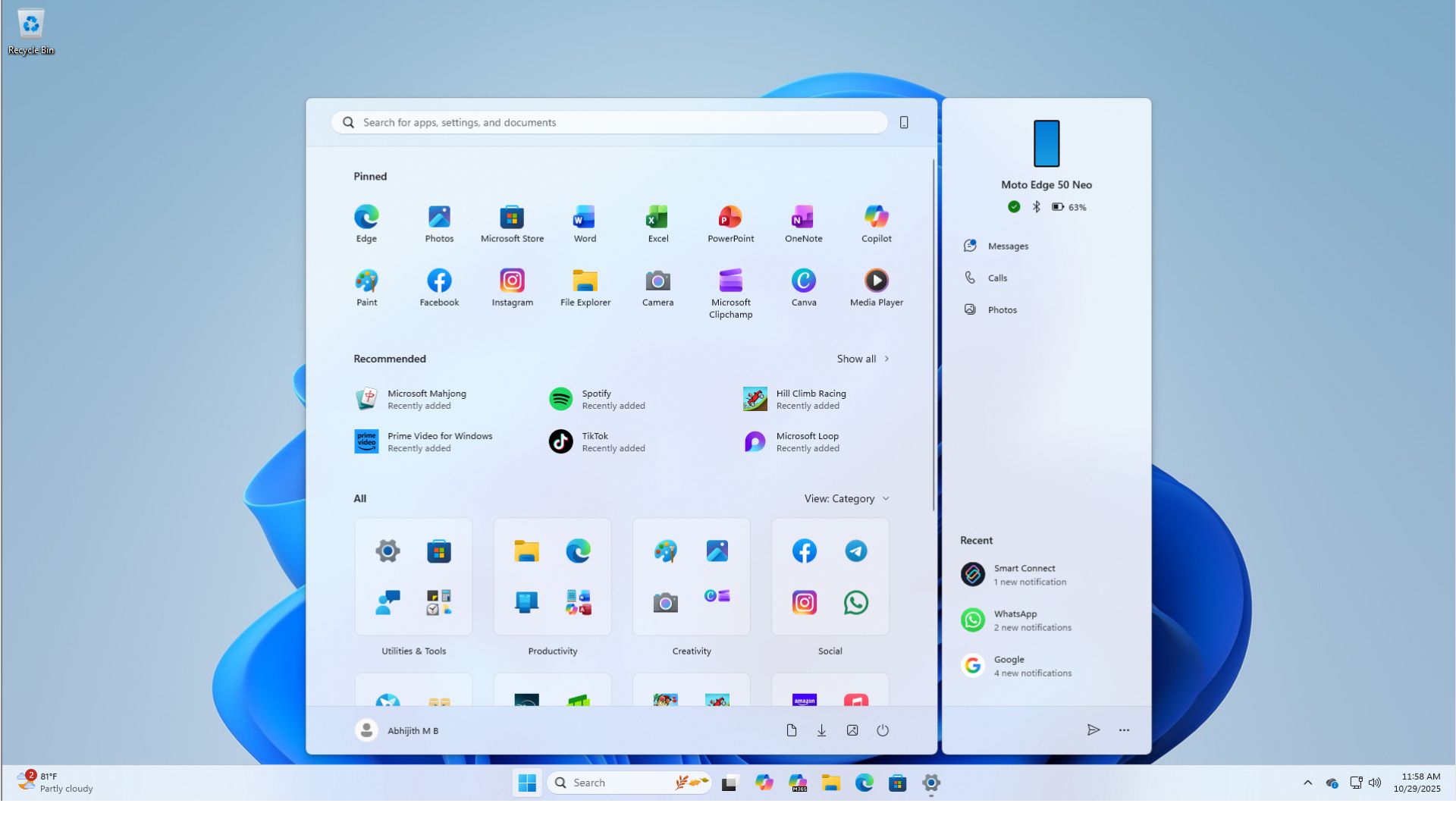
I tested Windows 11 February 2026 Updates: Everything new, improved ...
Microsoft Reveals When Windows 11’s 2026 Update Is Coming With Speed
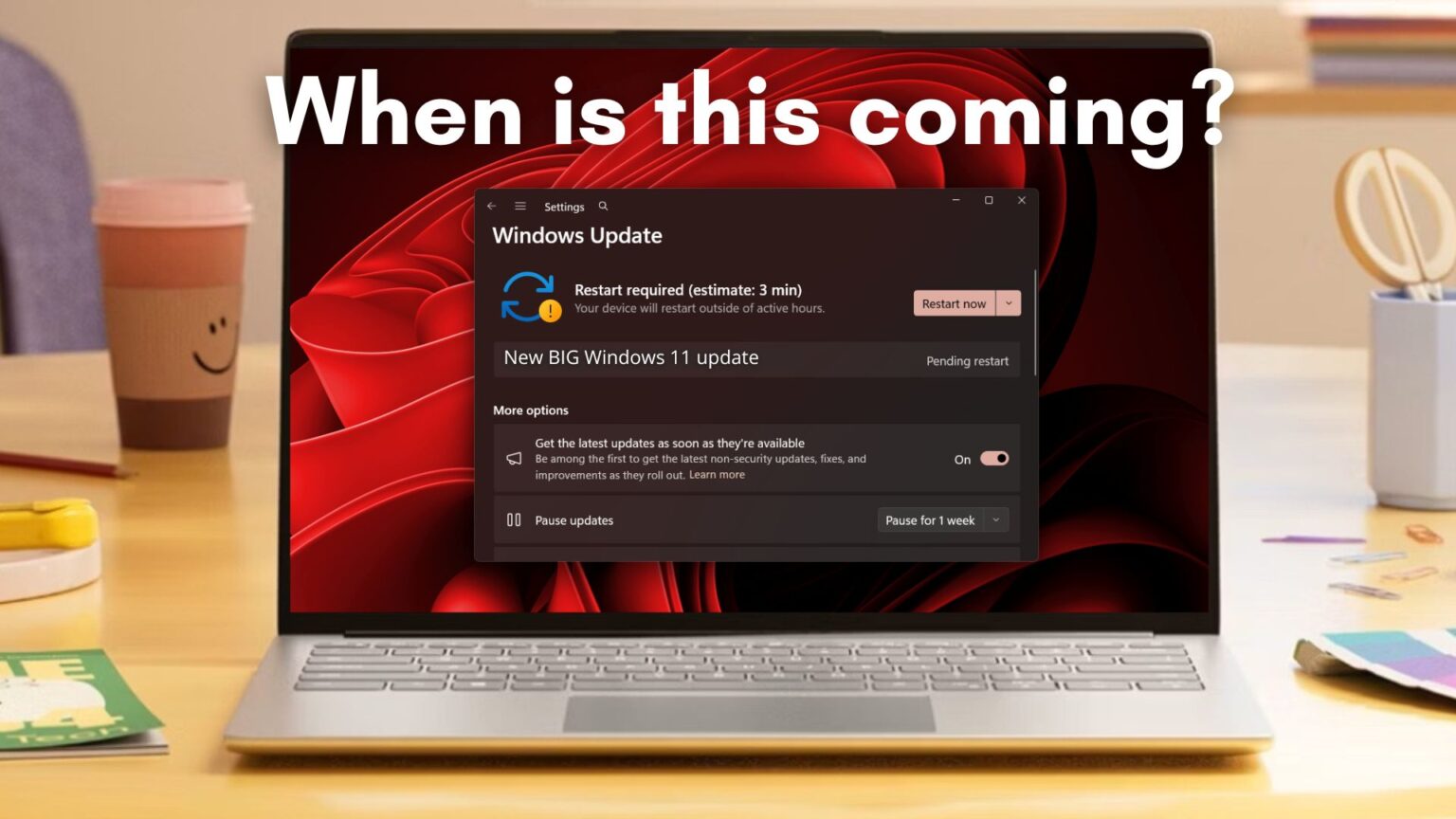
Microsoft reveals when Windows 11’s 2026 update is coming with speed ...
Windows 11 January 2026 Update: Mostly Fixes For Consumers, As Windows
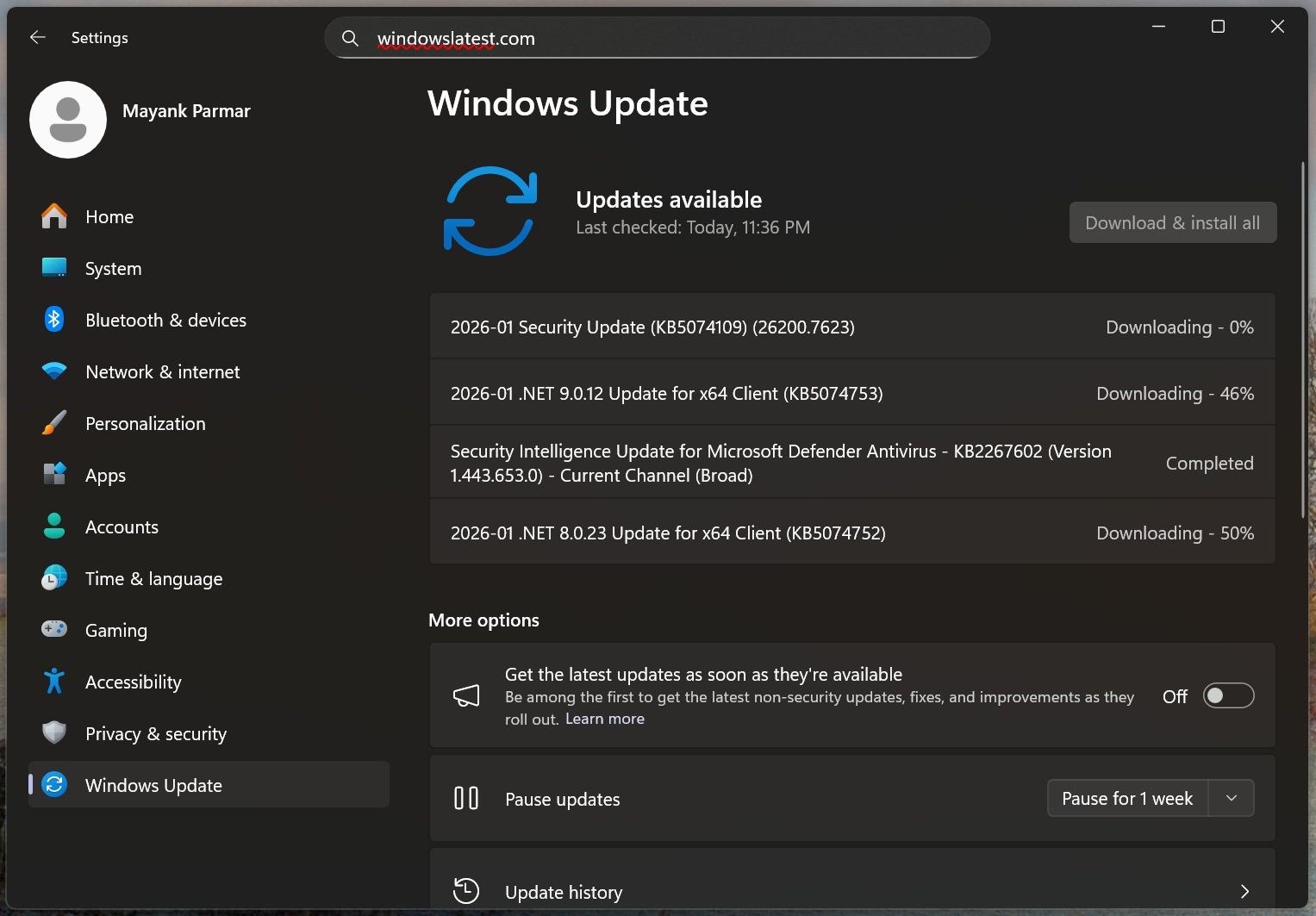
Windows 11 January 2026 Update: Mostly fixes for consumers, as Windows ...
Windows 11 January 2026 Preview Update Released For Versions 25H2 & 24H2
Windows 11 January 2026 Preview Update Released for Versions 25H2 & 24H2
How To Update To 2026-03 Update (KB5085516)(26200.8039)

How to Update to 2026-03 Update (KB5085516)(26200.8039)
Microsoft Just Dropped Windows 11's Biggest Update Of 2026, And These
Microsoft just dropped Windows 11's biggest update of 2026, and these ...
How To Update Windows 11 | Tom's Guide
How to update Windows 11 | Tom's Guide
How To Update To 2026-03 Update (KB5085516)(26200.8039)

How to Update to 2026-03 Update (KB5085516)(26200.8039)
Download Windows 11 25h1

Download Windows 11 25h1