← How to Clear Spotify Cache: A Step-by-Step Guide for Android Users How to Clear Microsoft Teams Cache: A Step-by-Step Guide →
If you are not receiving emails in Microsoft Outlook, you are likely missing important messages, meeting invites, or work updates. This problem can happen for several reasons, including a full mailbox, incorrect account settings, a broken send/receive process, or server-side filters. In this tutorial, you will learn how to fix Outlook not receiving emails in a few straightforward steps. By the end, you should be able to restore incoming mail and confirm that your inbox updates correctly.
Step 1: Check Your Internet Connection and Outlook Status
Before changing any settings, confirm that your device has a stable internet connection. Open a web browser and visit a few websites. If pages load slowly or fail, restart your router or switch to a different network. Also check the Microsoft 365 status page to see if there is an active outage for Outlook or Exchange Online. If Microsoft reports a service issue, wait for the fix and try again later. A weak or dropped connection is one of the most common reasons Outlook stops receiving messages.
Step 2: Run the Send/Receive All Folders Command
Outlook may simply be waiting for the next scheduled sync. Click the Send/Receive tab at the top of the Outlook window, then click Send/Receive All Folders. You can also press F9 on your keyboard. Watch the progress bar at the bottom of the screen. If Outlook connects and downloads new messages, the issue was only a delayed sync. If nothing happens, continue to the next step.
Step 3: Check Your Mailbox Storage and Deleted Items
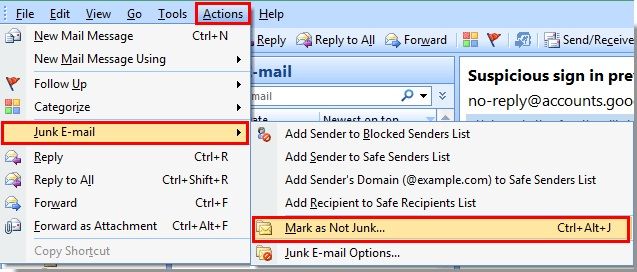
A full mailbox can block new incoming emails. In Outlook, click File, then Info, and look for the mailbox size or “Mailbox Cleanup” option. If your storage is near the limit, empty the Deleted Items folder, remove large attachments, and archive old messages. Also check the Junk Email folder and any blocked sender lists. If Outlook is filtering messages incorrectly, right-click a message in Junk Email and choose “Not Junk.” This step often fixes Outlook not receiving emails when storage or filters are the cause.
Step 4: Repair Your Outlook Account Settings
Incorrect server names, ports, or authentication settings can stop incoming mail. Go to File, then Account Settings, and select Account Settings again. Choose your email account and click Repair. Follow the prompts to let Outlook detect the correct settings automatically. If the repair fails, click Change and verify the incoming mail server, port number, and encryption method with your email provider. For Microsoft 365, Exchange, or Outlook.com accounts, ensure the account type is set correctly. After saving, restart Outlook and test receiving a new message.

Step 5: Disable Cached Exchange Mode or Recreate the Profile
If the previous steps do not work, turn off Cached Exchange Mode for a test. Go to Account Settings, double-click your account, and uncheck “Use Cached Exchange Mode.” Restart Outlook and see if new mail arrives. If it does, you can turn caching back on later and rebuild the offline file. For persistent problems, create a new Outlook profile. Close Outlook, open Control Panel, go to Mail, and click Show Profiles. Add a new profile, set up your email account, and set it as the default. This removes corrupted profile data that can block incoming messages.
Step 6: Update Outlook and Restart Your Device
An outdated Outlook version can cause sync errors. Click File, then Office Account, and choose Update Options, then Update Now. Install any available updates. After updating, restart your computer to clear temporary glitches and background conflicts. Once restarted, open Outlook and send a test email to yourself from another account. If the message appears in your inbox within a few minutes, the problem is fixed. If not, contact your email provider or IT support for server-side troubleshooting.
Outlook Email Not Receiving Messages – BZLU

Outlook Email Not Receiving Messages – BZLU
How To Fix Outlook Not Receiving Emails - YouTube

How to fix Outlook not receiving emails - YouTube
Emails Received In Error , How To Fix Outlook When It’s Not Receiving
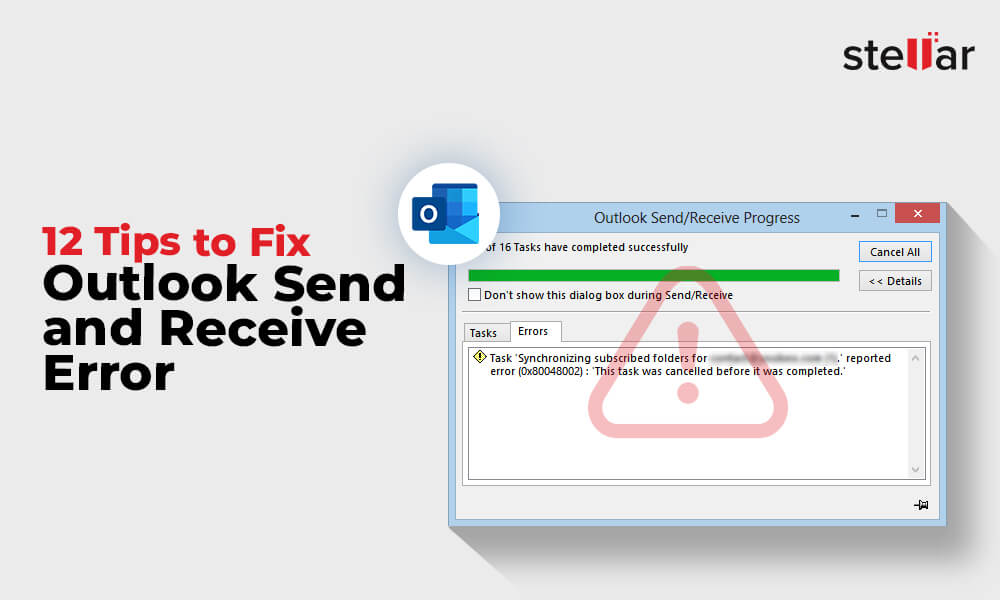
Emails Received In Error , How to Fix Outlook When It’s Not Receiving ...
How To Fix Outlook Not Receiving Messages? | EasyTweaks.com

How to fix Outlook Not Receiving Messages? | EasyTweaks.com
Outlook Won't Open? Here’s How To Fix It Fast
Outlook Won't Open? Here’s How to Fix it Fast
How To Fix Outlook Not Receiving Emails Issue?
How to Fix Outlook Not Receiving Emails Issue?
Outlook Not Receiving Emails? Here's How To Fix It

Outlook Not Receiving Emails? Here's How to Fix It
How To Fix "Microsoft Outlook Not Receiving Emails" Problem || Tech

How To Fix "Microsoft Outlook Not Receiving Emails" Problem || Tech ...
How To Fix Microsoft Outlook Not Receiving Emails (Quick Tutorial

How To Fix Microsoft Outlook Not Receiving Emails (Quick Tutorial ...
Total Guide To Fixing The Outlook Not Receiving Emails Issue
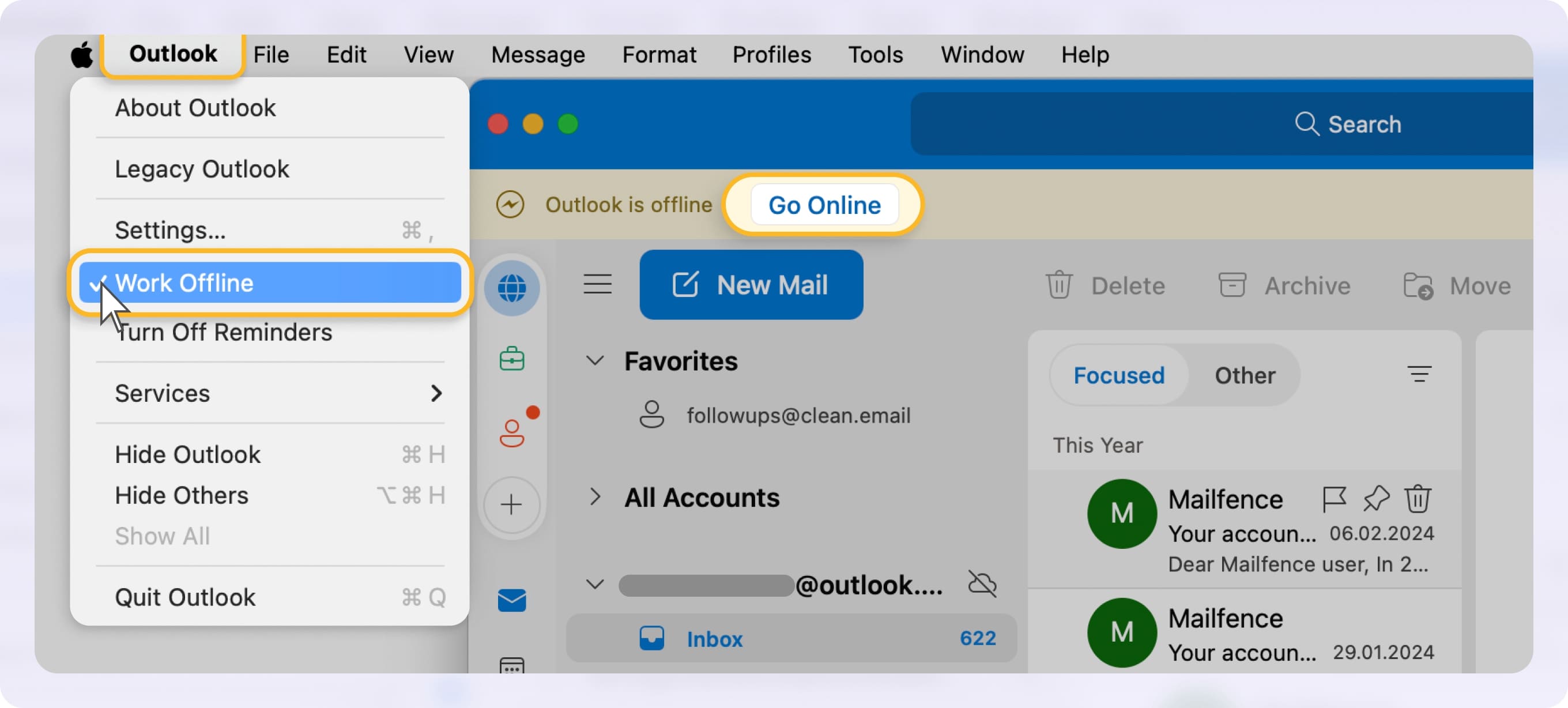
Total Guide to Fixing the Outlook Not Receiving Emails Issue
How To Fix Outlook Not Sending Or Receiving Emails In Windows 11 - YouTube

How to Fix Outlook Not Sending or Receiving Emails in Windows 11 - YouTube
How To Fix Outlook 365 Not Receiving Emails?
How to Fix Outlook 365 not Receiving Emails?
How To Fix Not Receiving Emails On Outlook | Outlook Tips - YouTube

How to Fix Not Receiving Emails on Outlook | Outlook Tips - YouTube
PPT - How To Fix Outlook Not Receiving Emails On Windows 10? PowerPoint
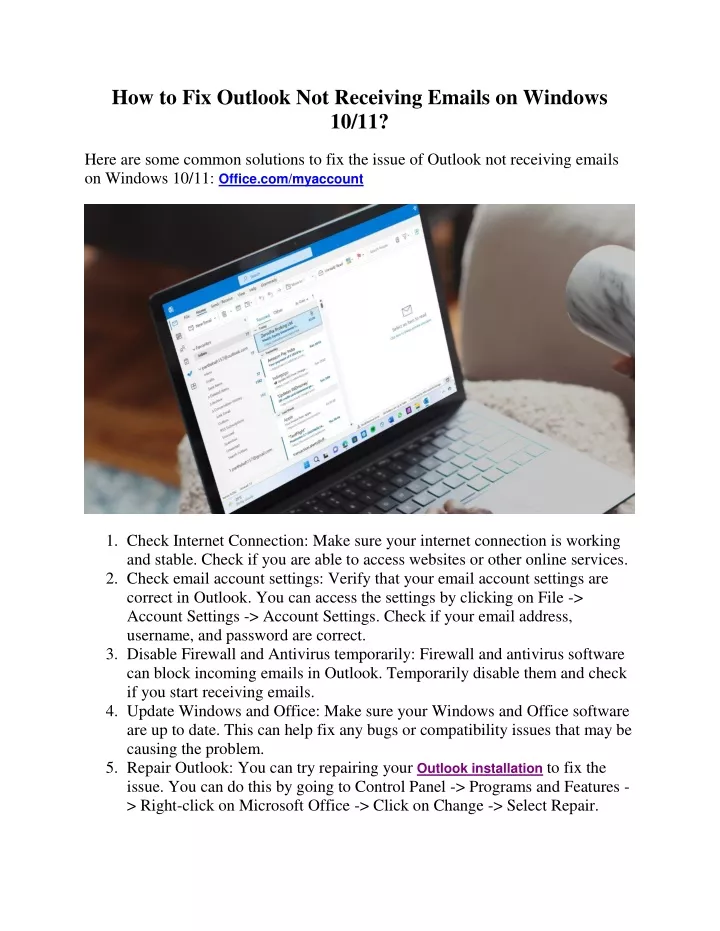
PPT - How to Fix Outlook Not Receiving Emails on Windows 10? PowerPoint ...
How To Fix Outlook Not Receiving Emails | 5 Ways - YouTube

How to Fix Outlook Not Receiving Emails | 5 Ways - YouTube
A Full Guide To Fix Outlook Not Receiving Emails Problem (2024New

A Full Guide to Fix Outlook Not Receiving Emails Problem (2024New ...
Top 7 Ways To Fix Outlook Not Receiving Emails From Gmail On Windows
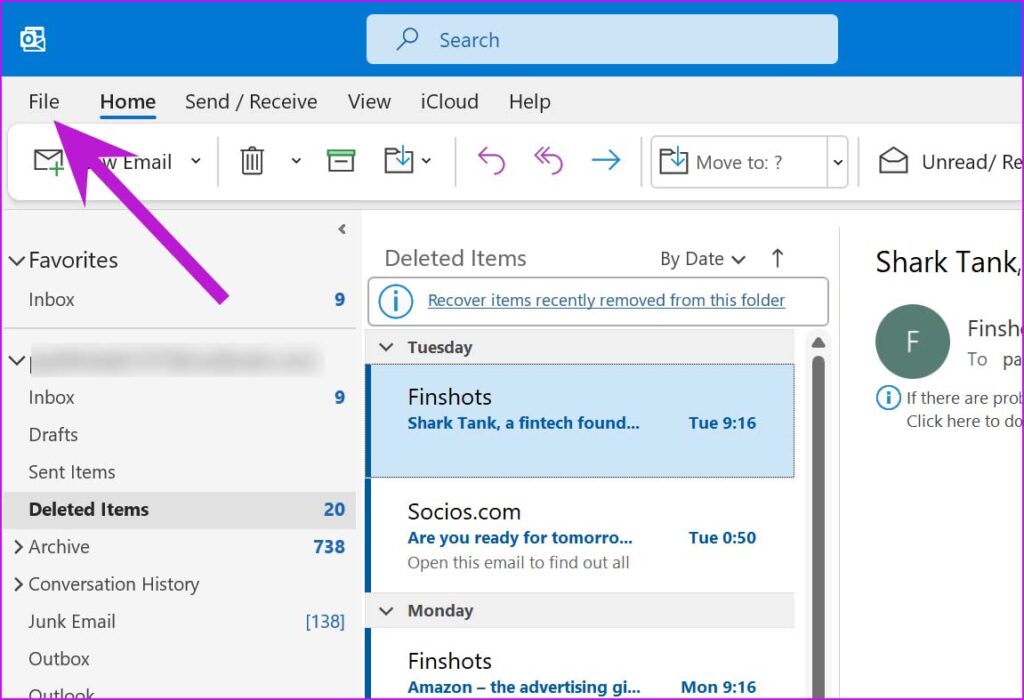
Top 7 Ways to Fix Outlook Not Receiving Emails from Gmail on Windows ...
How To Fix Outlook Not Receiving Emails | 8 Ways
How to Fix Outlook Not Receiving Emails | 8 Ways
Troubleshooting Guide: How To Fix Outlook Not Sending Or Receiving

Troubleshooting Guide: How to Fix Outlook Not Sending or Receiving ...
Top 7 Ways To Fix Outlook Not Receiving Emails On Windows 10/11 - TechWiser

Top 7 Ways to Fix Outlook Not Receiving Emails on Windows 10/11 - TechWiser
How To Fix Outlook Not Receiving Emails? - 6 Easy Solutions
How to Fix Outlook Not Receiving Emails? - 6 Easy Solutions
How To Fix Outlook Not Receiving Emails (Why My Outlook Not Receiving

How To Fix Outlook Not Receiving Emails (Why My Outlook Not Receiving ...
Fix Outlook Not Receiving Emails: Quick Troubleshooting
Fix Outlook Not Receiving Emails: Quick Troubleshooting
PPT - How To Fix Outlook Not Receiving Emails PowerPoint Presentation
PPT - How to Fix Outlook Not Receiving Emails PowerPoint Presentation ...
How To Troubleshoot Send And Receive Emails In Outlook | Fix Outlook
How to Troubleshoot Send and Receive Emails in Outlook | Fix Outlook ...
How To Fix Microsoft Outlook Not Sending Or Receiving Emails (PHONE/PC

How To Fix Microsoft Outlook Not Sending or Receiving Emails (PHONE/PC ...
If Outlook Not Receiving Emails But Can Send! How To Fix It? - YouTube

If Outlook Not Receiving Emails But Can Send! How To Fix it? - YouTube
Outlook Not Receiving Emails? Here's How To Fix It

Outlook Not Receiving Emails? Here's How to Fix It
How To Fix Outlook Not Receiving Emails - YouTube
How To Fix Outlook Not Receiving Emails - YouTube
Outlook Not Updating Group Emails At Terry Greene Blog

Outlook Not Updating Group Emails at Terry Greene blog
How To Fix Outlook Not Receiving Emails | 8 Ways
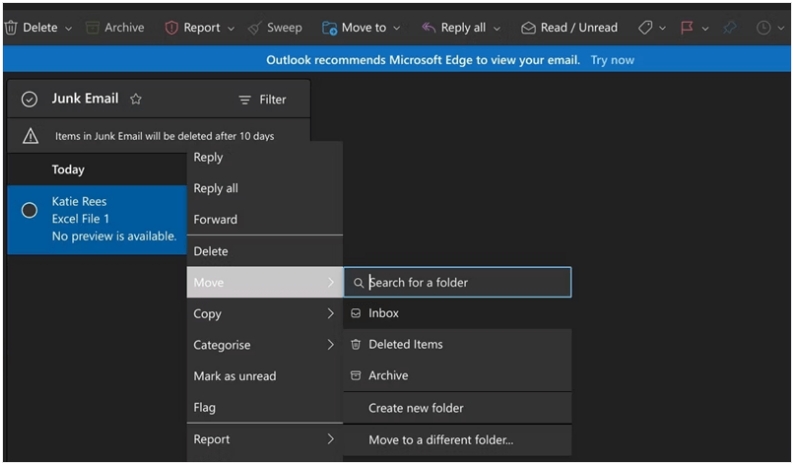
How to Fix Outlook Not Receiving Emails | 8 Ways
Not Receiving Emails On Outlook – GOMW
Not Receiving Emails On Outlook – GOMW