← How to Fix OneDrive Sync Stuck: A Step-by-Step Technical Guide YouTube Not Playing Videos? 9 Proven Ways to Fix It on Chrome and Mobile →
Visual Studio Code failing to launch can halt your entire development workflow. This guide walks you through the most effective, technically grounded solutions to restore your editor. You will learn how to isolate whether the problem stems from a corrupted configuration, an extension conflict, a system-level dependency failure, or an installation fault. Each step is ordered from the least invasive fix to the most comprehensive, so you can stop applying random workarounds and start diagnosing the actual cause.
Step 1: Verify Whether the Process Is Hanging in the Background
Before reinstalling anything, confirm whether VS Code is actually launching a process that simply fails to render a window. On Windows, open Task Manager and look for any "Code.exe" entries. On macOS or Linux, run ps aux | grep code in a terminal. If a process is present, kill it and attempt to relaunch. A stale background process often blocks new instances from initializing the Electron shell, which produces the exact symptom of the application "not opening."
Step 2: Launch VS Code with Extensions Disabled
Extensions are the most common cause of a silent startup failure. A single incompatible or corrupted extension can prevent the main window from loading. Run the editor from a terminal or command prompt using the flag code --disable-extensions. If VS Code opens successfully, an extension is the culprit. You can then re-enable extensions in batches and restart between each batch to identify the specific offending package.
Step 3: Clear the User Data and Cache Directories
Corrupted workspace storage, cached GPU data, or a malformed settings.json can block startup. Navigate to the user data folder: on Windows it is %APPDATA%\Code, on macOS it is ~/Library/Application Support/Code, and on Linux it is ~/.config/Code. Rename the folder to "Code_backup" and relaunch. VS Code will generate a fresh configuration. If it opens, migrate your settings and keybindings back manually to preserve your environment.
Step 4: Disable Hardware Acceleration and GPU Rendering
On systems with outdated or conflicting graphics drivers, the Electron renderer can fail silently. Launch VS Code with code --disable-gpu from the command line. If the window appears, open the Command Palette, search for "Configure Runtime Arguments," and add "disable-hardware-acceleration": true to the arguments file. This bypasses the GPU compositor and forces software rendering, which resolves a well-documented class of blank-window and no-window failures.
Step 5: Rebuild or Reinstall the Application
If the previous steps fail, the installation itself is likely damaged. On Windows, uninstall via Programs and Features, delete the residual %USERPROFILE%\.vscode folder, and download the latest System Installer rather than the User Installer to avoid permission conflicts. On macOS, move the app to Trash, remove leftover files in ~/Library/Application Support/Code, and reinstall from the official disk image. On Linux, purge the package with your distribution's package manager and reinstall from the official repository to avoid broken dependencies.
Step 6: Check System-Level Dependencies and Permissions
On Linux, VS Code requires libraries such as libnss3, libatk-bridge, and libgtk-3. Missing shared objects cause the binary to exit instantly with no visible error. Run code --verbose from the terminal to capture the exact failure message. On Windows, verify that your user account has full control over the installation directory and that no antivirus or endpoint protection is quarantining the executable. On macOS, confirm the app is not blocked under System Settings > Privacy & Security.
Step 7: Reset the GPU Cache and Workspace Storage
Delete the GPUCache, CachedData, and Code Cache subfolders inside the user data directory. These caches can become inconsistent after an unexpected shutdown or a forced update. After deletion, relaunch the editor normally. If the issue persists, launch with a clean user data directory using code --user-data-dir=/tmp/vscode-clean to confirm whether the problem is isolated to your profile rather than the installation.
Step 8: Update to the Latest Stable Build
Older builds may conflict with current operating system updates, particularly on Windows 11 and recent macOS releases. Download the newest stable release directly from the official website rather than relying on an in-app update, since a broken updater can leave the installation in a partially patched state. After installation, verify the version with code --version and confirm that the launch issue no longer occurs.
VS Code Not Opening Fixed | VS Code Blank Screen Fix | Vs Code Windows
VS Code not opening fixed | VS code blank screen fix | vs code windows ...
How To Fix VS Code Not Showing C++ Errors
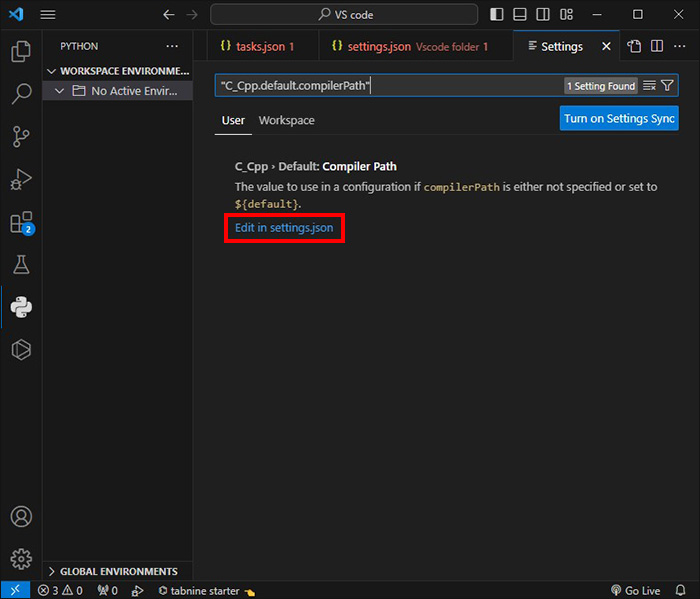
How to Fix VS Code Not Showing C++ Errors
How To Fix VS Code Not Showing C++ Errors

How to Fix VS Code Not Showing C++ Errors
Visual Studio Code Not Opening Showing Black Screen - Design Talk
Visual Studio Code Not Opening Showing Black Screen - Design Talk
How To Install VS Code On Kali Linux / Ubuntu | Fix VS Code Not Opening

How To Install VS Code On Kali Linux / Ubuntu | Fix VS Code Not Opening ...
VS Code Terminal Not Opening In It's Current Directory Problem Fixed

VS Code Terminal not opening in it's current directory problem fixed ...
Code Not Opening Vs Code - Dibujos Cute Para Imprimir

Code Not Opening Vs Code - Dibujos Cute Para Imprimir
How To Fix File Explorer Not Showing In VS Code IDE (2026 Full Guide
How to Fix File Explorer Not Showing in VS Code IDE (2026 Full Guide ...
VS Code Python Interpreter Not Showing: How To Fix Interpreter

VS Code Python Interpreter Not Showing: How to Fix Interpreter ...
VS Code Appearing Blank Screen When Launching || How To Fix VS CODE

VS code Appearing Blank Screen When Launching || How to Fix VS CODE ...
Vs Code Not Showing Errors Flutter - Printable Forms Free Online
Vs Code Not Showing Errors Flutter - Printable Forms Free Online
VS Code Unable To Launch Browser – How To Fix - Technipages
VS Code Unable to Launch Browser – How to Fix - Technipages
How To Fix VS Code Not Showing C++ Errors

How to Fix VS Code Not Showing C++ Errors
FIX! - VSCode Not Opening Using CODE Command - YouTube
FIX! - VSCode not Opening using CODE command - YouTube
Python Not Running In Vs Code Terminal - Dibujos Cute Para Imprimir
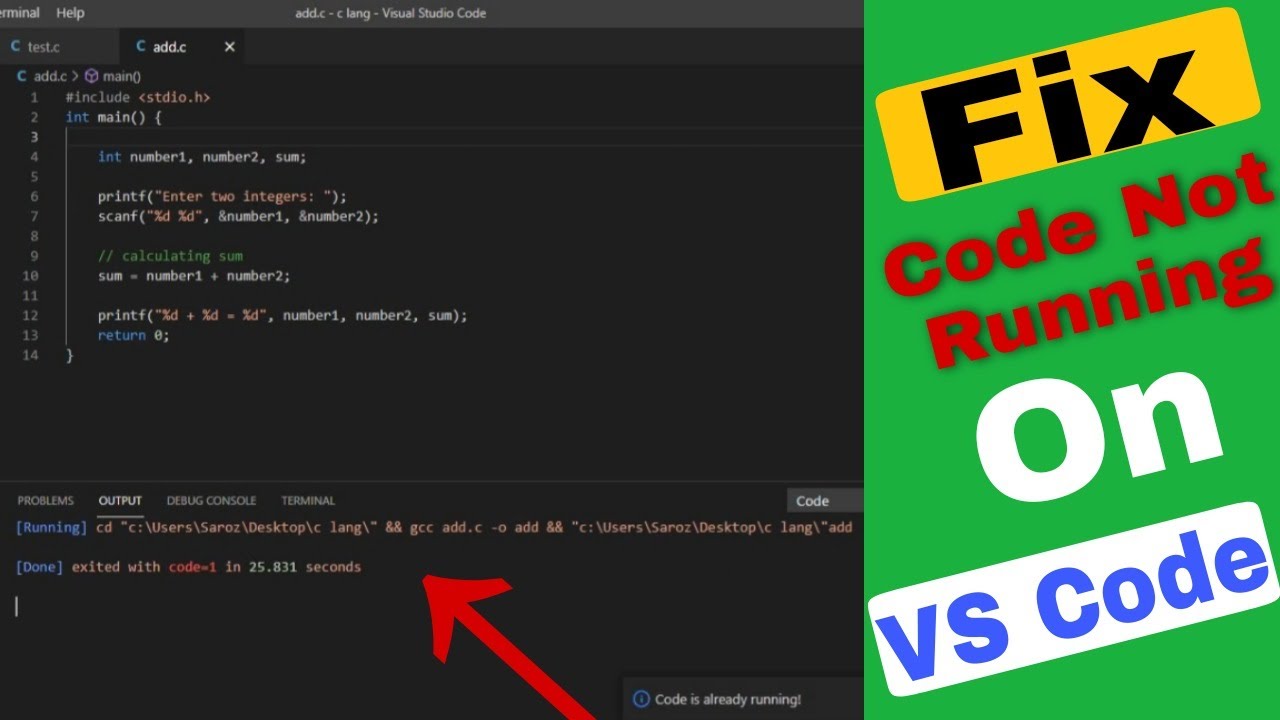
Python Not Running In Vs Code Terminal - Dibujos Cute Para Imprimir
Visual Studio Code Problem Fix || How To Enable Open With Code In
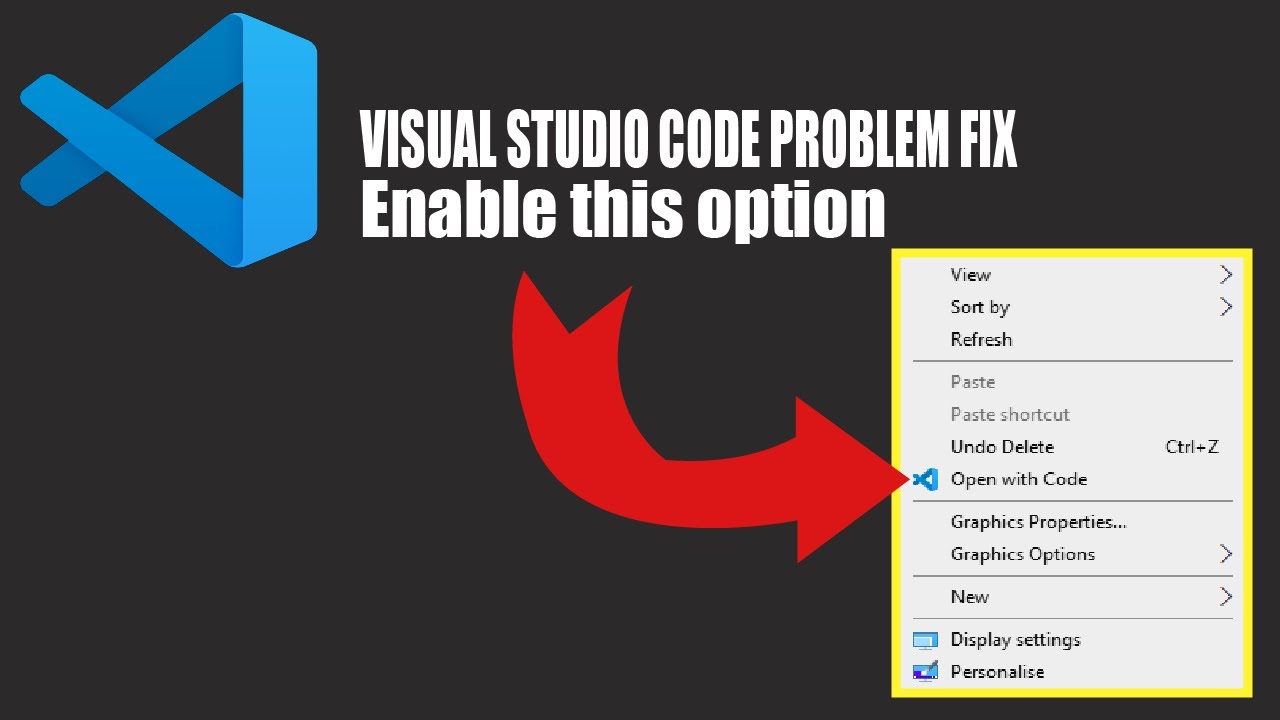
Visual studio code problem fix || how to enable open with code in ...
How To Fix VS Code Not Responding Issue || VS Code Slow Startup Issue

How To Fix VS Code Not Responding Issue || VS Code Slow Startup Issue ...
Code Not Opening Vs Code - Dibujos Cute Para Imprimir

Code Not Opening Vs Code - Dibujos Cute Para Imprimir
How To Fix VS Code Not Showing C++ Errors

How to Fix VS Code Not Showing C++ Errors
How To Fix Import Is Not Loading In VS Code?
How to Fix Import Is Not Loading in VS Code?
Fix: VS Code Remote SSH Could Not Establish Connection - FixDevs
Fix: VS Code Remote SSH Could Not Establish Connection - FixDevs
How To Fix VS Code Not Showing C++ Errors

How to Fix VS Code Not Showing C++ Errors
VSCode Opens The Wrong Folder In Windows 10 Start Menu When There Are

VSCode opens the wrong folder in Windows 10 start menu when there are ...
How To Fix VS Code Not Showing C++ Errors

How to Fix VS Code Not Showing C++ Errors
How To Fix VS Code Opening With The Wrong Browser? - YouTube

How to fix VS Code opening with the wrong browser? - YouTube
How To Fix VS Code Not Showing C++ Errors

How to Fix VS Code Not Showing C++ Errors
How To Fix VS Code Extensions Not Working - Rankweb3 Tech Fixes
How to Fix VS Code Extensions Not Working - Rankweb3 Tech Fixes
Visual Studio Code Working Problem Fix | No Output | Terminal Not
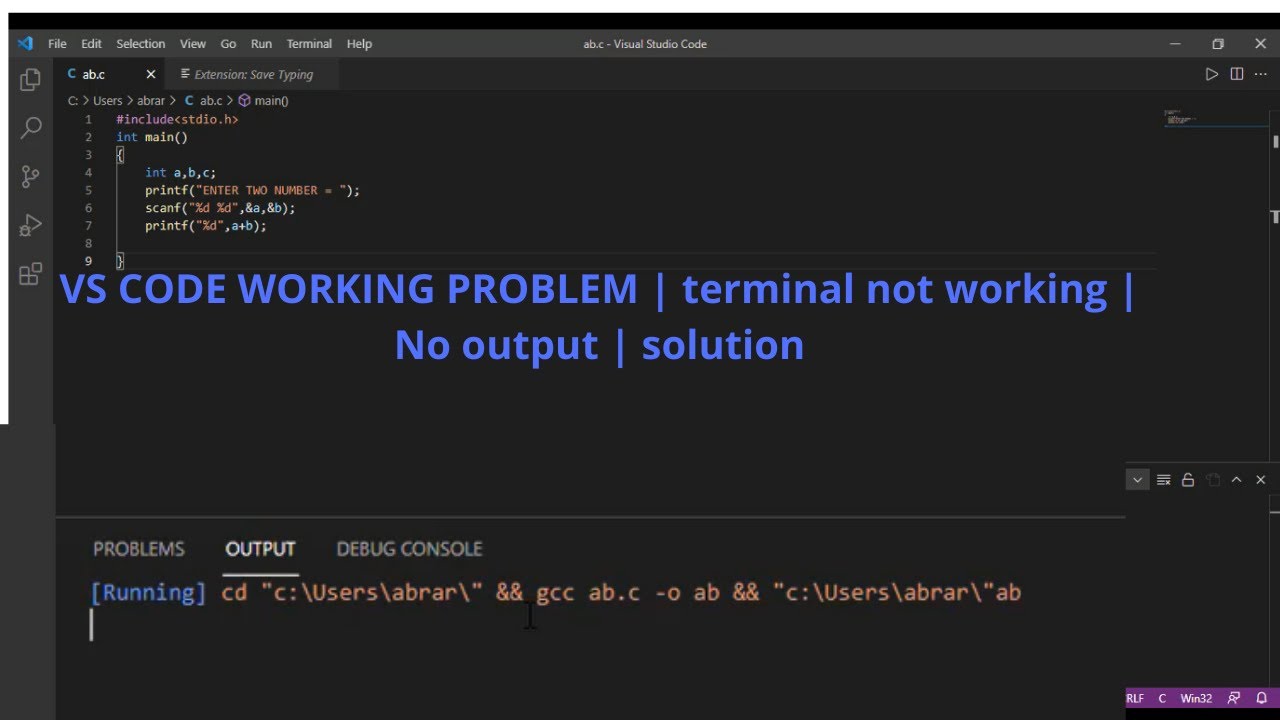
Visual Studio code working problem fix | No output | terminal not ...
How To Fix VS Code Not Showing C++ Errors

How to Fix VS Code Not Showing C++ Errors
Fix "PHP Executable Not Found" Error In VS Code – Nick Frostbutter
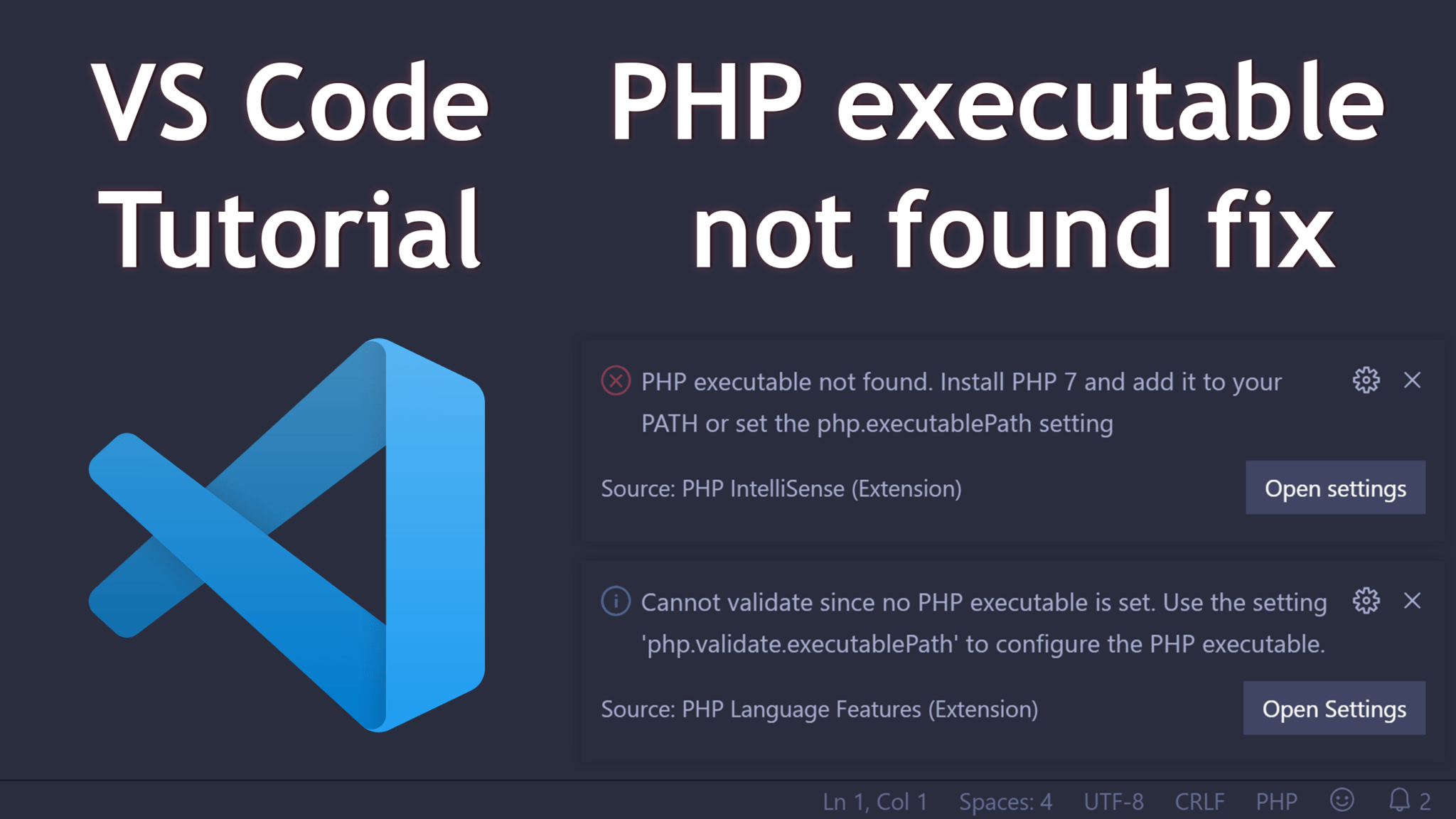
Fix "PHP executable not found" error in VS Code – Nick Frostbutter
VS Code Python Terminal Not Working: Causes And Fixes - CodeVector

VS Code Python Terminal Not Working: Causes and Fixes - CodeVector ...
How To Fix & Solve VSCode Terminal Not Working & Opening Full Tutorial
How to Fix & Solve VSCode Terminal Not Working & Opening Full Tutorial ...
How To Fix VS Code Not Showing C++ Errors

How to Fix VS Code Not Showing C++ Errors