← Telegram Not Sending Messages? Step-by-Step Fix Guide How to Fix Bluetooth Headphones Not Connecting to Windows 11: A Complete Troubleshooting Guide →
This tutorial provides a technical walkthrough for recovering deleted LinkedIn messages. You will learn how LinkedIn handles message persistence, which native and third-party recovery methods exist, and the exact steps to retrieve deleted conversations from the web interface, mobile apps, and email notifications. The guide assumes you have access to your LinkedIn account credentials and, where applicable, administrative control over your device or email client.
Step 1: Understand LinkedIn's Message Deletion Architecture
LinkedIn does not maintain a user-accessible "trash" or "recycle bin" for deleted messages. When you delete a conversation, the platform removes it from your inbox view and marks it as deleted on the server side for your account only. The recipient's copy remains intact. Recovery depends on residual data stored in email notifications, browser caches, mobile app local databases, or LinkedIn's data export tool. Before attempting recovery, confirm the message was deleted within the last 30 days, as LinkedIn permanently purges server-side metadata after that window for most account types.

Step 2: Retrieve Deleted Messages from Email Notifications
LinkedIn sends email notifications for new messages if your notification settings are enabled. These emails contain the full message body, sender name, timestamp, and a direct link to the conversation. Search your email client for the sender's name or the subject line "sent you a message on LinkedIn." Use advanced search operators such as from:notifications@linkedin.com combined with keywords from the deleted message. If you find the notification, the message content is recoverable by copying it from the email body. Note that LinkedIn may truncate long messages in email notifications, but the first 200–300 characters are typically preserved.

Step 3: Export Your LinkedIn Data Archive
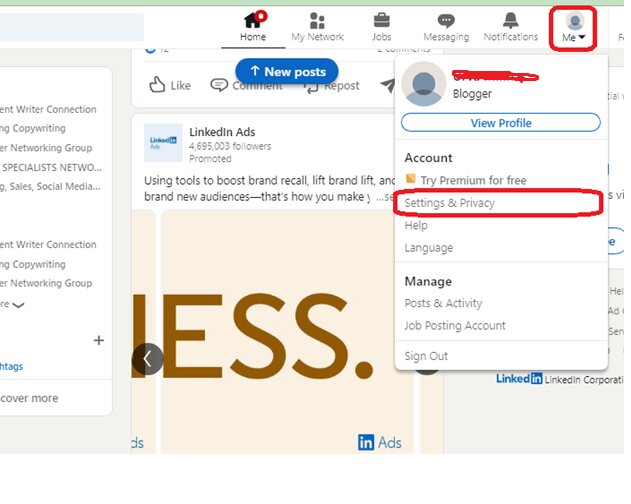
LinkedIn provides a data export feature that includes messages, connections, and activity history. Navigate to Settings & Privacy, then Data Privacy, and select "Get a copy of your data." Choose the "Messages" category and request the archive. LinkedIn will email you a download link within 24 hours. The archive contains CSV and HTML files with all messages that were present on the server at the time of export. Deleted messages are included only if they were deleted after the last server backup cycle, which typically occurs every 24–48 hours. Extract the archive and open the messages.html file to search for the deleted content.
Step 4: Recover from Mobile App Local Storage (Android)
On Android devices, LinkedIn caches message data in a local SQLite database. If your device is rooted, navigate to /data/data/com.linkedin.android/databases/ and locate the messages.db file. Use a SQLite browser to query the messages table. Deleted messages may remain in the database until the app performs a vacuum operation, which occurs unpredictably. Without root access, you can use third-party recovery tools like Dr.Fone or Recuva that scan app cache directories. Success rates vary based on how recently the deletion occurred and whether the app has been reopened since.
Step 5: Recover from iOS Device Backups
For iPhone users, deleted LinkedIn messages may persist in iTunes or iCloud backups. Connect your device to a computer, open Finder or iTunes, and select "Restore from Backup." Choose a backup created before the deletion date. This restores the entire device, so ensure you have a current backup of recent data first. Alternatively, use iMazing or PhoneRescue to extract only the LinkedIn app data from the backup without full restoration. The LinkedIn app stores messages in a Chat.sqlite file within the app container, which these tools can parse.
Step 6: Contact LinkedIn Support with a Data Request
If native methods fail, submit a formal data access request under GDPR or CCPA (depending on your jurisdiction). Go to LinkedIn Help, select "Privacy" and then "Data Access Request." Specify that you seek recovery of deleted messages within a defined date range. LinkedIn's legal team may provide server-side logs or backups if the request is valid and the data has not been purged. Response times range from 7 to 30 days. This method is not guaranteed for standard free accounts, as LinkedIn's retention policy explicitly states that deleted messages are removed from active systems and backups within 30 days.
How To Recover Deleted LinkedIn Messages (And Why Prevention Is Better

How to Recover Deleted LinkedIn Messages (And Why Prevention is Better ...
How To Delete A LinkedIn Account Permanently - Guiding Tech

How to Delete a LinkedIn Account Permanently - Guiding Tech
Delete LinkedIn Messages In SECONDS [2025's Easiest Method]
![Delete LinkedIn Messages in SECONDS [2025's Easiest Method]](https://cdn.prod.website-files.com/665a165f3356b60c96e97a5e/676d293894a023485c0270c4_676d2827506859f5c1632163_bulk-delete-compressed.jpeg)
Delete LinkedIn Messages in SECONDS [2025's Easiest Method]
How To Recover My Old Linkedin Account

How To Recover My Old Linkedin Account
How To Recover LinkedIn Deleted Post - YouTube

How to recover LinkedIn deleted post - YouTube
Mastering LinkedIn: How To Delete Messages In Just Seconds

Mastering LinkedIn: How to Delete Messages in Just Seconds
How To Delete LinkedIn Messages? | ITGeared
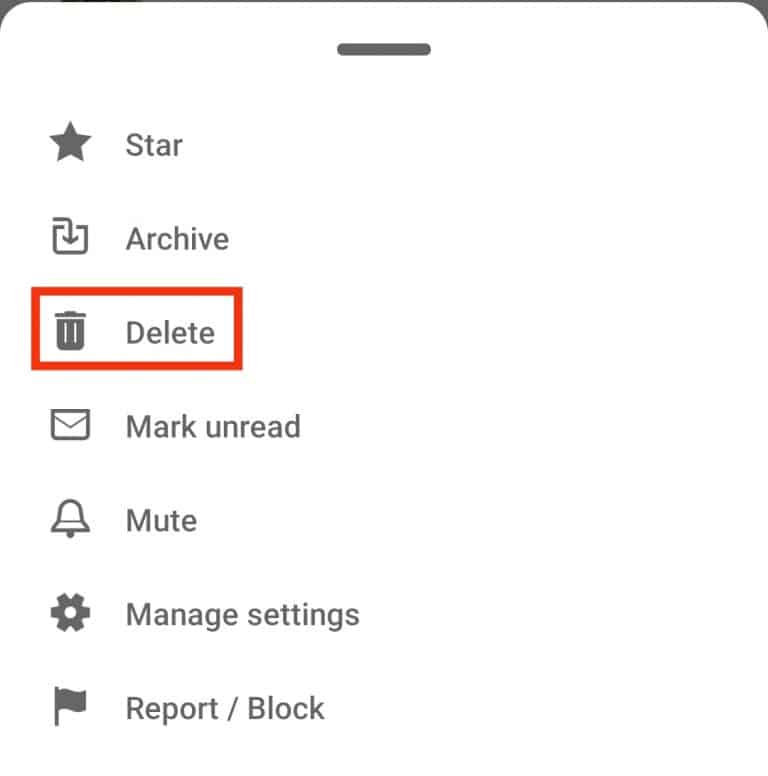
How To Delete LinkedIn Messages? | ITGeared
How To Recover Deleted LinkedIn Account (How To Reactivate/Reopen

How To Recover Deleted LinkedIn Account (How To Reactivate/Reopen ...
How To Delete Your LinkedIn Account Permanently - ExtremeVPN
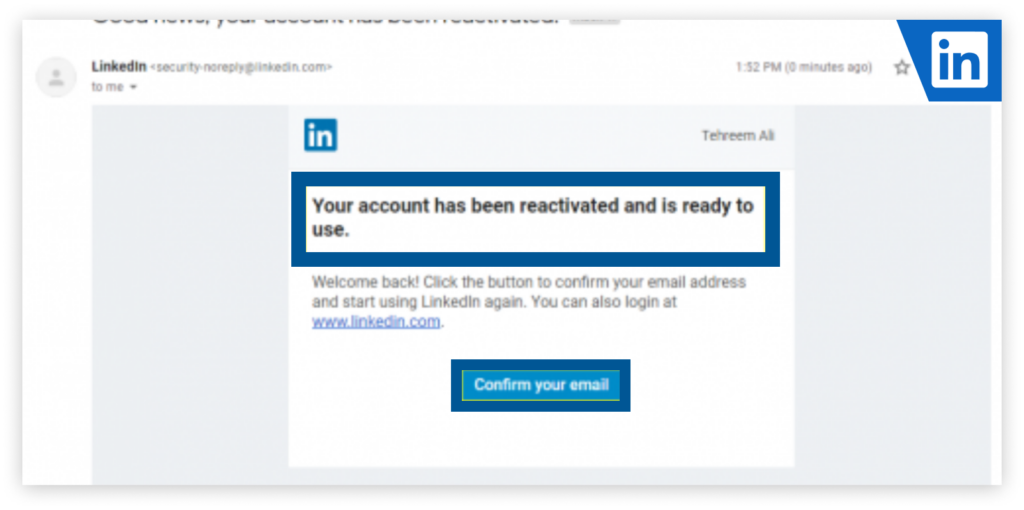
How to Delete Your LinkedIn Account Permanently - ExtremeVPN
How To Recover My Old Linkedin Account

How To Recover My Old Linkedin Account
LinkedIn Messaging: The Complete Guide
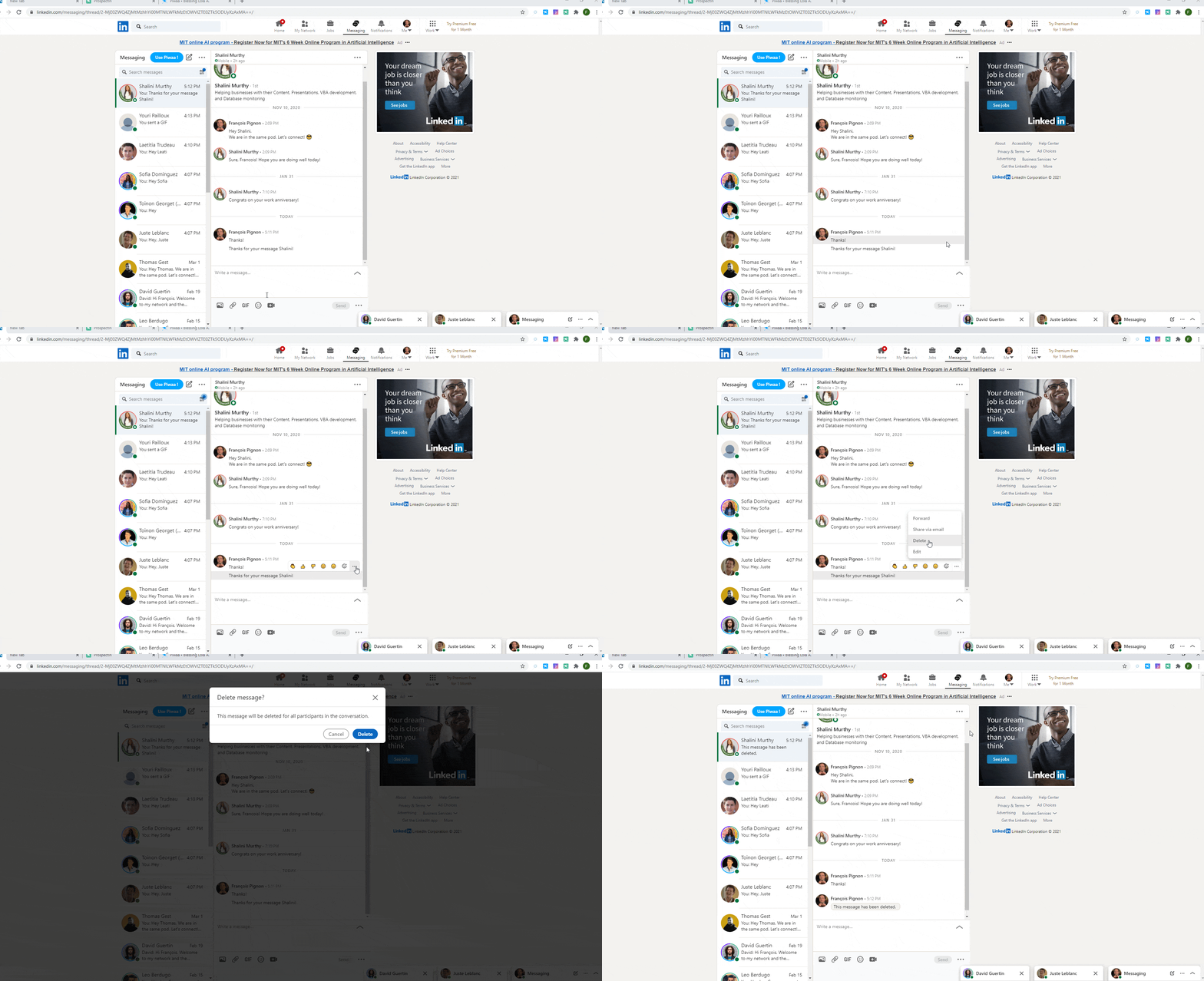
LinkedIn Messaging: The Complete Guide
How To Read And Recover Deleted, Unsent, And Removed Messages On

How to Read and Recover Deleted, Unsent, and Removed Messages on ...
How To Delete LinkedIn Messages
How to Delete LinkedIn Messages
How To Recover Deleted Linkedin Account On PC (Quick Guide) - YouTube

How To Recover Deleted Linkedin Account On PC (Quick Guide) - YouTube
How To Read And Recover Deleted, Unsent And Removed Messages On

How to Read and Recover Deleted, Unsent and Removed Messages on ...
How To Recover Deleted Posts On LinkedIn 2026 (POST RECOVERY) - YouTube

How To Recover Deleted Posts On LinkedIn 2026 (POST RECOVERY) - YouTube
How To Delete LinkedIn Messages In 4 Ways [2026]
![How to Delete LinkedIn Messages in 4 Ways [2026]](https://cdn.prod.website-files.com/689b0a925ba9773f34278e0e/69d8cd1de092a94795503e4d_698731ff2780fca60c66e387_697def34e6d44df049a1319a_691ace9843d4f58db7fb480c_68526bd0c9fd166defba744c_AD_4nXcfF1Q0Hn1n6S6vGKOzTupGvZwlunss50aer0U0bzB-3QjsD5GjaWupnQ38La2lTLtYuicPQfP1Wyd24hIHsGKaS3kRLeSpUPYbBY73RCw6j74MQIyrGbQL2z2zV1FuHCKI0CnABg.png)
How to Delete LinkedIn Messages in 4 Ways [2026]
How To Recover Recently Deleted Text Messages On IPhone Or IPad

How to Recover Recently Deleted Text Messages on iPhone or iPad ...
How To Delete Linkedin Message (How Do I Delete Linkedin Message

How To Delete Linkedin Message (How Do I Delete Linkedin Message ...
How To Delete LinkedIn Account Without Password? - CareerBands
How to Delete LinkedIn Account Without Password? - CareerBands
How To Delete LinkedIn Messages: 6 Steps (with Pictures) - WikiHow Tech

How to Delete LinkedIn Messages: 6 Steps (with Pictures) - wikiHow Tech
How To Read And Recover Deleted, Unsent And Removed Messages On

How to Read and Recover Deleted, Unsent and Removed Messages on ...
How To Recover LinkedIn Account (How To Get/Regain Access To Old

How To Recover LinkedIn Account (How To Get/Regain Access To Old ...
How Long Can You Recover Deleted LinkedIn Messages? - YouTube

How Long Can You Recover Deleted LinkedIn Messages? - YouTube
How To Read And Recover Deleted, Unsent And Removed Messages On

How to read and recover deleted, unsent and removed messages on ...
How To Recover Deleted LinkedIn Posts, Messages & Articles? Find
How To Recover Deleted LinkedIn Posts, Messages & Articles? Find ...
How To Recover Deleted Messages On LinkedIn 2025 (2026) - YouTube
How To Recover Deleted Messages On LinkedIn 2025 (2026) - YouTube
Delete LinkedIn Messages In SECONDS [2025's Easiest Method]
![Delete LinkedIn Messages in SECONDS [2025's Easiest Method]](https://cdn.prod.website-files.com/665a165f3356b60c96e97a5e/676d293994a023485c0270d6_676d280d727d5a9dfb8aa787_delete-sent-message-compressed.jpeg)
Delete LinkedIn Messages in SECONDS [2025's Easiest Method]
How To Read And Recover Deleted Unsent And Removed Messages On LinkedIn

How To Read And Recover Deleted Unsent And Removed Messages On LinkedIn ...
How To Delete A Post From LinkedIn
How to Delete a Post From LinkedIn
How To Delete LinkedIn Messages? | ITGeared
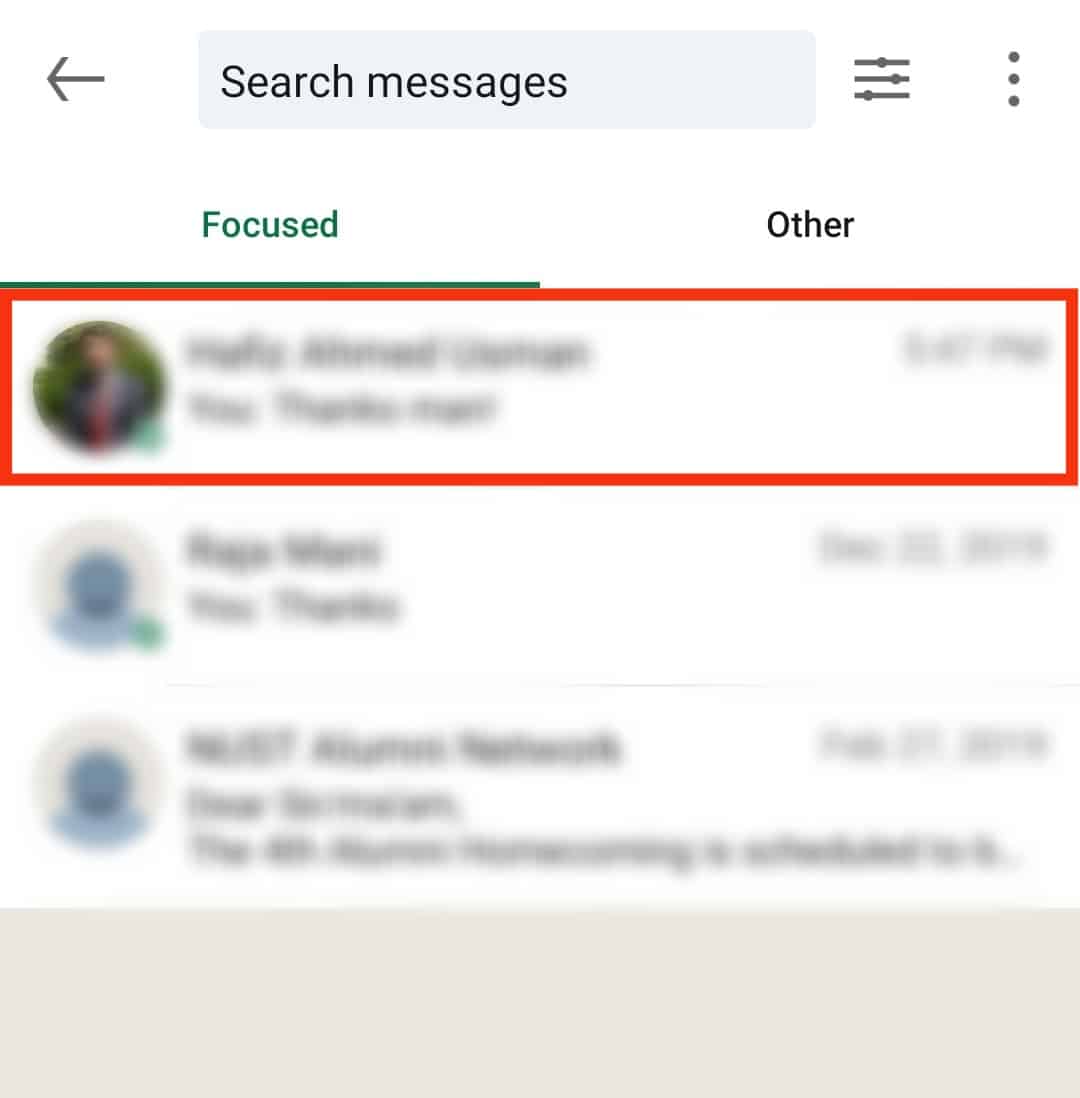
How To Delete LinkedIn Messages? | ITGeared
How To Delete LinkedIn Messages - Vixen Digital
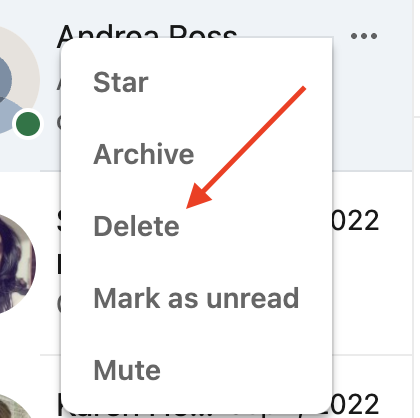
How to Delete LinkedIn Messages - Vixen Digital
Mastering LinkedIn: How To Delete Messages In Just Seconds
.jpeg)
Mastering LinkedIn: How to Delete Messages in Just Seconds