← How to Clear Download Cache on Steam: A Step-by-Step Guide
Keeping Microsoft Office up to date is one of the simplest ways to protect your system, unlock new features, and maintain compatibility with the latest file formats. In 2026, Microsoft has streamlined the update process across Microsoft 365, Office 2021, and Office 2024, but the steps still vary slightly depending on how you installed the suite. This tutorial walks you through the entire process, from checking your current version to manually forcing an update and troubleshooting common issues. By the end, you will know exactly how to update Microsoft Office on a Windows PC without guesswork.
Step 1: Check Your Current Office Version
Before updating, confirm which version of Office you are running. Open any Office app such as Word or Excel, then go to File > Account. Under the "Product Information" section, you will see the version number and build. In 2026, Microsoft 365 apps typically show a version number starting with 16.0 followed by a five-digit build. If your build is several months old, an update is likely available. Knowing your version also helps you determine whether you are on the Current Channel, Monthly Enterprise Channel, or a perpetual license like Office 2024.
Step 2: Update Through the Office Account Menu
The fastest way to update is directly inside any Office application. Click File > Account, then look for the "Update Options" button. Select "Update Now" from the dropdown menu. Office will connect to Microsoft's servers and download the latest build automatically. During this process, keep the application open and avoid closing it. Once the download finishes, you may see a prompt to restart the app to apply the changes. This method works for Microsoft 365 subscriptions and most recent perpetual versions.
Step 3: Use Windows Settings for Microsoft Store Installations
If you installed Office through the Microsoft Store, the update process is different. Open Settings > Windows Update, then click "Check for updates." Alternatively, open the Microsoft Store app, go to Library, and click "Get updates." Store-based Office installations update alongside other Store apps. This method is common on newer Windows laptops that ship with a preinstalled Microsoft 365 trial. If you do not see Office in the Store library, you likely have a click-to-run installation instead, so return to Step 2.
Step 4: Manually Download the Latest Installer
When automatic updates fail, a manual reinstall of the latest build often resolves the problem. Sign in to your Microsoft account at account.microsoft.com, go to Services & subscriptions, and locate your Office product. Click Install to download the current click-to-run installer. Run the downloaded file, and choose "Update" if prompted rather than a full reinstall. This approach ensures you receive the newest 2026 build directly from Microsoft, bypassing any corrupted local update cache.
Step 5: Restart and Verify the Update
After the update completes, close all Office apps and restart your computer. Reopen Word or Excel, go to File > Account, and check the version number again. It should now match the latest build listed on Microsoft's release notes page. If the number has not changed, repeat Step 2 and wait a few minutes before checking again. You can also open Task Manager to confirm that no background Office processes are blocking the update.
Step 6: Troubleshoot Common Update Problems
If updates keep failing, disable your VPN or third-party antivirus temporarily, as these can block Microsoft's content delivery network. You can also run the Microsoft Support and Recovery Assistant, which automatically diagnoses Office update errors. For persistent issues, open Command Prompt as administrator and run the command to reset the Office click-to-run service, then trigger the update again from File > Account. Keeping Windows itself updated through Settings > Windows Update also prevents conflicts with Office patches.
Microsoft 365 AI Workplace Update February 2026
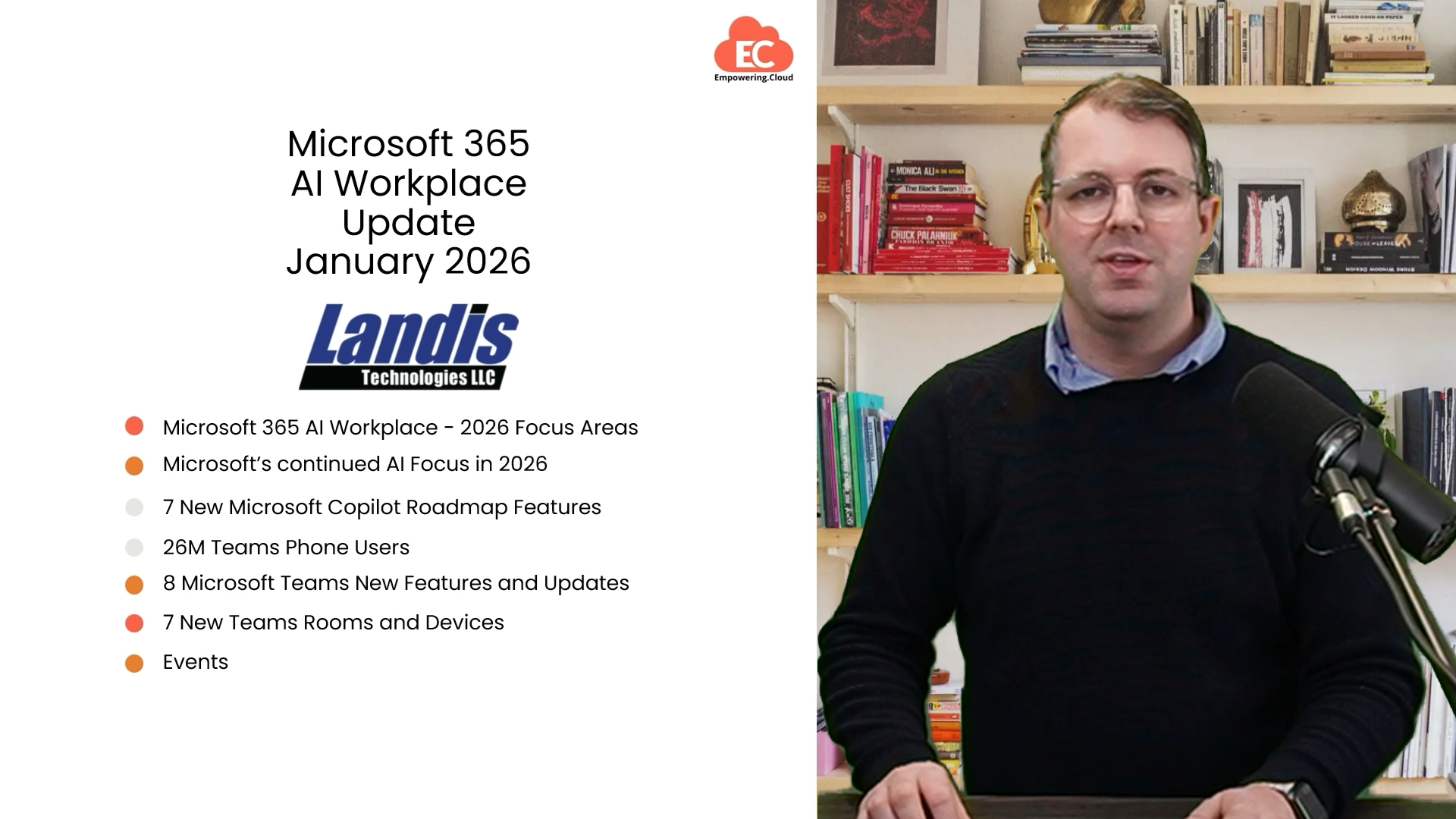
Microsoft 365 AI Workplace Update February 2026
Microsoft Office 365 Latest 2026 With Installation Tutorial (Windows
Microsoft Office 365 Latest 2026 with Installation Tutorial (Windows ...
How To Update Microsoft Office | How To Update Ms Office - YouTube

How to update microsoft office | how to update ms office - YouTube
Keeping Microsoft Office Up To Date: How To Install Updates - 2026

Keeping Microsoft Office Up to Date: How to Install Updates - 2026 ...
Advancing Microsoft 365: New Capabilities And Pricing Update 2026

Advancing Microsoft 365: New capabilities and pricing update 2026 ...
Microsoft 365 AI Workplace Update March 2026
Microsoft 365 AI Workplace Update March 2026
How To Install Microsoft Office From The Official Website In 2026 - YouTube

How to Install Microsoft Office from the Official Website in 2026 - YouTube
How To Get And Install Latest Microsoft Office Updates - YouTube

How To Get and Install Latest Microsoft Office Updates - YouTube
Microsoft 365 AI Workplace Update February 2026
Microsoft 365 AI Workplace Update February 2026
2026 End-of-Support Milestone In Microsoft 365

2026 End-of-Support Milestone in Microsoft 365
How To Update Microsoft 365 (Office, PowerPoint, Excel, Etc.) - YouTube

How to Update Microsoft 365 (Office, PowerPoint, Excel, etc.) - YouTube
Office 2026: Latest Features, Release Details & What To Expect
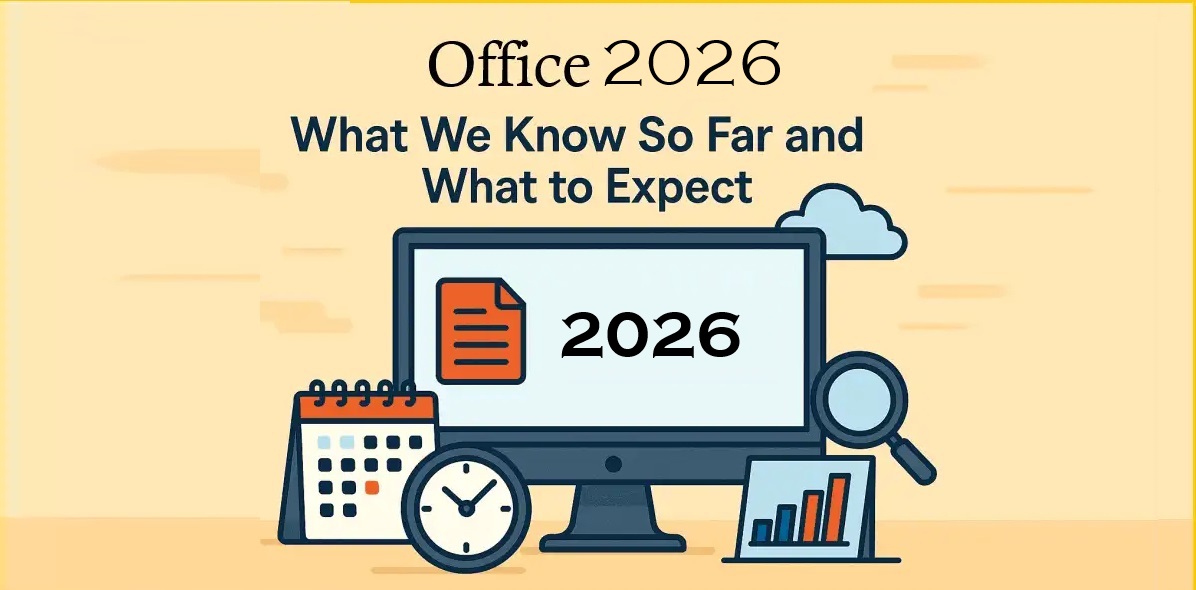
Office 2026: Latest Features, Release Details & What to Expect
Microsoft Office 365 2026 Latest With Installation Tutorial (Windows
Microsoft Office 365 2026 Latest with Installation Tutorial (Windows ...
How To Install Microsoft Office 2026 – 💯% Official & Safe Method

How to Install Microsoft Office 2026 – 💯% Official & Safe Method ...
Preparing For Microsoft 365 Changes In 2026 | Sourcepass MCOE
Preparing for Microsoft 365 Changes in 2026 | Sourcepass MCOE
How To Update Microsoft Office Apps On Windows 10 And Mac

How to Update Microsoft Office Apps on Windows 10 and Mac
What’s New In Microsoft 365 (2026 Updates Guide)

What’s New in Microsoft 365 (2026 Updates Guide)
Microsoft Sets 2026 End-of-Life For Office 2021 And Windows 11 24H2
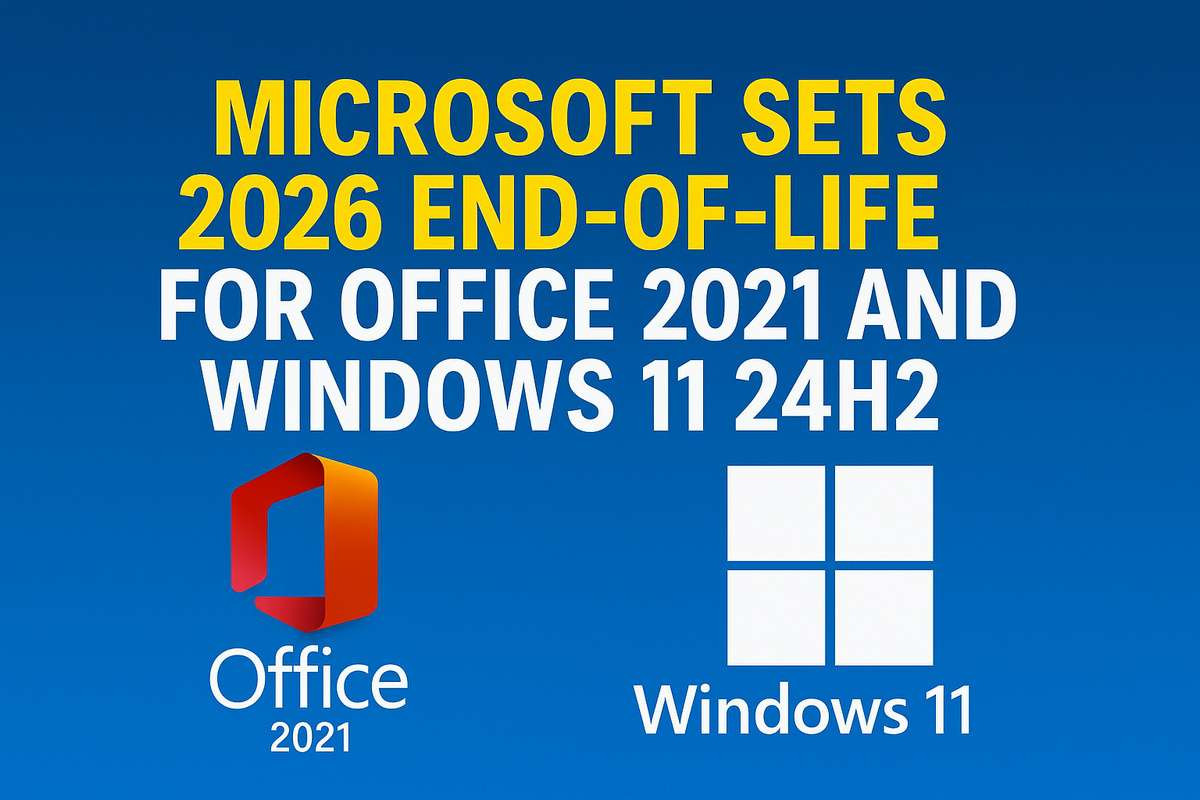
Microsoft Sets 2026 End-of-Life for Office 2021 and Windows 11 24H2 ...
Microsoft 365 Roadmap Updates January 2026 – Level Up M365

Microsoft 365 Roadmap Updates January 2026 – Level Up M365
How To Update Microsoft Word How To Update Microsoft Office 365 Update

How To Update Microsoft Word How To Update Microsoft Office 365 Update ...
What's New In Microsoft | February 2026 Updates

What's new in Microsoft | February 2026 Updates
How To Update Microsoft 365 And Office - Easy Guide - YouTube
How to Update Microsoft 365 and Office - Easy Guide - YouTube
Microsoft 365 In 2026: New Capabilities, Copilot SKUs And Pricing
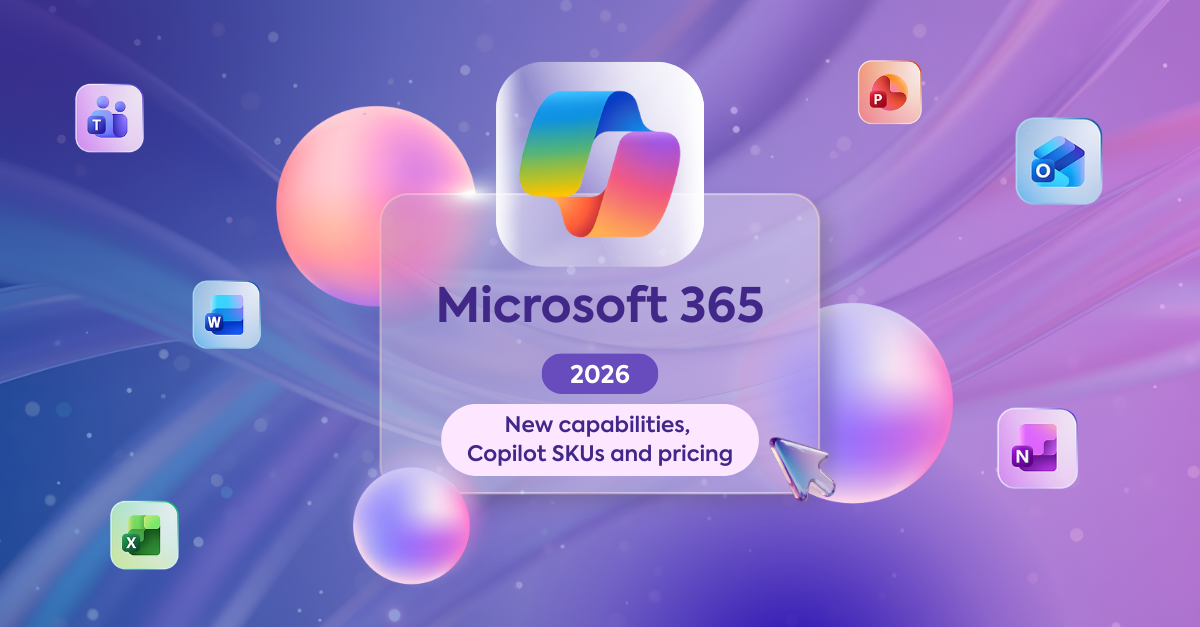
Microsoft 365 in 2026: New capabilities, Copilot SKUs and pricing
How To Update Microsoft Office In New Laptop - Step By Step - YouTube

How to Update Microsoft Office in New Laptop - Step by Step - YouTube
Microsoft 365: How To Check For Updates & Latest Build [2026 Guide

Microsoft 365: How to Check for Updates & Latest Build [2026 Guide ...
How To Update Microsoft Office 365 | How To Update Microsoft Outlook

How To Update Microsoft Office 365 | How To Update Microsoft Outlook ...
Microsoft 365 Changes In 2026: New AI Features, Security And Price Rises
Microsoft 365 Changes in 2026: New AI Features, Security and Price Rises
Microsoft Office 2026 Vs Office LTSC 2024: Upgrade Or Wait?
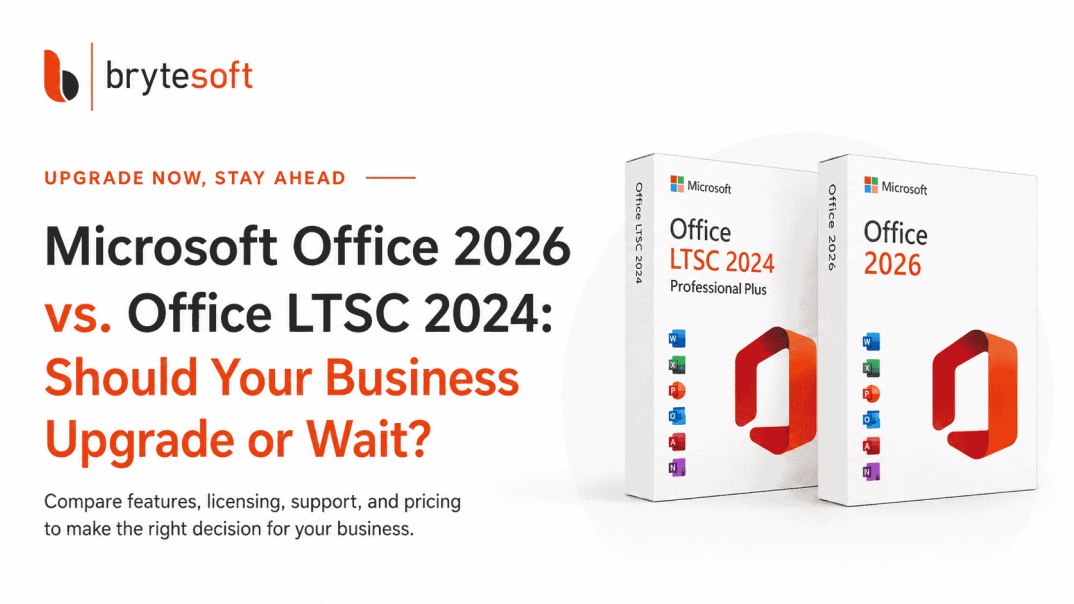
Microsoft Office 2026 vs Office LTSC 2024: Upgrade or Wait?
Microsoft Office 2026 Is Coming, And You Can Try It Now
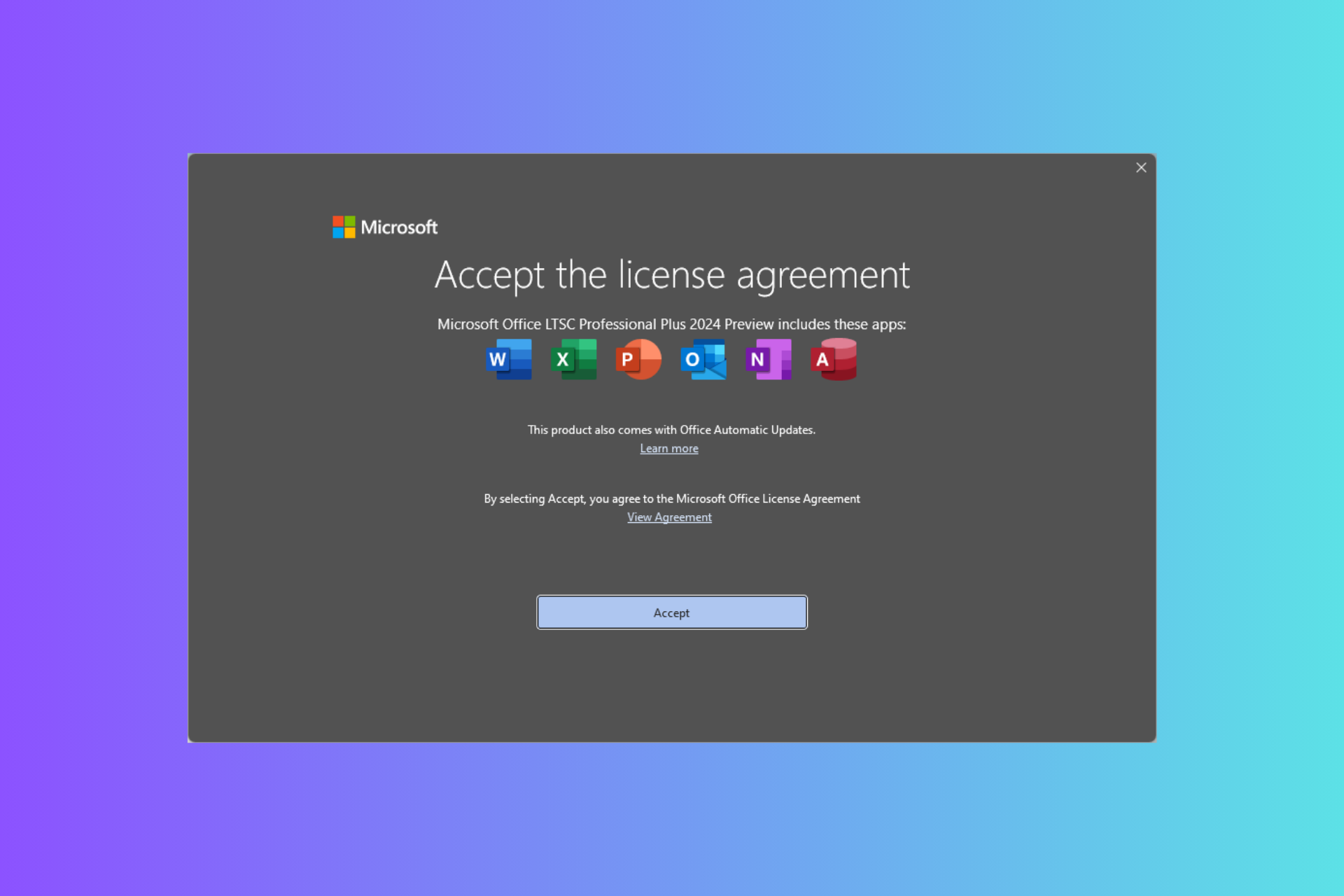
Microsoft Office 2026 is coming, and you can try it now