← How to Convert PDF to Word Online for Free: A Step-by-Step Guide (2025) 7 Best Notion Alternatives for Brainstorming and Knowledge Management in 2025-2026 →
Creating professional business graphics does not require an expensive subscription. Whether you are designing social media posts, presentations, or marketing collateral, several free Canva alternatives offer robust templates, drag-and-drop editors, and export options. This tutorial walks you through the process of selecting, setting up, and maximizing a free design tool. By the end, you will know how to produce polished visuals without paying for premium software, while avoiding common pitfalls such as watermarks, limited asset libraries, and restrictive licensing.
Step 1: Identify Your Core Design Needs
Before committing to any platform, define the types of graphics you create most often. Are you focused on Instagram stories, YouTube thumbnails, business cards, or infographics? Each free tool has strengths and weaknesses. For example, some excel at social media templates, while others are better for print-ready flyers. Make a list of your top three use cases and the file formats you require (PNG, JPG, PDF, or SVG). This step prevents wasted time later. Also check whether you need team collaboration, brand kit storage, or background removal—features often locked behind paywalls. Knowing your non-negotiables narrows the field to two or three viable free alternatives.

Step 2: Evaluate Free Tiers for Hidden Limitations
Many tools advertise a free plan but impose restrictions. Look for limits on downloads per month, access to premium templates, or mandatory attribution. A truly usable free alternative should allow at least ten high-resolution exports monthly without watermarks. Test each candidate by creating a simple graphic: a square post with an icon, text, and a background. If the export includes a logo or if you cannot resize the canvas, that tool fails the business test. Additionally, verify commercial usage rights—some free tiers prohibit selling products that use their assets. Read the terms of service or licensing page carefully. Tools like Photopea, Pixlr, and Gravit Designer (now Corel Vector) offer generous free tiers, but always confirm current limits because policies change.
Step 3: Set Up Your Account and Workspace
Once you have chosen a free alternative, create an account using a business email. Complete your profile with your brand name and upload a logo if the platform supports brand kits. Organize your workspace into folders—for example, “Social Media,” “Print,” and “Client Work.” This prevents clutter as your asset library grows. Next, adjust the default canvas size to your most common format, such as 1080 x 1080 pixels for Instagram. Enable grid and snapping features to align elements precisely. If the tool offers a template marketplace, filter by “free” and sort by popularity. Save two or three templates as starting points. Finally, set up export presets: high-quality PNG for web, PDF for print, and MP4 for animated posts. This setup takes ten minutes but saves hours later.
Step 4: Master the Core Editing Tools
Every free alternative includes basic editing functions, but learning their shortcuts accelerates your workflow. Start with layers: place your background, then text, then icons on separate layers. Use alignment tools to center elements horizontally and vertically. For text, choose no more than two fonts—one for headings and one for body. Adjust letter spacing and line height for readability. Use the color picker to match your brand hex codes exactly. If the tool lacks a background remover, use a free third-party service like Remove.bg, then re-upload the transparent PNG. For shapes, combine rectangles and circles to create custom badges or callout boxes. Practice duplicating layers and flipping them horizontally for symmetrical designs. Spend fifteen minutes daily for one week, and you will match Canva’s speed.
Step 5: Export, Review, and Iterate
After designing, export your graphic at the highest available resolution. Open the file on multiple devices—a phone, a laptop, and a tablet—to check for color shifts or pixelation. Zoom to 200% to inspect fine details like thin lines and small text. If the free tool adds a watermark, revisit the export settings or switch to a different platform. For business use, keep a backup of the editable source file (e.g., PSD, SVG, or the tool’s native format) in cloud storage. Gather feedback from a colleague or client, then make one revision at a time. Track which templates and color combinations perform best on social media. Over time, you will build a reusable asset library that rivals paid subscriptions—all without spending a dollar.
Best Free Canva Alternatives For Beginners 2026
Best Free Canva Alternatives for Beginners 2026
6 Best Canva Alternatives Compared – TRYSEK

6 Best Canva Alternatives Compared – TRYSEK
The Best Free Alternative To Canva - YouTube

The Best Free Alternative To Canva - YouTube
9 Canva Alternatives For Brochures, Magazines & More (2025) - Flipsnack
9 Canva Alternatives for Brochures, Magazines & More (2025) - Flipsnack ...
7 Best Canva Alternatives (Free And Paid) Best Canva Alternatives (Free
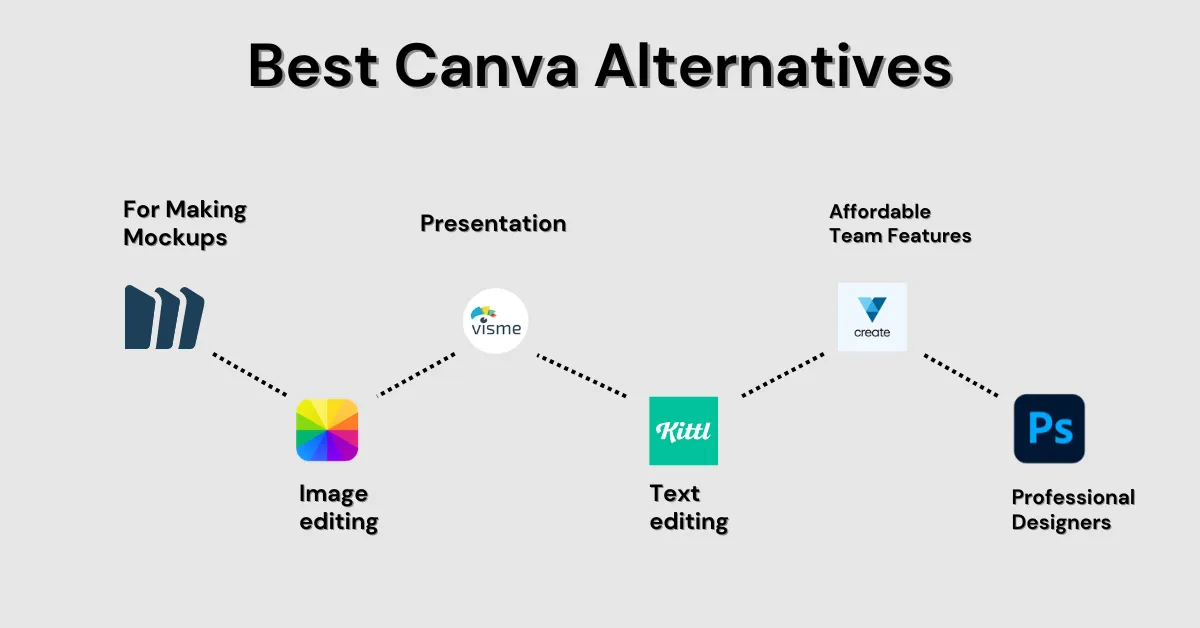
7 Best Canva Alternatives (Free and Paid) Best Canva Alternatives (Free ...
Canva Alternatives: Top Powerful Tools For Stunning Designs
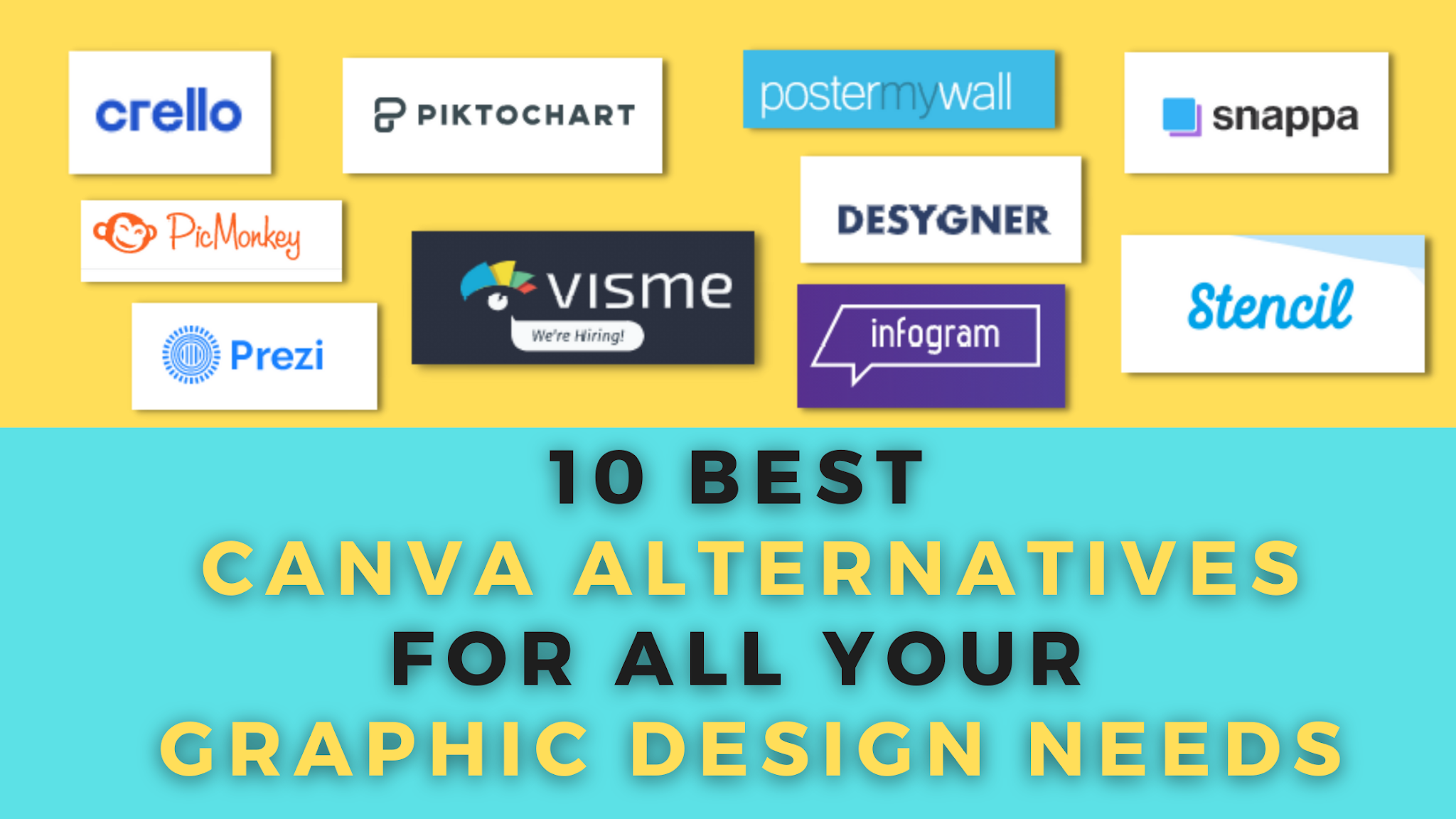
Canva Alternatives: Top Powerful Tools for Stunning Designs
12 Canva Alternatives To Easily Manage Your Designs [Free And Paid]
![12 Canva Alternatives To Easily Manage Your Designs [Free and Paid]](https://i.graphicmama.com/blog/wp-content/uploads/2022/04/05134709/canva-alternatives.png)
12 Canva Alternatives To Easily Manage Your Designs [Free and Paid]