← Free Canva Alternatives: A Step-by-Step Guide for Business Graphics How to Recover Deleted Files on Windows 11: A Step-by-Step Guide →
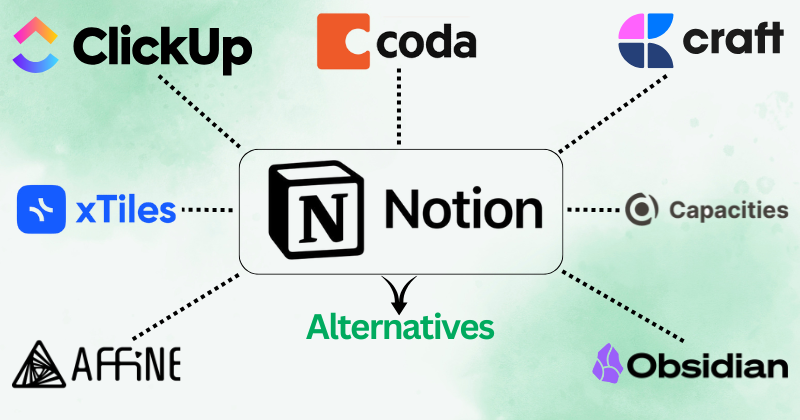
This tutorial walks you through evaluating and migrating to the best Notion alternatives available in 2025 and 2026. You will learn how to assess your workflow requirements, compare database structures, test block-based editors, and configure four concrete alternatives: Obsidian, Coda, ClickUp, and AppFlowy. Each step includes practical configuration guidance, migration considerations, and technical criteria so you can select a tool that matches your brainstorming, documentation, and project-tracking needs.
Step 1: Audit Your Current Notion Workspace and Define Requirements
Before migrating, export your Notion workspace and inventory every object type: pages, nested pages, databases, database views (table, board, calendar, timeline), relations, rollups, formulas, and synced blocks. Use Notion's "Export all workspace content" option with Markdown & CSV to preserve structure. Then classify each object by function: knowledge base, task tracker, CRM, or brainstorming canvas. Document which features are non-negotiable versus optional. This audit prevents data loss and clarifies which alternative supports your required database primitives, such as relational links, formula fields, and API access.
Step 2: Evaluate Block-Based Editors and Local-First Architecture
Notion's core primitive is the block. Alternatives differ in how they store and render blocks. Obsidian uses plain Markdown files stored locally, which makes it ideal for offline brainstorming and long-term portability, though it lacks native relational databases without plugins like Dataview. AppFlowy, an open-source alternative, replicates Notion's block model with a Rust-based backend and supports self-hosting. Coda uses a hybrid document-spreadsheet model where every row is a page, enabling formula-driven workflows. Test each editor by recreating one complex page from your audit, including toggles, callouts, and inline databases. Measure render latency, offline reliability, and export fidelity.
Step 3: Test Database and Automation Capabilities
Notion's databases support relations, rollups, filters, and buttons. Coda excels here with a full formula language, packs, and row-level automations, making it suitable for operational trackers. ClickUp provides native list, board, Gantt, and mind map views with automation recipes and time tracking, which suits teams replacing Notion for project management. For each candidate, recreate a relational database with at least two linked tables, one rollup, and one conditional formula. Verify API rate limits, webhook support, and third-party integration coverage (Zapier, Make, n8n). This step determines whether the alternative can replace Notion's backend logic, not just its visual editor.

Step 4: Migrate Content and Validate Data Integrity
Perform a staged migration: first import a single high-value database, then a nested knowledge base, then collaborative pages. Use native importers where available (Coda imports Notion CSV and Markdown; ClickUp offers a Notion importer; Obsidian imports Markdown folders directly). After import, validate that relations resolved, formulas recalculated, and attachments linked correctly. Check for broken internal links and orphaned pages. For AppFlowy, import via its Notion importer and verify block nesting. Keep your original Notion workspace read-only for at least 30 days as a rollback reference.
Step 5: Configure Collaboration, Permissions, and Final Selection
Finally, configure sharing permissions, guest access, comment workflows, and version history in your chosen alternative. Coda and ClickUp offer granular workspace and page-level permissions; Obsidian relies on sync services like Obsidian Sync or Git for collaboration; AppFlowy supports self-hosted multi-user access. Run a two-week pilot with real brainstorming sessions and task cycles. Score each tool against your Step 1 requirements using a weighted matrix. Select the alternative that satisfies your database logic, offline needs, and team collaboration model, then decommission Notion once data integrity is confirmed.
Top Notion Alternatives In 2026: Best Free, Open Source & Self-Hosted
Top Notion Alternatives in 2026: Best Free, Open Source & Self-Hosted ...
Notion Alternatives For Teams Archives - Aicomparison.ai

Notion alternatives for teams Archives - aicomparison.ai
18 Best Notion Alternatives For 2023 (with Free Competitors)

18 Best Notion Alternatives for 2023 (with Free Competitors)
7 Best Notion Alternatives & Competitors In 2024
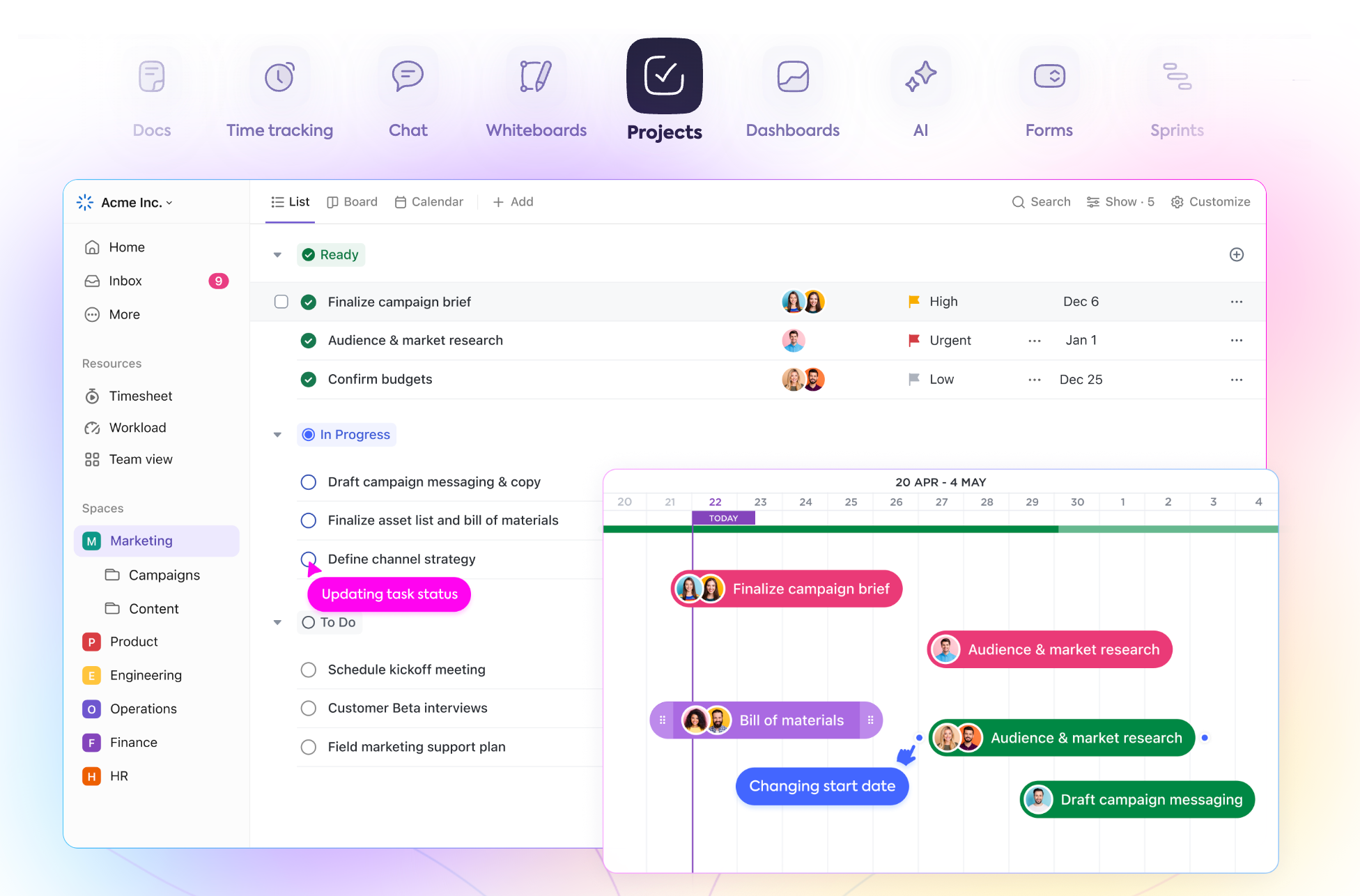
7 Best Notion Alternatives & Competitors in 2024
18 Best Notion Alternatives In 2026 (Free & Paid Competitors) | Nuclino
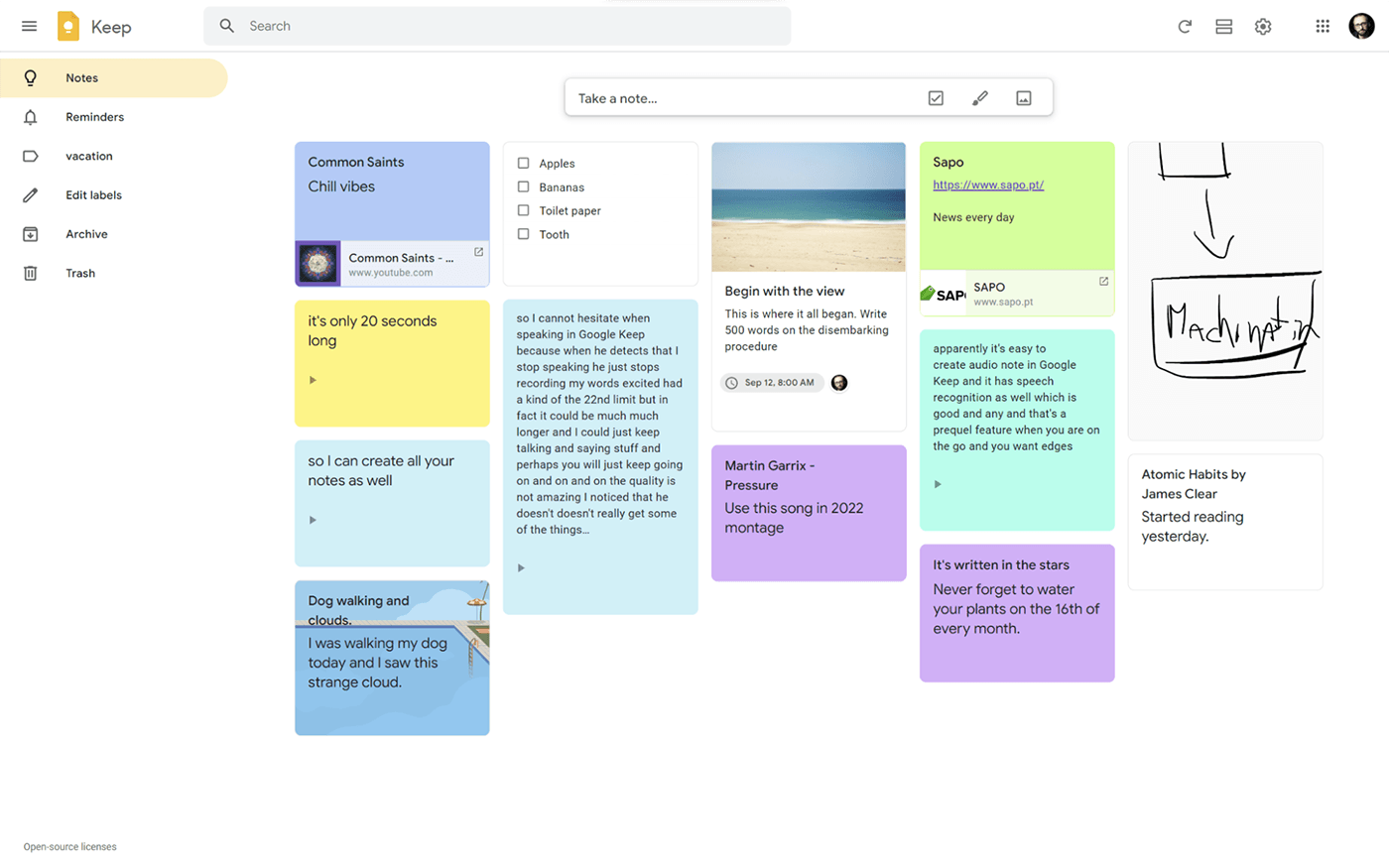
18 Best Notion Alternatives in 2026 (Free & Paid Competitors) | Nuclino
Best Notion Alternatives 2026: AFFiNE, AppFlowy & Anytype Comparison
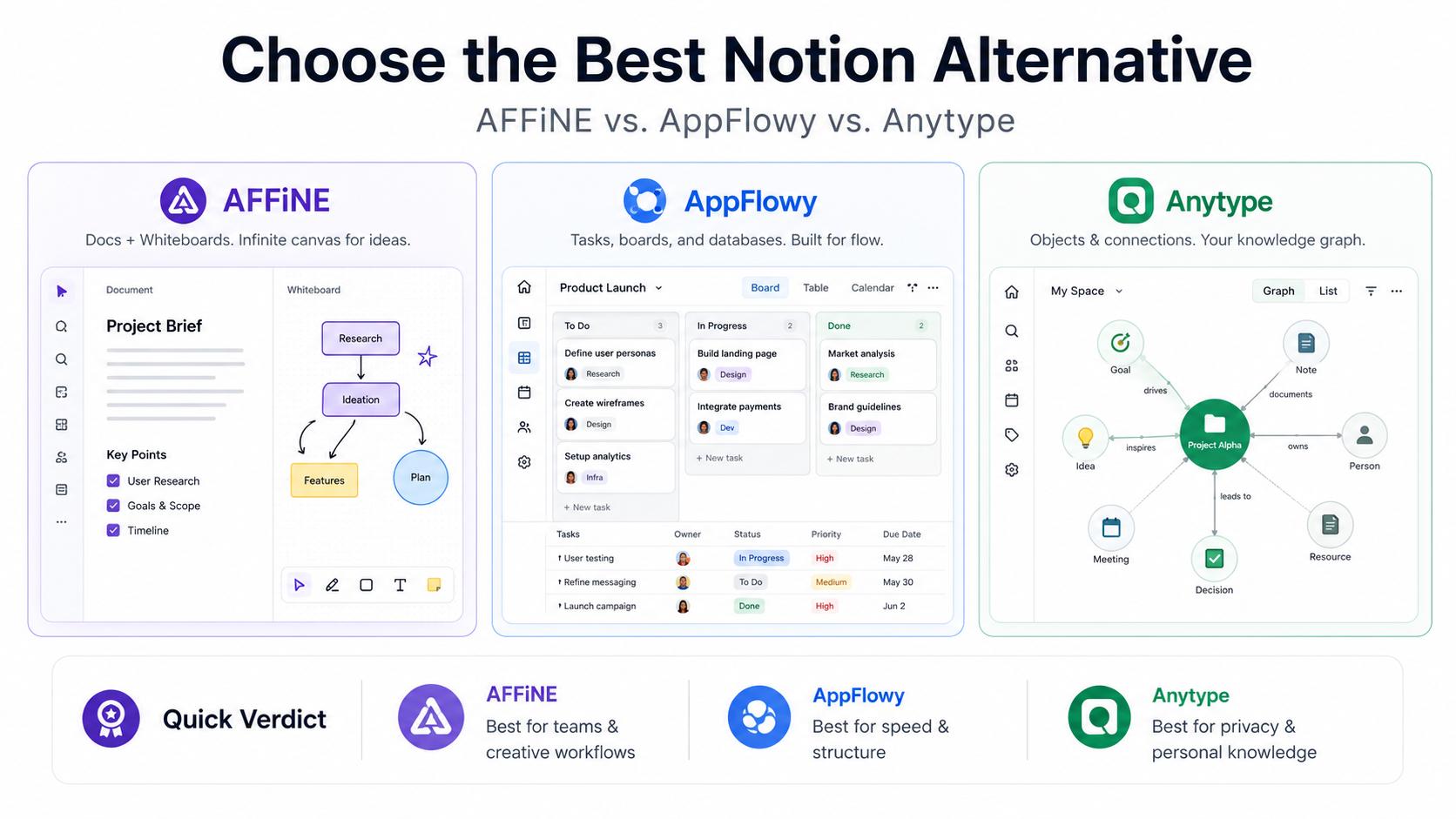
Best Notion Alternatives 2026: AFFiNE, AppFlowy & Anytype Comparison ...
7 Best Notion Alternatives & Competitors In 2024
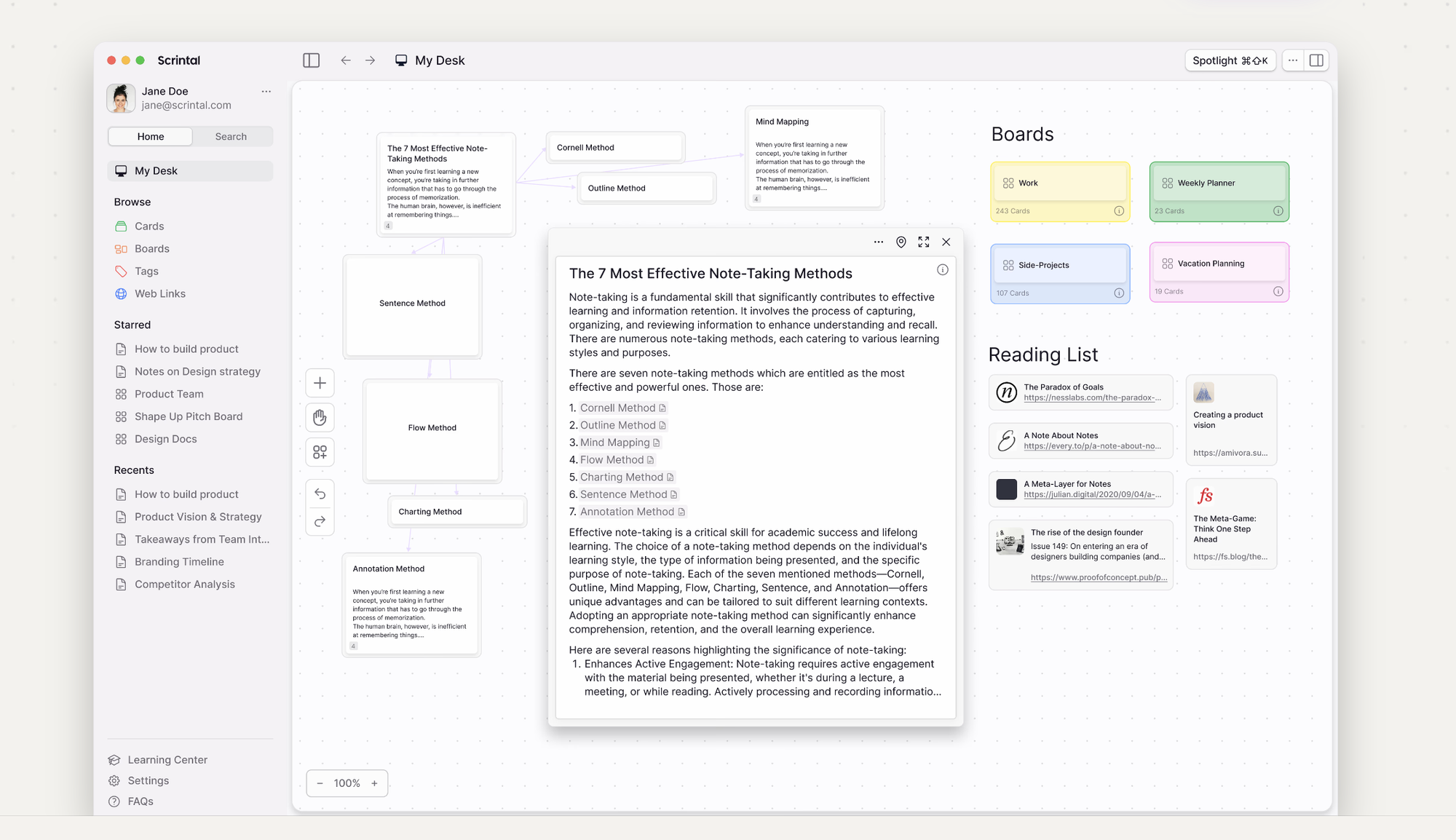
7 Best Notion Alternatives & Competitors in 2024