← How to Fix Discord Mic Not Working: Step-by-Step Guide How to Fix Echo on Zoom: A Step-by-Step Troubleshooting Guide →
If Google Chrome refuses to open on your Windows computer, you are likely dealing with a frustrating issue that prevents you from browsing the web. This can happen for several reasons, including corrupted user profiles, background processes that are stuck, outdated software, or conflicts with system settings. In this tutorial, you will learn a series of proven methods to get Chrome launching normally again. Follow each step in order, and test Chrome after every fix to see if the problem is resolved.
Step 1: End Stuck Chrome Processes in Task Manager
Sometimes Chrome is already running in the background even though no window appears. This can block new instances from opening. Press Ctrl + Shift + Esc to open Task Manager. Look for any processes named "Google Chrome" or "Google Chrome (32 bit)." Right-click each one and select "End task." Once all Chrome processes are gone, try opening the browser again. If it launches, the issue was a stuck background process.
Step 2: Restart Your Computer
A simple restart clears temporary glitches, memory leaks, and stuck system services that can prevent Chrome from launching. Save any open work, then click Start > Power > Restart. After your PC boots back up, double-click the Chrome icon. If Chrome opens normally, you can stop here. If not, continue to the next step.
Step 3: Run Chrome as Administrator
Permission issues can stop Chrome from opening. Right-click the Google Chrome shortcut on your desktop or taskbar and choose "Run as administrator." If Windows asks for confirmation, click Yes. If Chrome opens this way, you can make this permanent by right-clicking the shortcut, selecting Properties > Advanced, and checking "Run as administrator."
Step 4: Rename the Chrome User Data Folder
A corrupted profile is one of the most common causes of Chrome not opening. Close all Chrome processes using Task Manager. Press Windows + R, type %localappdata%\Google\ and press Enter. Find the folder named "Chrome" and rename it to "Chrome.old." Now try opening Chrome. The browser will create a fresh profile. If it works, your old profile was corrupted. You can later copy bookmarks and passwords from the old folder.

Step 5: Repair or Reinstall Google Chrome
If renaming the profile does not work, the installation itself may be damaged. Open Settings > Apps > Installed apps. Find Google Chrome, click the three-dot menu, and select "Modify" or "Uninstall." If you see a "Repair" option, click it first. If not, uninstall Chrome completely, restart your PC, then download the latest installer from google.com/chrome and install it fresh. This replaces any corrupted files.
Step 6: Check for Windows and Driver Updates
An outdated Windows version or incompatible graphics driver can block Chrome from launching. Go to Settings > Windows Update and click "Check for updates." Install all pending updates and restart. Also update your graphics driver through Device Manager or the manufacturer's website. After updating, try opening Chrome again.
Step 7: Disable Antivirus or Firewall Conflicts
Some security programs mistakenly block Chrome. Temporarily disable your antivirus or firewall and try opening Chrome. If it works, add Chrome to your security software's allowed list, then re-enable protection. Do not leave your antivirus disabled permanently.
By following these steps in order, you should be able to fix Google Chrome not opening on Windows. Start with the simplest solutions and move forward until Chrome launches correctly.
How To Fix Google Chrome Not Open And Not Working | How To Fix Google

How to Fix google chrome not open and not working | How to Fix google ...
How To Fix Google Chrome Not Opening Windows 11 - YouTube
How To Fix Google Chrome Not Opening Windows 11 - YouTube
How To Fix Google Chrome Not Opening On PCs — Tech How
How To Fix Google Chrome Not Opening on PCs — Tech How
How To Fix Google Chrome Not Opening Or Starting On Windows 11/10/8/7
How to Fix Google Chrome Not Opening or Starting on Windows 11/10/8/7 ...
How To Fix Google Chrome Has Stopped Or Not Responding Issue On Windows 11
How to Fix Google Chrome has Stopped or Not Responding Issue on Windows 11
How To Fix Google Chrome Crashing & Not Opening On Windows 11 - YouTube

How To Fix Google Chrome Crashing & Not Opening On Windows 11 - YouTube
Why My Chrome Is Not Opening In Windows 11

Why My Chrome Is Not Opening In Windows 11
How To Fix Google Chrome Not Open And Not Working In Windows 11/10/7

How to Fix google chrome not open and not working in windows 11/10/7 ...
How To Fix Google Chrome Not Opening In Windows 10 - YouTube
How To Fix Google Chrome Not Opening In Windows 10 - YouTube
How To Fix Google Chrome Not Opening On Windows 10/11 | Troubleshooting
How to Fix Google Chrome Not Opening on Windows 10/11 | Troubleshooting ...
How To Fix Google Chrome Not Opening In Windows 10 ,11 | Google Chrome

How to fix google chrome not opening in windows 10 ,11 | Google Chrome ...
How To Fix Google Chrome Not Open And Not Working In Windows 11/10 |Fix

How to Fix Google chrome not open and not working in Windows 11/10 |Fix ...
How To Fix Google Chrome Won't Open On Windows 10/11 - Full Tutorial
How To Fix Google Chrome Won't Open On Windows 10/11 - Full Tutorial ...
How To Fix Google Chrome Not Opening In Windows 11 & 10 - Full Guide

How To Fix Google Chrome Not Opening In Windows 11 & 10 - Full Guide ...
How To Fix Google Chrome Not Working/Not Opening/Not Responding Problem
How To Fix Google Chrome Not Working/Not Opening/Not Responding problem ...
How To Fix Google Chrome Not Opening, Not Working, Not Responding
How to Fix Google Chrome Not Opening, Not Working, Not Responding ...
How To Fix Google Chrome Not Working || Chrome Not Opening || ZK Guides

How To Fix Google Chrome Not Working || Chrome Not Opening || ZK Guides ...
How To Fix Google Chrome Not Opening Windows 11 - YouTube

How to Fix Google Chrome Not Opening Windows 11 - YouTube
How To Fix Google Chrome Not Responding: Complete Troubleshooting Guide

How to Fix Google Chrome Not Responding: Complete Troubleshooting Guide
How To Fix Google Chrome Not Opening | How To Fix Google Chrome Not

How To Fix Google Chrome Not Opening | How To Fix Google Chrome Not ...
How To Fix Google Chrome Not Working 2025 | Chrome Not Opening Problem

How to fix Google chrome not working 2025 | chrome not opening problem ...
How To Fix Google Chrome Not Opening On Windows 10,11 Chrome Stuck

How to Fix Google Chrome Not Opening On Windows 10,11 Chrome Stuck ...
How To Fix Google Chrome Not Opening In Windows (Troubleshoot Google

How To Fix Google Chrome Not Opening In Windows (Troubleshoot Google ...
How To Fix Google Chrome Not Working || Chrome Browser Not Opening Fix

How to Fix Google Chrome not Working || Chrome Browser Not Opening Fix ...
Google Chrome Unable To Open Problem Fix | How To Fix Chrome Not

Google Chrome Unable To Open Problem Fix | How to Fix Chrome Not ...
How To Fix Google Chrome Not Opening On Windows 11 (2023) - YouTube

How to Fix Google Chrome Not Opening On Windows 11 (2023) - YouTube
How To Fix Google Chrome Not Opening On Windows 11 - YouTube

How To Fix Google Chrome Not Opening On Windows 11 - YouTube
How To Fix Google Chrome Not Opening - YouTube
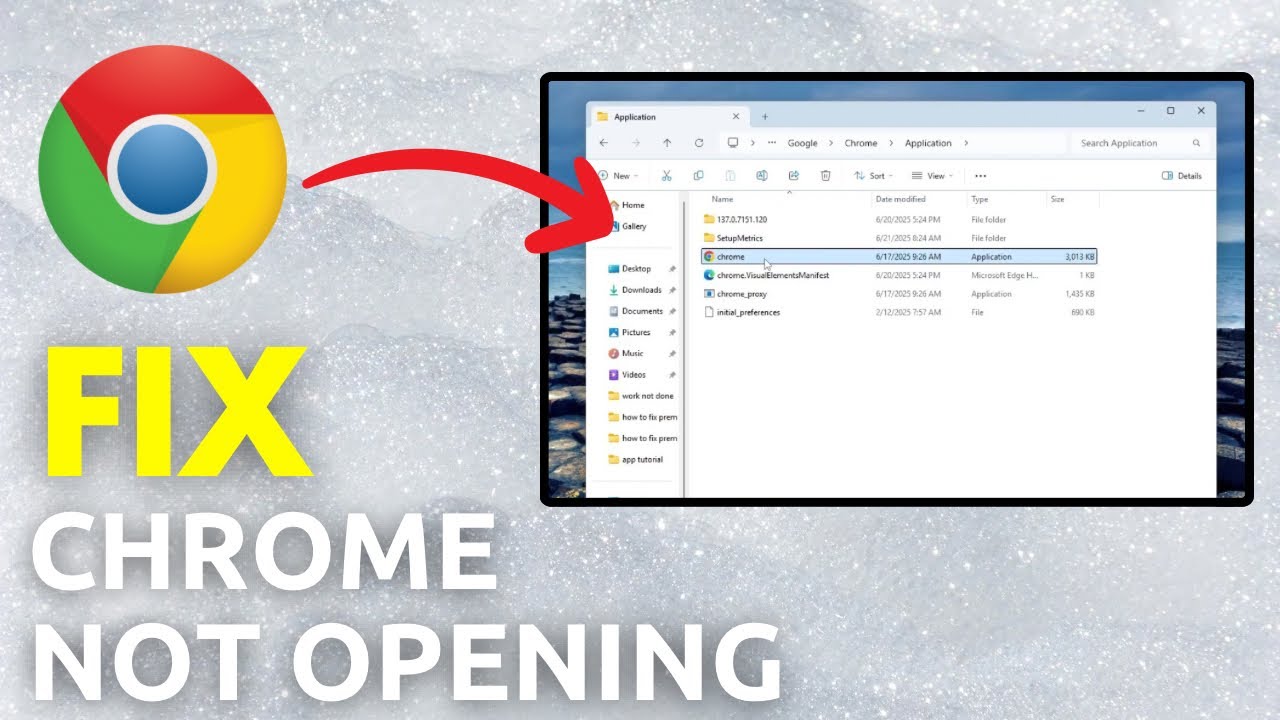
How To Fix Google Chrome Not Opening - YouTube
How To Fix Google Chrome Not Opening/ Not Working/ Not Responding

How To Fix Google Chrome Not Opening/ Not Working/ Not Responding ...
HOW TO FIX GOOGLE CHROME NOT OPENING OR NOT WORKING FOR WINDOWS 11/10

HOW TO FIX GOOGLE CHROME NOT OPENING OR NOT WORKING FOR WINDOWS 11/10 ...
How To Fix Google Chrome Not Opening On Windows PC (2024) - YouTube
How to Fix Google Chrome Not Opening on Windows PC (2024) - YouTube
Google Chrome Not Opening? [SOLVED] - Driver Easy
![Google Chrome Not Opening? [SOLVED] - Driver Easy](https://images.drivereasy.com/wp-content/uploads/2019/05/2020-01-15_14-49-57-1.jpg)
Google Chrome Not Opening? [SOLVED] - Driver Easy