← YouTube Not Playing Videos? 9 Proven Ways to Fix It on Chrome and Mobile How to Change Your WordPress Admin Password: A Step-by-Step Guide →
If Netflix refuses to load in Chrome, you are not alone. Many users run into a black screen, endless spinning wheel, or error codes like M7121-1331 or U7353 while trying to stream. This tutorial walks you through the most effective solutions, starting with the simplest and moving toward advanced troubleshooting. By the end, you will know exactly how to get Netflix playing again in your Chrome browser without reinstalling your entire operating system.
Step 1: Refresh the Page and Check Your Internet Connection
Before digging into settings, rule out a temporary glitch. Press F5 or Ctrl + R to reload the Netflix tab. Sometimes the page fails to load because of a momentary drop in your Wi-Fi or Ethernet connection. Open another website like YouTube or Google to confirm you are online. If other sites load but Netflix does not, continue to the next step.
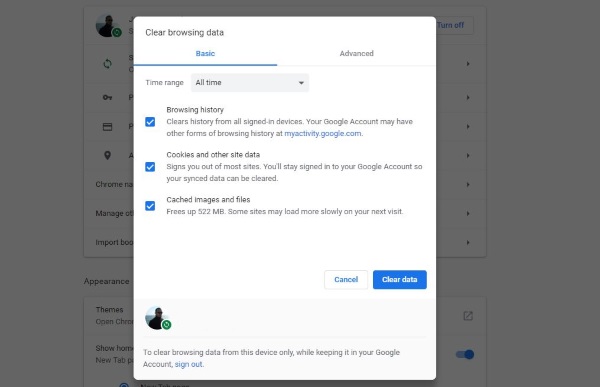
Step 2: Clear Chrome's Cache and Cookies
Corrupted cache files are the most common reason Netflix stops loading in Chrome. Click the three dots in the top-right corner, go to More Tools, then Clear Browsing Data. Select "All time" for the time range, check "Cookies and other site data" and "Cached images and files," then click Clear Data. Close Chrome completely, reopen it, and sign back into Netflix. The streaming service should load normally now.
Step 3: Disable Chrome Extensions
Ad blockers, VPN extensions, and privacy tools often interfere with Netflix's DRM protection. Type chrome://extensions in your address bar and press Enter. Toggle off every extension using the blue switches. Reload Netflix. If it works, turn extensions back on one at a time to find the culprit. Common offenders include uBlock Origin, AdBlock Plus, and any proxy or VPN extension.

Step 4: Update Google Chrome
An outdated browser can fail to render Netflix's modern interface. Click the three dots, hover over Help, and select About Google Chrome. Chrome will automatically check for updates and install them. After the update finishes, click Relaunch. Open Netflix again and test playback. If the problem persists, move to the next step.
Step 5: Enable Hardware Acceleration and Check Widevine
Netflix relies on Widevine DRM for playback. In Chrome, go to Settings, then System, and make sure "Use hardware acceleration when available" is turned on. Restart Chrome. Next, type chrome://components in the address bar, scroll to "Widevine Content Decryption Module," and click "Check for update." If it shows version 0.0.0.0, click update and restart the browser. This fixes many black-screen and loading errors.
Step 6: Reset Chrome Settings or Try Incognito Mode
Open an Incognito window with Ctrl + Shift + N and go to netflix.com. If Netflix loads there, a setting or cookie is blocking it in your normal profile. Go to Settings, Advanced, Reset and clean up, then click "Restore settings to their original defaults." Confirm the reset. Sign back into Netflix and try again. This clears problematic flags without deleting your bookmarks.
Step 7: Use a Different Browser or Reinstall Chrome
If none of the above works, test Netflix in Microsoft Edge or Firefox. If it loads there, the issue is isolated to Chrome. Download the latest Chrome installer from google.com/chrome and reinstall it over your current version. Your bookmarks and passwords remain intact. After reinstalling, Netflix should load without errors. If the problem continues across all browsers, contact Netflix support or your internet provider, as the issue may be network-related.
Fix: Netflix Subtitles Not Working Or Showing On Chrome - NavThemes
Fix: Netflix Subtitles Not Working or Showing on Chrome - NavThemes
NETFLIX APP NOT LOADING [FIXED] | How To Fix Netflix App Not Working
![NETFLIX APP NOT LOADING [FIXED] | How to Fix Netflix App Not Working](https://i.ytimg.com/vi/yA2yP2JsMmE/maxresdefault.jpg)
NETFLIX APP NOT LOADING [FIXED] | How to Fix Netflix App Not Working ...
Sony Tv Netflix Stuck On Loading Screen At Will Barkman Blog
Sony Tv Netflix Stuck On Loading Screen at Will Barkman blog
Easy Ways To Fix Netflix Not Working In Chrome Browser • DataFeature

Easy Ways to Fix Netflix Not Working in Chrome Browser • DataFeature
Netflix Is Not Working On Google Chrome !! Solve Netflix Not Working On

Netflix is not Working on Google Chrome !! Solve Netflix not working on ...
Netflix Stuck On Loading Screen Fix (Smart TV, IPhone, Samsung TV Not

Netflix Stuck On Loading Screen Fix (Smart TV, iPhone, Samsung TV Not ...
How To Fix NETFLIX Not Working On Google Chrome | How To Resolve Common

How to fix NETFLIX Not Working on Google Chrome | how to resolve common ...
How To Fix Not Loading On Netflix App 2024 - YouTube

How To Fix Not Loading On Netflix App 2024 - YouTube
How To Fix Netflix Not Loading 📡 (step-by-step For Beginners) - YouTube
How to Fix Netflix Not Loading 📡 (step-by-step for beginners) - YouTube
How To Fix Netflix Not Working On Chromebook - YouTube

How to Fix Netflix Not Working on Chromebook - YouTube
Fix: Netflix.Com Is Not Responding In Browser – RRWWPZ
Fix: Netflix.Com Is Not Responding In Browser – RRWWPZ
10 Ways To Easily Fix Netflix Lagging On Chrome
10 Ways To Easily Fix Netflix Lagging On Chrome
Top 12 Ways To Fix Netflix Not Working In Google Chrome - TechWiser

Top 12 Ways to Fix Netflix Not Working in Google Chrome - TechWiser
How To Fix Netflix STOPPED WORKING/Not Loading On Google TV - YouTube

How to Fix Netflix STOPPED WORKING/Not Loading on Google TV - YouTube
Chrome 150 Stable: How To Update On Windows, Mac, And Linux
Chrome 150 Stable: How to Update on Windows, Mac, and Linux
10 Methods To Fix Netflix Not Detecting Chromecast Issue - Tech Quintal
10 Methods to Fix Netflix Not Detecting Chromecast Issue - Tech Quintal
How To Fix Netflix Not Loading On SMART TV - YouTube
How To Fix Netflix Not Loading On SMART TV - YouTube
PPT - Netflix Not Working On Chrome Error PowerPoint Presentation, Free
PPT - Netflix Not Working On Chrome Error PowerPoint Presentation, free ...
Netflix Page Not Working - Zaunmaler

Netflix Page Not Working - zaunmaler
Top 12 Ways To Fix Netflix Not Working In Google Chrome - TechWiser

Top 12 Ways to Fix Netflix Not Working in Google Chrome - TechWiser
How To Fix Netflix Stuck On Loading Screen - YouTube
How to Fix Netflix Stuck on Loading Screen - YouTube
How To Fix Netflix Not Loading On Smart TV - YouTube

How To Fix Netflix Not Loading On Smart TV - YouTube
How To Fix Netflix Not Working On Google Chrome - YouTube

How To Fix Netflix Not Working On Google Chrome - YouTube
Fixed: Netflix Not Working On Chromecast With Google TV! - YouTube
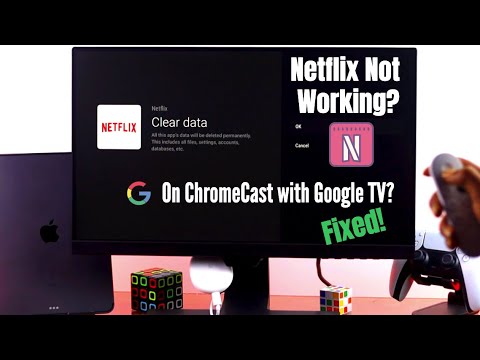
Fixed: Netflix not working on Chromecast with Google TV! - YouTube
How To Fix Netflix Not Loading Issue? - TechBriefly
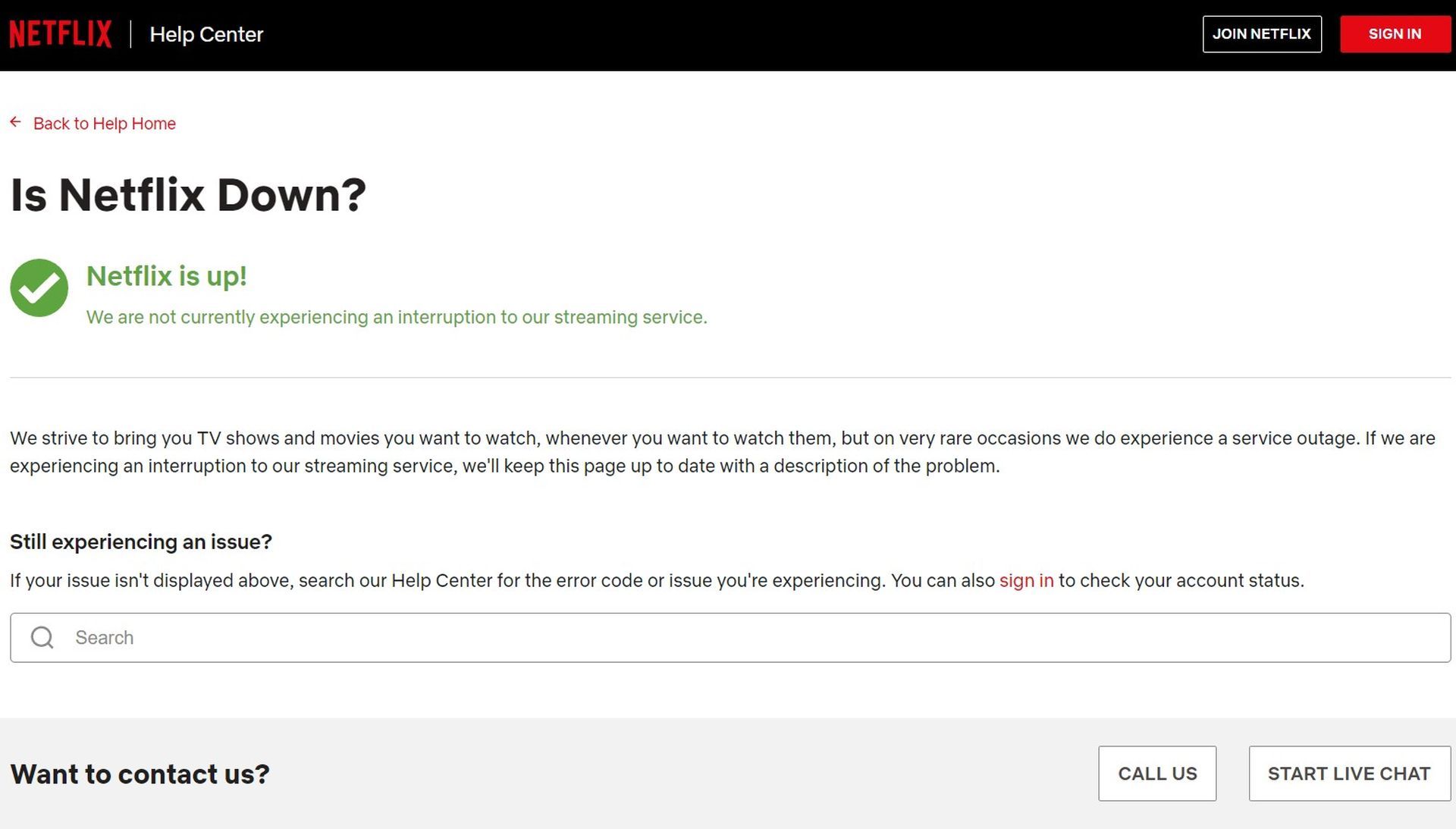
How to fix Netflix not loading issue? - TechBriefly
Netflix Not Working On Chrome? 14 Proven Solutions Here! - Tunelf
Netflix Not Working on Chrome? 14 Proven Solutions Here! - Tunelf
How To Fix Netflix Not Working In Google Chrome On Windows - YouTube

How To Fix Netflix Not Working In Google Chrome On Windows - YouTube
[2023] Easy Fix To Solve Netflix Won't Full-screen On Chrome Issue
![[2023] Easy Fix to Solve Netflix Won't Full-screen on Chrome Issue](https://thetechmirror.com/wp-content/uploads/2021/11/Netflix-wont-fullscreen-Chrome.png)
[2023] Easy Fix to Solve Netflix Won't Full-screen on Chrome Issue
How To Fix Netflix Not Loading Problem! (EASY) - YouTube
How to Fix Netflix Not Loading Problem! (EASY) - YouTube
How To Fix Netflix Not Working On Chromebook - Chrome Nerd

How to Fix Netflix Not Working on Chromebook - Chrome Nerd
How To Fix Netflix Not Working On Chrome [PC/Laptop/Mac]- Top 5 Methods
![How to Fix Netflix Not Working on Chrome [PC/Laptop/Mac]- Top 5 Methods](https://crazytechtricks.com/wp-content/uploads/2018/07/How-to-Fix-Netflix-Not-Working-on-Chrome-PC-Laptop-Mac-By-Restoring-Chrome-Settings.png)
How to Fix Netflix Not Working on Chrome [PC/Laptop/Mac]- Top 5 Methods ...
How To Fix Netflix Not Loading Issue? - TechBriefly
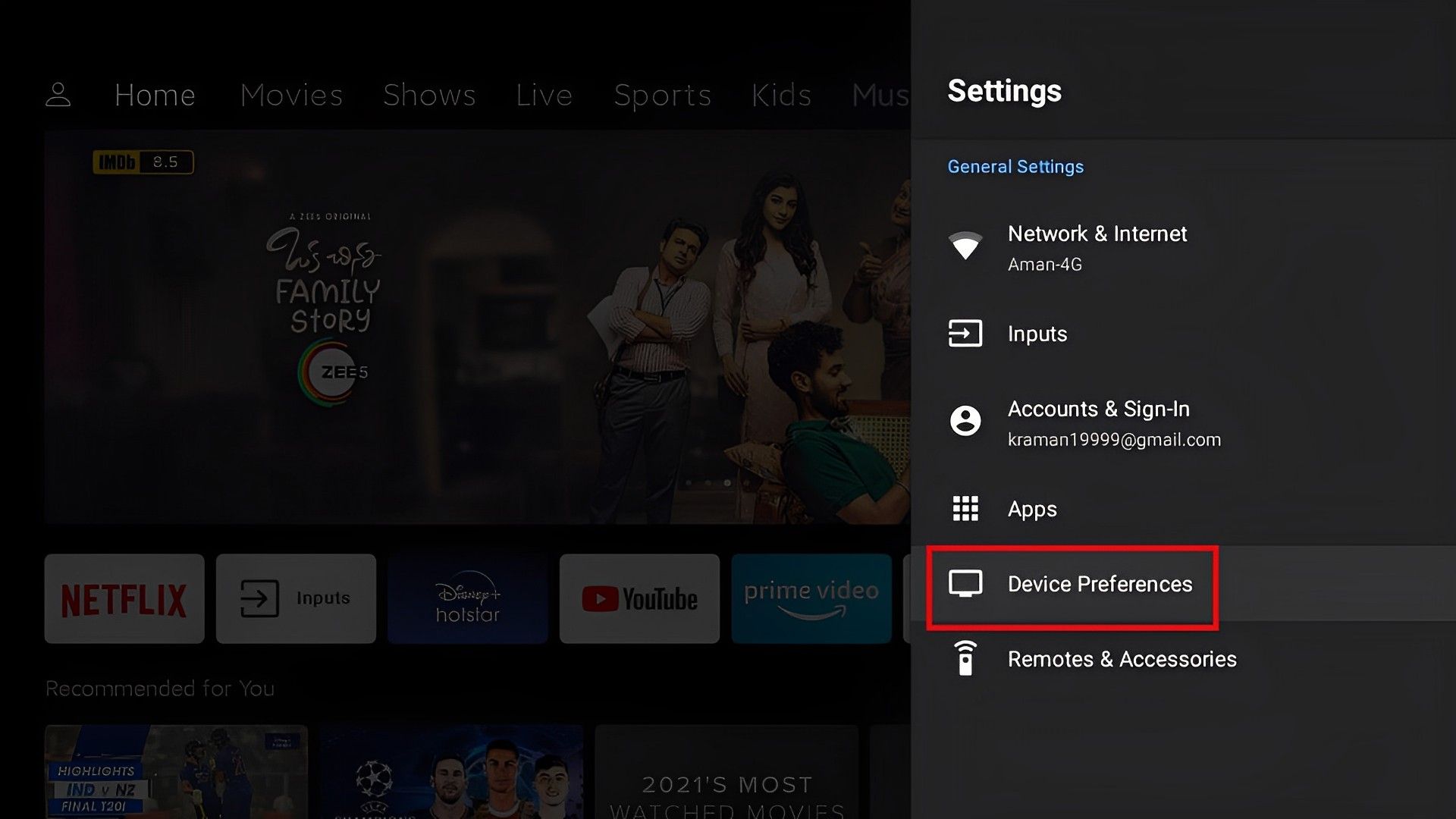
How to fix Netflix not loading issue? - TechBriefly
How To Fix Netflix Not Working On Chromebook - Coding Lap

How to Fix Netflix Not Working on Chromebook - Coding Lap