← How to Fix Google Docs Not Saving Changes: A Complete Troubleshooting Guide How to Clear Download Cache on Steam: A Step-by-Step Guide →
WhatsApp Web is a convenient way to use WhatsApp from your computer, but it can occasionally get stuck on the "Connecting..." screen. This guide walks you through practical fixes to get WhatsApp Web working again, from simple browser checks to clearing cache and relinking your device. Follow each step in order until the connection succeeds.
Step 1: Check Your Internet Connection
Before troubleshooting WhatsApp Web itself, confirm your computer has a stable internet connection. Open a new browser tab and load a few websites. If pages load slowly or fail, restart your router and modem. Wait about 30 seconds, then reconnect and try WhatsApp Web again. A weak or intermittent connection is one of the most common reasons WhatsApp Web stays stuck on "Connecting."

Step 2: Refresh the WhatsApp Web Page
Sometimes the connection simply times out. Press Ctrl + R (Windows) or Command + R (Mac) to reload the page. If that does not work, close the WhatsApp Web tab completely and open a fresh one at web.whatsapp.com. Avoid keeping multiple WhatsApp Web tabs open at the same time, as this can confuse the session and prevent a proper connection.
Step 3: Restart Your Browser
Close your browser entirely, then reopen it and navigate back to WhatsApp Web. Restarting clears temporary glitches in the browser's memory that may block the WebSocket connection WhatsApp uses. If you use browser extensions, try opening WhatsApp Web in Incognito or Private mode. If it connects there, an extension is likely interfering.
Step 4: Clear Browser Cache and Cookies
Accumulated cache and cookies can cause login and connection errors. Open your browser settings, find the privacy or history section, and clear cached images and files plus cookies for web.whatsapp.com. After clearing, reload the page and scan the QR code again. This step often resolves persistent "Connecting" loops.

Step 5: Check WhatsApp on Your Phone
WhatsApp Web depends on your phone staying connected to the internet. Make sure your phone has mobile data or Wi-Fi, and open the WhatsApp app to confirm it is working. If your phone shows connection issues, fix those first. Also confirm the phone is not in airplane mode or battery saver that restricts background data.
Step 6: Log Out and Relink Your Device
On your phone, open WhatsApp, go to Linked Devices, and remove your computer from the list. Then on your PC, refresh WhatsApp Web and scan the new QR code. Relinking creates a fresh session and clears stale authentication data that may be causing the connection failure.
Step 7: Update Your Browser and WhatsApp
Outdated software can break compatibility. Update your browser to the latest version and update WhatsApp on your phone through the official app store. After updating, restart both devices and try connecting again.
Step 8: Try Another Browser or Network
If WhatsApp Web still will not connect, switch to a different browser such as Chrome, Firefox, or Edge. You can also test a different network, like a mobile hotspot instead of your regular Wi-Fi. If it works on another browser or network, the issue is tied to your original setup rather than your WhatsApp account.
Step 9: Restart Your Devices
Turn off your computer and phone completely, wait a minute, then turn them back on. A full restart clears background processes and network conflicts. Once both devices are back online, open WhatsApp Web and scan the QR code one more time.
Most WhatsApp Web connection problems are resolved by refreshing the page, clearing cache, or relinking the device. Work through these steps in order, and you should be back to messaging from your computer in just a few minutes.
Fix All Problems Of WhatsApp Web-Chats Not Showing, Not Connecting
Fix All Problems of WhatsApp Web-Chats Not Showing, Not Connecting ...
How To Fix Whatsapp Web Is Not Opening | TechPout
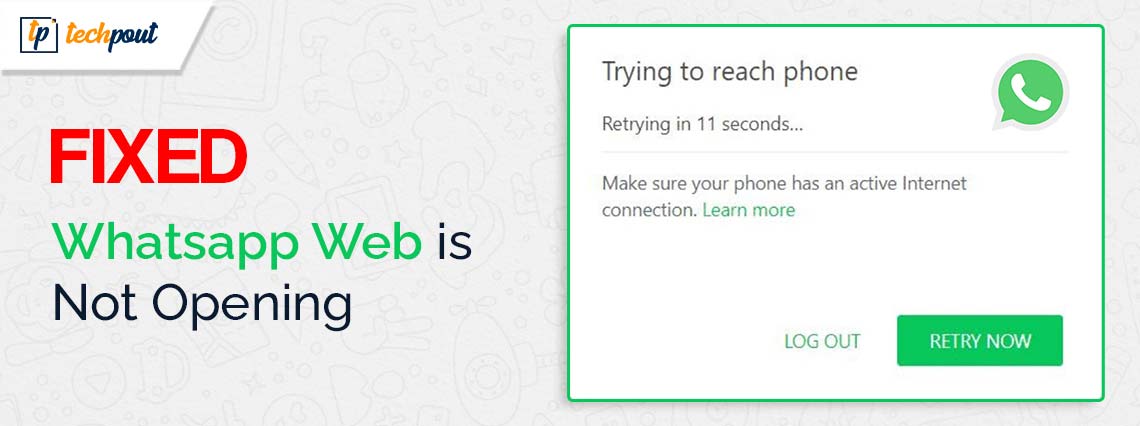
How to Fix Whatsapp Web Is Not Opening | TechPout
[SOLVED] WhatsApp QR Code Not Working — Tokenized
![[SOLVED] WhatsApp QR Code Not Working — Tokenized](https://tokenizedhq.com/wp-content/uploads/2022/09/how-to-fix-whatsapp-web-scanner-not-working-infographic.jpg)
[SOLVED] WhatsApp QR Code Not Working — Tokenized
How To Fix WhatsApp Web Error Connecting To WhatsApp In PC/Laptop - YouTube

How to Fix WhatsApp Web Error Connecting to WhatsApp in PC/Laptop - YouTube
How To Fix WhatsApp Web Not Loading 2024 | Solve WhatsApp Web Not

How to Fix WhatsApp Web Not Loading 2024 | Solve WhatsApp Web Not ...
Fix Whatsapp Connection Problem | Internet On But Whatsapp Not Working

Fix Whatsapp Connection Problem | Internet On But Whatsapp Not Working ...
How To Fix WhatsApp Web Not Working - Techfixhub
How to Fix WhatsApp Web Not Working - Techfixhub
How To Fix WhatsApp Web Not Working On PC - YouTube

How To Fix WhatsApp Web Not Working On PC - YouTube
WhatsApp Web Won’t Connect: How To Fix The Error?

WhatsApp Web won’t connect: how to fix the error?
How To Fix Whatsapp Web Not Opening (WhatsApp Web Not Working? Here's

How To Fix Whatsapp Web Not Opening (WhatsApp Web Not Working? Here's ...
How To Fix Whatsapp No Connection But Internet Works - YouTube

How To Fix Whatsapp No Connection But Internet Works - YouTube
How To Fix WhatsApp Unable To Connect Please Try Again Later Problem

How to Fix WhatsApp Unable to Connect Please try Again Later Problem ...
WhatsApp Web Not Working? 5 Methods To Fix The Problem - BazarOnWeb
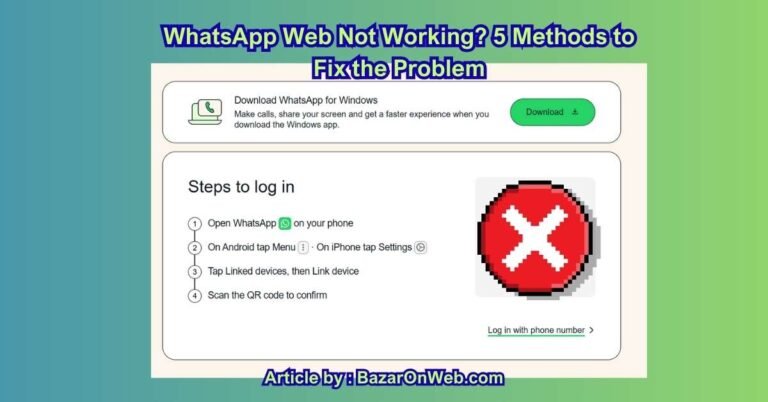
WhatsApp Web Not Working? 5 Methods to Fix the Problem - BazarOnWeb
How To Fix WhatsApp Web Not Working Or Opening (PC/Laptop) - YouTube

How To Fix WhatsApp Web Not Working or Opening (PC/Laptop) - YouTube
WhatsApp Web Not Connecting: Reconnect It With 3 Methods

WhatsApp Web Not Connecting: Reconnect It With 3 Methods
How To Fix WhatsApp Web Not Working (EASY) - YouTube

How To Fix WhatsApp Web Not Working (EASY) - YouTube
How To Fix WhatsApp Web Not Syncing With Android | Easy Fixes - YouTube

How to Fix WhatsApp Web Not Syncing with Android | Easy Fixes - YouTube
How To Fix WhatsApp App No Internet Connection Check Your Device's

How To Fix WhatsApp App No Internet connection Check your device's ...
How To Fix WhatsApp Web Phone Not Connected? EASY FIX! - YouTube

How to Fix WhatsApp Web Phone Not Connected? EASY FIX! - YouTube
How To Fix Whatsapp Web Not Working On Pc (WhatsApp Web Not Working

How To Fix Whatsapp Web Not Working On Pc (WhatsApp Web Not working ...
WhatsApp Not Connecting To Computer | 2 Ways To Fix Whatsapp Not

WhatsApp not connecting to computer | 2 Ways to Fix Whatsapp Not ...
Fix Whatsapp Web Not Working & Not Opening Problem Solved - YouTube

Fix Whatsapp Web Not Working & Not Opening Problem Solved - YouTube
How To Fix WhatsApp Web Not Working 2024?
How to Fix WhatsApp Web Not Working 2024?
How To Fix Whatsapp Web : WhatsApp Web Ne Fonctionne Pas : 8 Solutions
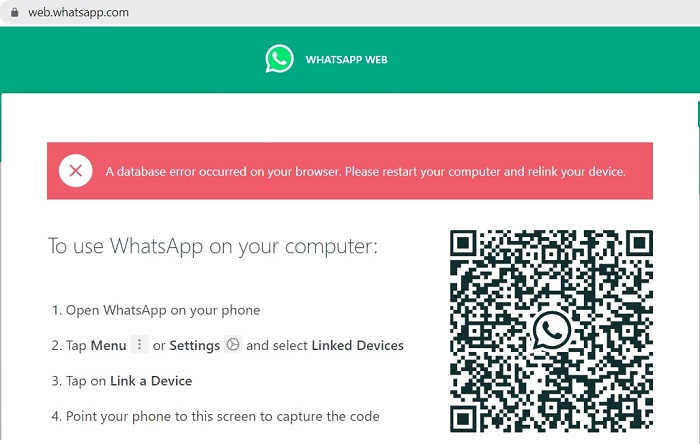
How To Fix Whatsapp Web : WhatsApp Web ne fonctionne pas : 8 solutions ...
How To Fix WhatsApp Web Not Working On PC (Solved) - YouTube

How To Fix WhatsApp Web Not Working On PC (Solved) - YouTube
How To Fix WhatsApp Web Not Working - YouTube

How To Fix WhatsApp Web Not Working - YouTube
WhatsApp Web, "Check Your Computer's Connection" Error: Causes And
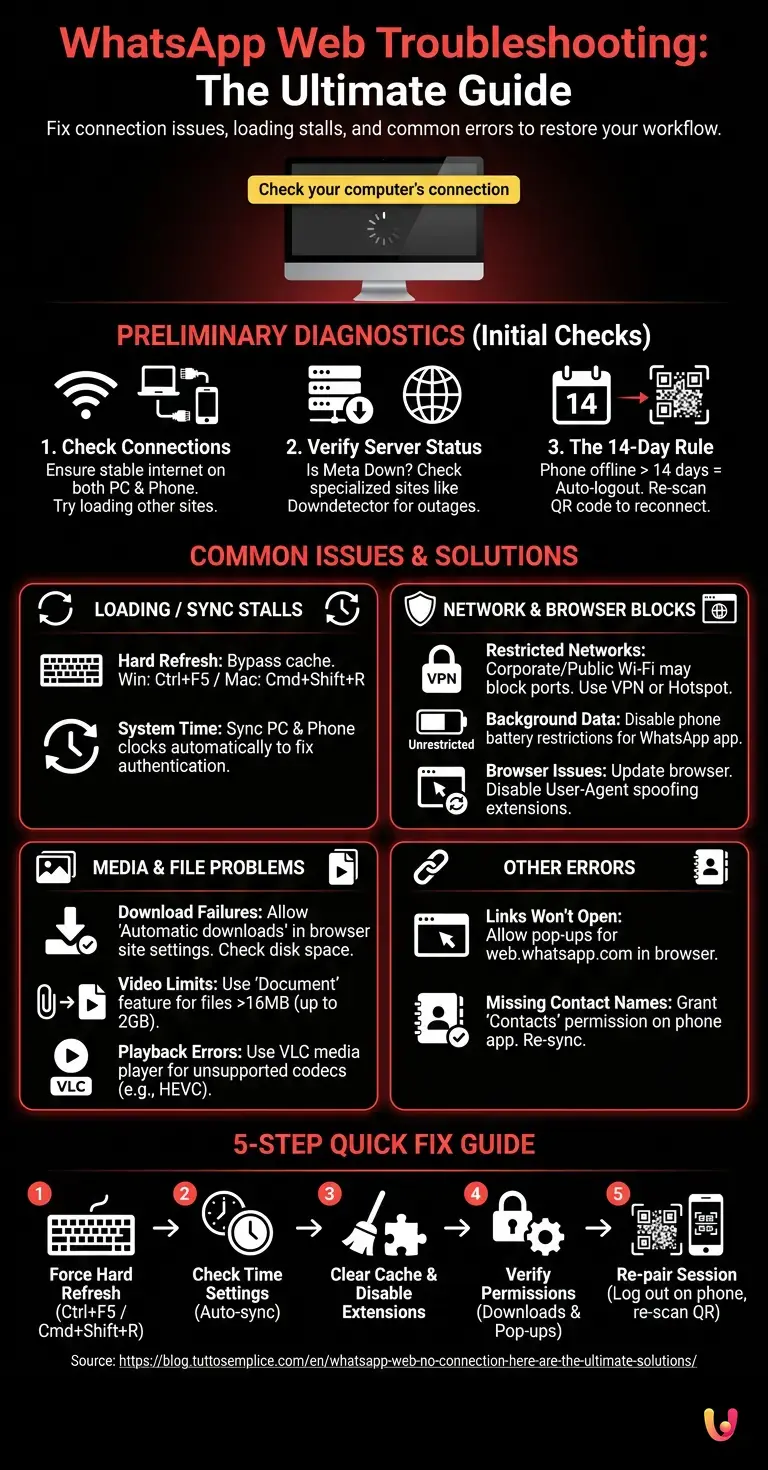
WhatsApp Web, "Check your computer's connection" error: causes and ...
Fix WhatsApp Web Couldn’t Link Device Archives - Android & IOS Data

fix WhatsApp web couldn’t link device Archives - Android & iOS Data ...
How To Fix WhatsApp Web Unable To Connect On PC - YouTube

How to Fix WhatsApp Web Unable to Connect on PC - YouTube
WhatsApp Web Scan Not Working? Try These 5 Fixes | Cashify Blog
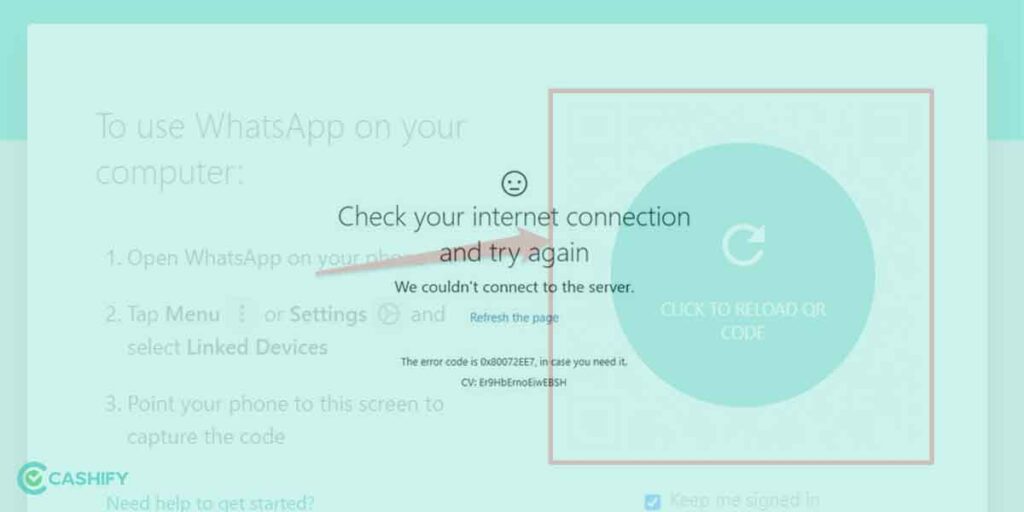
WhatsApp Web Scan Not Working? Try These 5 Fixes | Cashify Blog
WhatsApp Web Retrying Problem Solution Whatsapp Web Not Working How To
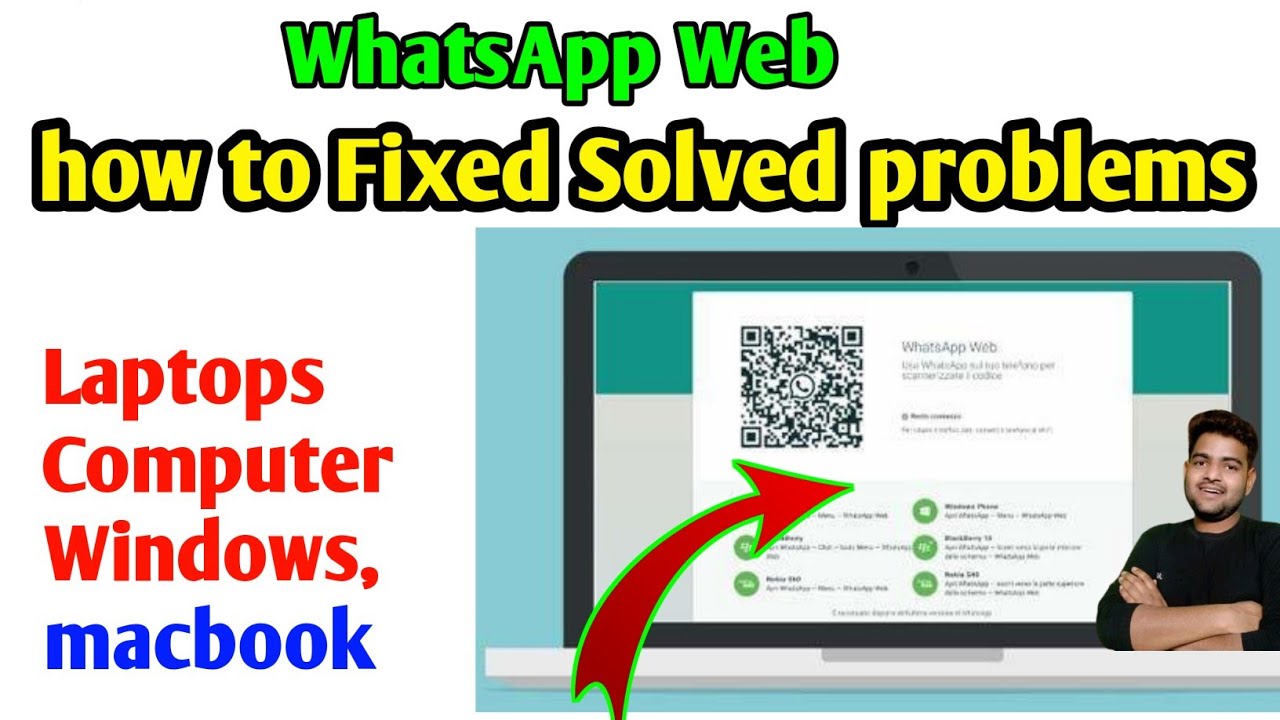
WhatsApp web retrying problem solution whatsapp web not working how to ...
20 Common WhatsApp Errors And How To Solve Them? | Enterprise Wired
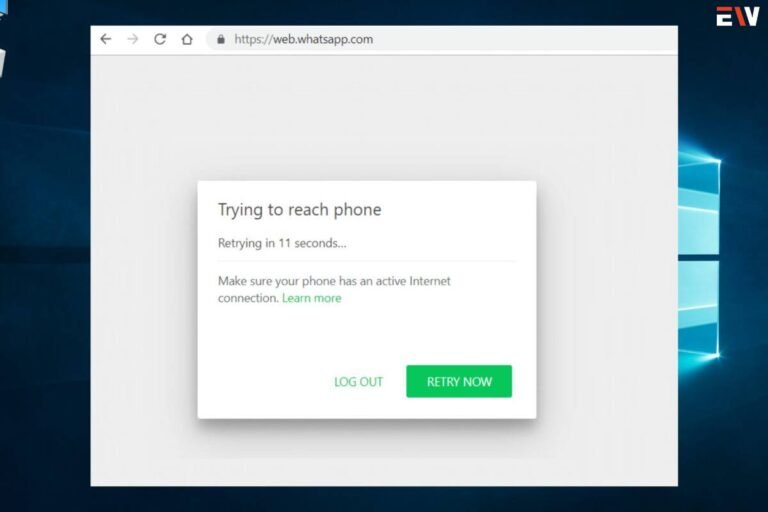
20 Common WhatsApp Errors and how to solve them? | Enterprise Wired