← How to Fix Echo on Zoom: A Step-by-Step Troubleshooting Guide How to Fix Touchpad Not Working on Windows 11: Complete Troubleshooting Guide →
If your Windows 11 search bar has stopped responding, showing a blank window, or failing to return any results, you are not alone. This is one of the most common issues users face after a Windows update or a background app conflict. In this tutorial, you will learn exactly how to fix the Windows 11 search bar not working using a series of proven troubleshooting steps. Each step is straightforward and can be completed in a few minutes, even if you are not a technical expert. By the end, your search bar should be fully functional again.
Step 1: Restart the Windows Search Process
The first and easiest fix is to restart the background process that powers the search bar. Sometimes this process freezes or crashes, which makes the search bar appear broken. Press Ctrl + Shift + Esc to open Task Manager. Click the "Details" tab if you see it, then scroll down to find "SearchHost.exe" or "SearchApp.exe". Right-click it and choose "End task". After that, restart your computer. When Windows boots up again, the search process will start fresh and the search bar should work normally.

Step 2: Run the Search and Indexing Troubleshooter
Windows 11 includes a built-in troubleshooter specifically for search and indexing problems. Go to Settings > System > Troubleshoot > Other troubleshooters. Find "Search and Indexing" and click "Run". Follow the on-screen instructions. This tool will automatically detect common issues such as corrupted index files or disabled search services. If it finds a problem, it will apply a fix. After the troubleshooter finishes, test your search bar again. If it still does not work, continue to the next step.
Step 3: Restart the Windows Search Service
The Windows Search service must be running for the search bar to function. Press Windows + R, type "services.msc", and press Enter. In the Services window, scroll down to find "Windows Search". Right-click it and select "Restart". If the restart option is grayed out, double-click it, set "Startup type" to "Automatic", click "Start", then click "Apply". Close the Services window and check if the search bar responds. This step often resolves issues where the search bar opens but shows no results.

Step 4: Rebuild the Search Index
A corrupted search index is a frequent cause of a non-working search bar. Open Settings > Privacy & security > Searching Windows. Scroll down and click "Advanced indexing options". In the new window, click "Advanced", then under "Troubleshooting", click "Rebuild". Confirm by clicking "OK". Windows will delete the old index and create a new one. This can take several minutes to a few hours depending on how many files you have. Do not close your computer during this process. Once the rebuild is complete, restart your PC and test the search bar.
Step 5: Re-register the Search App via PowerShell
If the search bar still fails, the search app's registration may be corrupted. Right-click the Start button and select "Terminal (Admin)" or "PowerShell (Admin)". Copy and paste the following command, then press Enter: Get-AppXPackage -Name Microsoft.Windows.Search | Foreach {Add-AppxPackage -DisableDevelopmentMode -Register "$($_.InstallLocation)\AppXManifest.xml"}
Wait for the command to finish without errors. Close the terminal and restart your computer. This step forces Windows to reinstall the search app files, which often repairs deeper corruption.
Step 6: Create a New User Account
If none of the above steps work, your user profile might be damaged. Go to Settings > Accounts > Other users > Add account. Create a new local account with administrator rights. Sign out of your current account and sign in to the new one. Test the search bar there. If it works, your old profile is the problem. You can either migrate your files to the new account or repair the old profile using advanced tools. This step confirms whether the issue is system-wide or profile-specific.
Step 7: Perform a System Restore or Reset
As a last resort, use System Restore to roll back to a point before the search bar stopped working. Type "Create a restore point" in the Start menu, open it, and click "System Restore". Follow the wizard to choose a recent restore point. If no restore point exists, go to Settings > System > Recovery and choose "Reset this PC". Select "Keep my files" to avoid losing personal data. After the reset, your Windows 11 search bar should work correctly again. Always back up important files before performing a reset.
How To Fix Search Bar Not Working In Windows 11 (Easiest Ways) - YouTube

How To Fix Search Bar Not Working in Windows 11 (Easiest Ways) - YouTube
Windows 10/11 Search Bar Not Working: Common Causes & Fixes
Windows 10/11 Search Bar Not Working: Common Causes & Fixes
How To Fix Windows Search Not Working
How to Fix Windows Search Not Working
Windows Search Bar Not Working- How To Fix? | Fix Windows 10 Or 11

Windows Search Bar not working- How to fix? | Fix Windows 10 or 11 ...
Fix Windows 11 Search Bar Missing Or Not Working | Step By Step Guide

Fix Windows 11 Search Bar Missing or Not Working | Step By Step Guide ...
[How To Fix] Search Bar Not Working Or Not Showing In Windows 11 - YouTube
![[How to Fix] Search Bar Not Working or Not Showing in Windows 11 - YouTube](https://i.ytimg.com/vi/RJm6HHSiFv0/hqdefault.jpg)
[How to Fix] Search Bar Not Working or Not Showing in Windows 11 - YouTube
How To Fix Missing Search Bar From Taskbar On Windows 11? - YouTube

How to Fix Missing Search Bar from Taskbar on Windows 11? - YouTube
How To Fix Search Bar Not Working In Windows 11 - YouTube
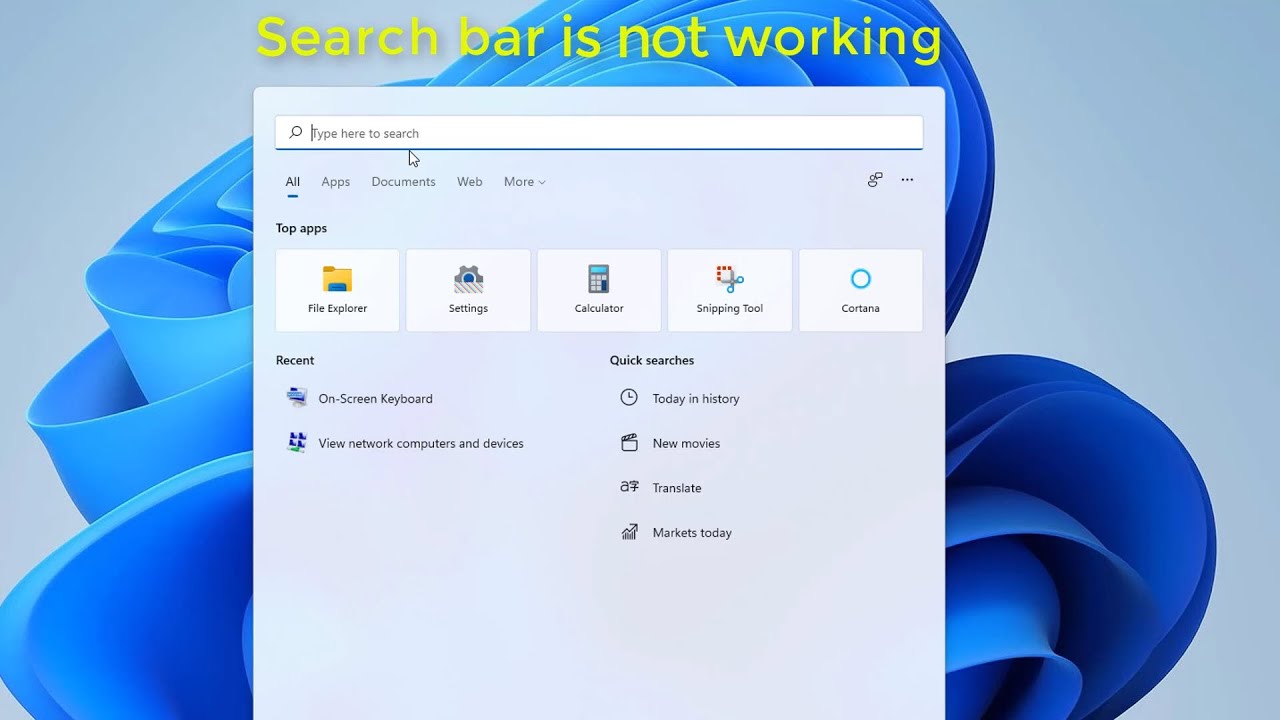
How To Fix Search Bar Not Working In Windows 11 - YouTube
How To Fix Can't Type Search Bar Not Working In Windows 11 [Solution

How To Fix Can't Type Search Bar Not Working in Windows 11 [Solution ...
How To Fix Windows 11 Search Bar Not Working 2026 (Can't Type In Search

How To Fix Windows 11 Search Bar Not Working 2026 (Can't Type In Search ...
12 Ways To Fix Windows 11 Search Bar Not Working (2025 Updated Guide)

12 Ways to Fix Windows 11 Search Bar Not Working (2025 Updated Guide)
How To Fix Windows 11 Search Bar Not Working - YouTube

How to Fix Windows 11 Search Bar Not Working - YouTube
8 Ways To Fix Search Not Working In Windows 11 - Guiding Tech
8 Ways to Fix Search Not Working in Windows 11 - Guiding Tech
How To Fix Windows 11 Search Bar Not Working | Windows 11 - YouTube

How to Fix Windows 11 Search Bar Not Working | Windows 11 - YouTube
How To Fix Windows 11/10 Search Bar Not Showing Results Not Working

How To Fix Windows 11/10 Search Bar Not Showing Results Not Working ...
Fix Search Bar Not Working In Windows 11 - YouTube

Fix Search Bar Not Working in Windows 11 - YouTube
How To Solve Windows 11 Or 10 Search Bar Not Working? Troubleshooting
How to Solve Windows 11 or 10 Search Bar Not Working? Troubleshooting ...
Windows 11 Search Bar Is Not Working - 4 FIXES -2023 - YouTube

Windows 11 Search Bar is Not Working - 4 FIXES -2023 - YouTube
How To Fix Windows Search Bar Not Showing Results On Windows 11 - YouTube

How to Fix Windows Search Bar Not Showing Results on Windows 11 - YouTube
Fix Windows 11 Search Bar Not Working – 4 Proven Solutions - Digital
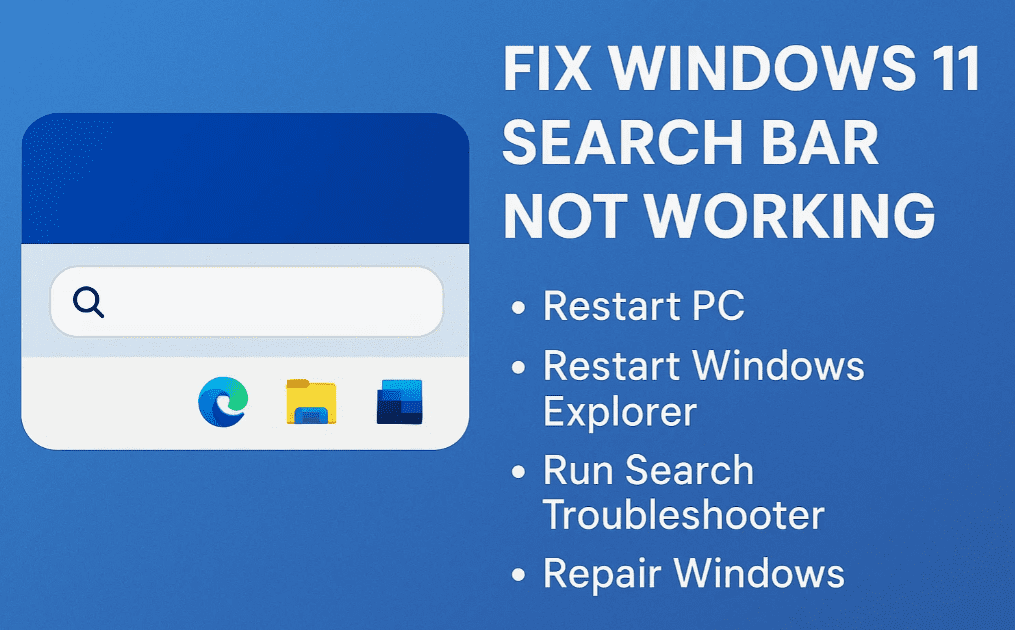
Fix Windows 11 Search Bar Not Working – 4 Proven Solutions - Digital ...
How To Fix The Search Bar Not Working In Windows 11 - Tech2Geek

How to Fix the Search Bar Not Working in Windows 11 - Tech2Geek
Windows 11 Search Bar Not Working How To Fix | Search Bar Not Working

Windows 11 Search Bar not Working how to fix | Search bar not working ...
How To Fix Windows 11 Search Bar Not Working - YouTube
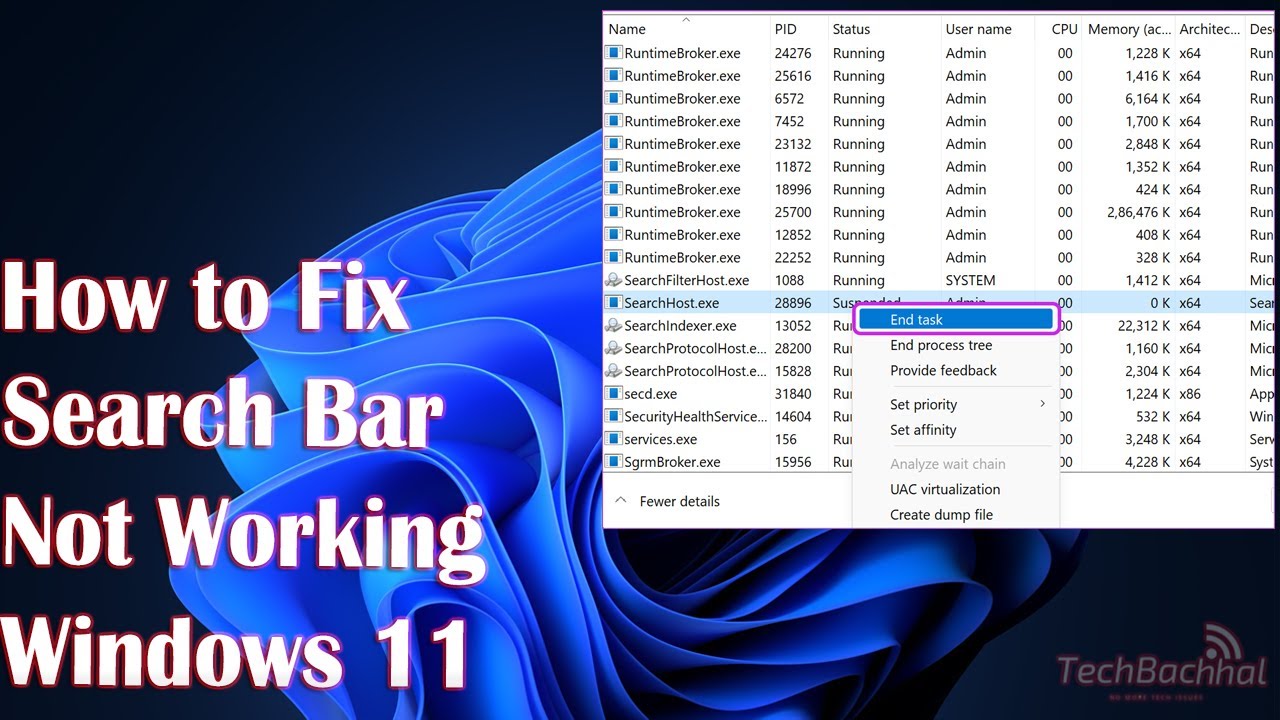
How to Fix Windows 11 Search Bar not Working - YouTube
How To Fix Windows Search Bar Not Working On Windows 11 (2025) - YouTube

How to Fix Windows Search Bar Not Working on Windows 11 (2025) - YouTube
How To Fix Windows 11 Search Bar Not Working / Showing - YouTube

How To Fix Windows 11 Search Bar Not Working / Showing - YouTube
How To Fix Windows 11 Search Bar Not Working [Easy Guide] - YouTube
![How to Fix Windows 11 Search Bar not Working [Easy Guide] - YouTube](https://i.ytimg.com/vi/AfAQ7bXjWPs/hqdefault.jpg)
How to Fix Windows 11 Search Bar not Working [Easy Guide] - YouTube
Why My Windows Search Bar Is Not Working
Why My Windows Search Bar Is Not Working
How To Fix Settings Search Bar Not Working In Windows 10/11 [Solution
How To Fix Settings Search Bar Not Working in Windows 10/11 [Solution ...
How To Fix Search Bar Not Working In Windows 11 - YouTube

How to Fix Search Bar Not Working in Windows 11 - YouTube
Ebay Search Bar Not Working At Walter Mcglothlin Blog

Ebay Search Bar Not Working at Walter Mcglothlin blog
How To Repair Search Bar Not Working On Windows 11 - Windows Bulletin
How to Repair Search Bar Not Working on Windows 11 - Windows Bulletin
How To Fix Windows 11 Search Bar Not Working | Can't Type In Windows 11

How To Fix Windows 11 Search Bar Not Working | can't type in windows 11 ...